
Jodsney - Minecraft Skins & Skin History
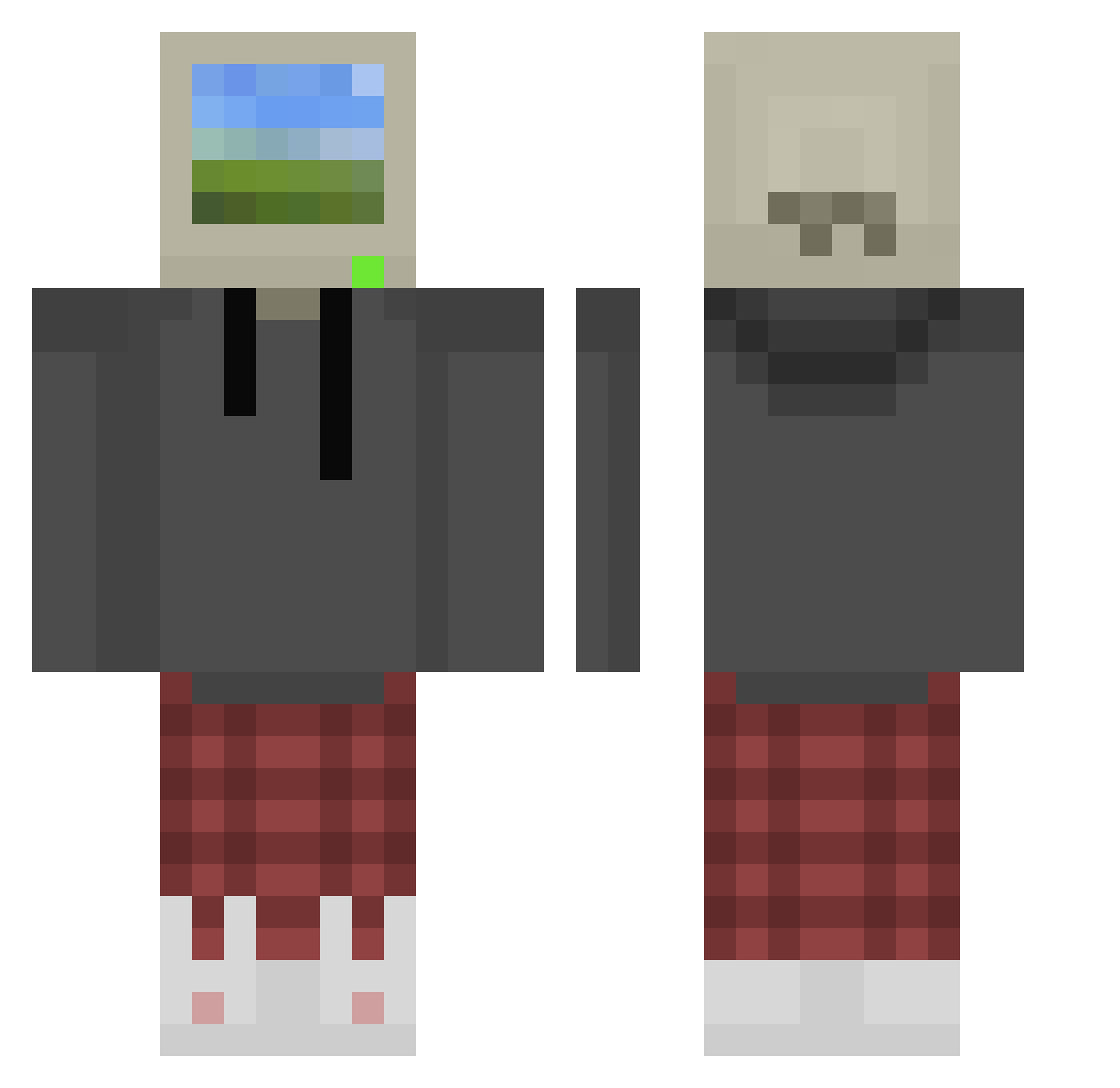
Current Minecraft skin of the player Jodsney, loaded from the official Mojang API. Rotate the 3D model with your mouse or finger, then download the skin as a PNG file and use it in Minecraft: Bedrock Edition or Java Edition for free. When Jodsney changes their skin, this page updates automatically and the old skin stays in the history below.
Other players with this skin (872)
Jodsney was the 80th player we have seen with this skin, first spotted on 03.08.2026. The same skin was seen on these players. Open a nickname to see their current skin and skin history.
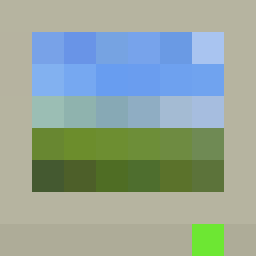 denden_kata ChubbWubby XoivaSX Tide0War Kaiju1018 Tomasawer neilyboy Procione_Fallito HallowdRaven EliteKiller33 luv78 _CowkZ aimksta BlueSTDDragon Smittenbymittens Benji5457 rongelotOps HankGeraldo foulscar Timu0 KudlatyKoles foru11 turtlewin_psn ObliviousRavenn iCrackBlondgirls Euphorik DomiDerHauself JD0913 JordyTheGreattt Dobzaum guy1234432112 ZachLiner03 BaconMonarch brndn_rdz VincentC02 Nyehnye Thesebcat Ronter16 FOREST_P KicuxD Kalsfun1 laandeer kutsvl x1aN__ Pederinko cia_as d4ni0q JunH22 PlutoxD420 SEABISCUIT99 zero_1122 Emotion_Live0 L1ghtBearer survivor1001 Ez_Sly VolkanKorki DNL4ik neisannnn MingZhu66 Sword_of_Spaghet
More Windows XP Minecraft skins
How to install the Jodsney skin
- Press the Download button above to save the skin as a PNG file.
- Minecraft: Bedrock Edition (PE): open the Dressing Room from the main menu (or tap your character → Edit Character), go to Classic Skins → Owned, press the + (new skin) button, choose the downloaded PNG and pick the Classic (Steve) model. Works on PC and mobile; consoles cannot import custom skins.
- Minecraft: Java Edition: open the Minecraft Launcher, go to the Skins tab, click New Skin, load the PNG, pick the Classic (Steve) model and press Save & Use. You can also upload it at minecraft.net → Profile → Change Skin.
The skin does not show up after import - what should I do?
Restart Minecraft and open the Dressing Room again - imported skins sometimes appear only after a restart. Also make sure you selected the imported skin and picked the Classic (Steve) model.
Which model should I choose, Classic or Slim?
This skin is designed for the Classic (Steve) model. If you pick the wrong model, the arms of the skin will look stretched or squeezed.
Is the skin of Jodsney free to download?
Yes. Press Download, save the PNG file and use it in Minecraft: Bedrock Edition or Java Edition - no payment or registration needed. The skin also works on multiplayer servers and Realms.
More skins
Looking for more? Go back to all Minecraft skins and check the top skins of the week, month and all time, or find any player's skin by nickname.