
Jntmwcnm - Minecraft Skins & Skin History
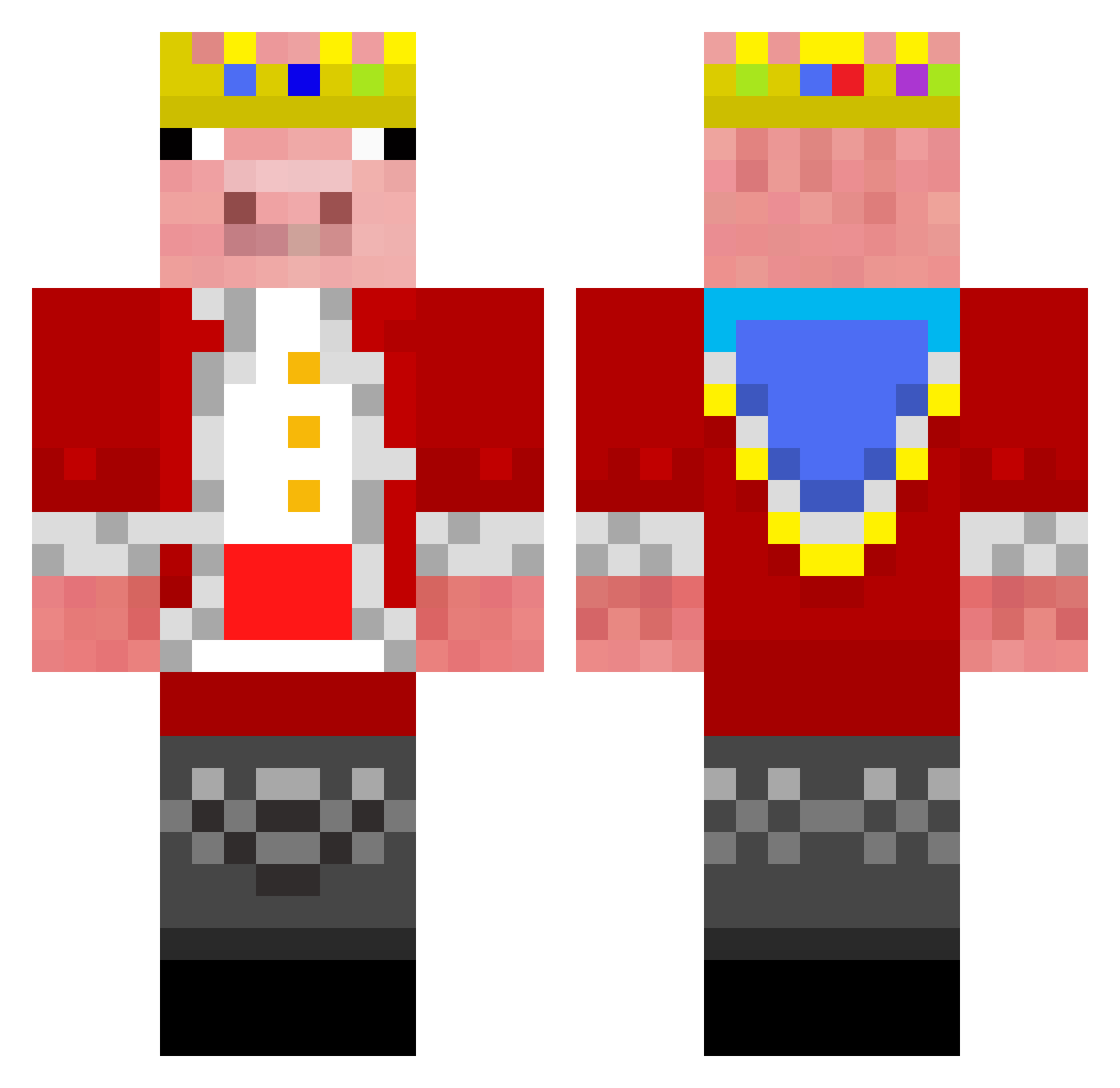
Current Minecraft skin of the player Jntmwcnm, loaded from the official Mojang API. Rotate the 3D model with your mouse or finger, then download the skin as a PNG file and use it in Minecraft: Bedrock Edition or Java Edition for free. When Jntmwcnm changes their skin, this page updates automatically and the old skin stays in the history below.
Other players with this skin (68)
Jntmwcnm was the 29th player we have seen with this skin, first spotted on 17.09.2026. The same skin was seen on these players. Open a nickname to see their current skin and skin history.
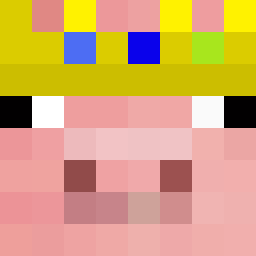 nickdudebro mini2175 SANESSS_TRAP goatluispvp faezinnn Hockeyvincent1 Matth3wsb minami50 spyrago rairai14 Patney martinhacker55 F40dude HAMAHUMMER Defzulu2008 Dragondf WackyPiano100 Your_real_Mom MannePersson Slash_Valkyrie Jimbo__xD Mokepoke FelixHammer M_C_Svestka Marshie534 L3ve_N1ck3d ppontes GolemKerem Dudbris UltraRotkiv552 tatsuto113 Messi_suii Tatos2016
 ktmpsga Fabiari avivio0_Zzzzz Trapiz MrCoolGuy600 igaldino BlackDemon55 Lima_Democraft nand0001 ItsGapi ck02cobo jackteam Nitro323 PoppyDi Cordcutt nesquik8 EntitiloCC2PESv2 snappyxxx Unkn0wn_Entity_ Vader4001 SUYONG_1 JimLakeJr Rogerkoid Model0_CPS nikiistgay Zakasonic PRASHUB
More Pig Minecraft skins
How to install the Jntmwcnm skin
- Press the Download button above to save the skin as a PNG file.
- Minecraft: Bedrock Edition (PE): open the Dressing Room from the main menu (or tap your character → Edit Character), go to Classic Skins → Owned, press the + (new skin) button, choose the downloaded PNG and pick the Classic (Steve) model. Works on PC and mobile; consoles cannot import custom skins.
- Minecraft: Java Edition: open the Minecraft Launcher, go to the Skins tab, click New Skin, load the PNG, pick the Classic (Steve) model and press Save & Use. You can also upload it at minecraft.net → Profile → Change Skin.
The skin does not show up after import - what should I do?
Restart Minecraft and open the Dressing Room again - imported skins sometimes appear only after a restart. Also make sure you selected the imported skin and picked the Classic (Steve) model.
Which model should I choose, Classic or Slim?
This skin is designed for the Classic (Steve) model. If you pick the wrong model, the arms of the skin will look stretched or squeezed.
Is the skin of Jntmwcnm free to download?
Yes. Press Download, save the PNG file and use it in Minecraft: Bedrock Edition or Java Edition - no payment or registration needed. The skin also works on multiplayer servers and Realms.
More skins
Looking for more? Go back to all Minecraft skins and check the top skins of the week, month and all time, or find any player's skin by nickname.