
Jilan1986 - Minecraft Skins & Skin History
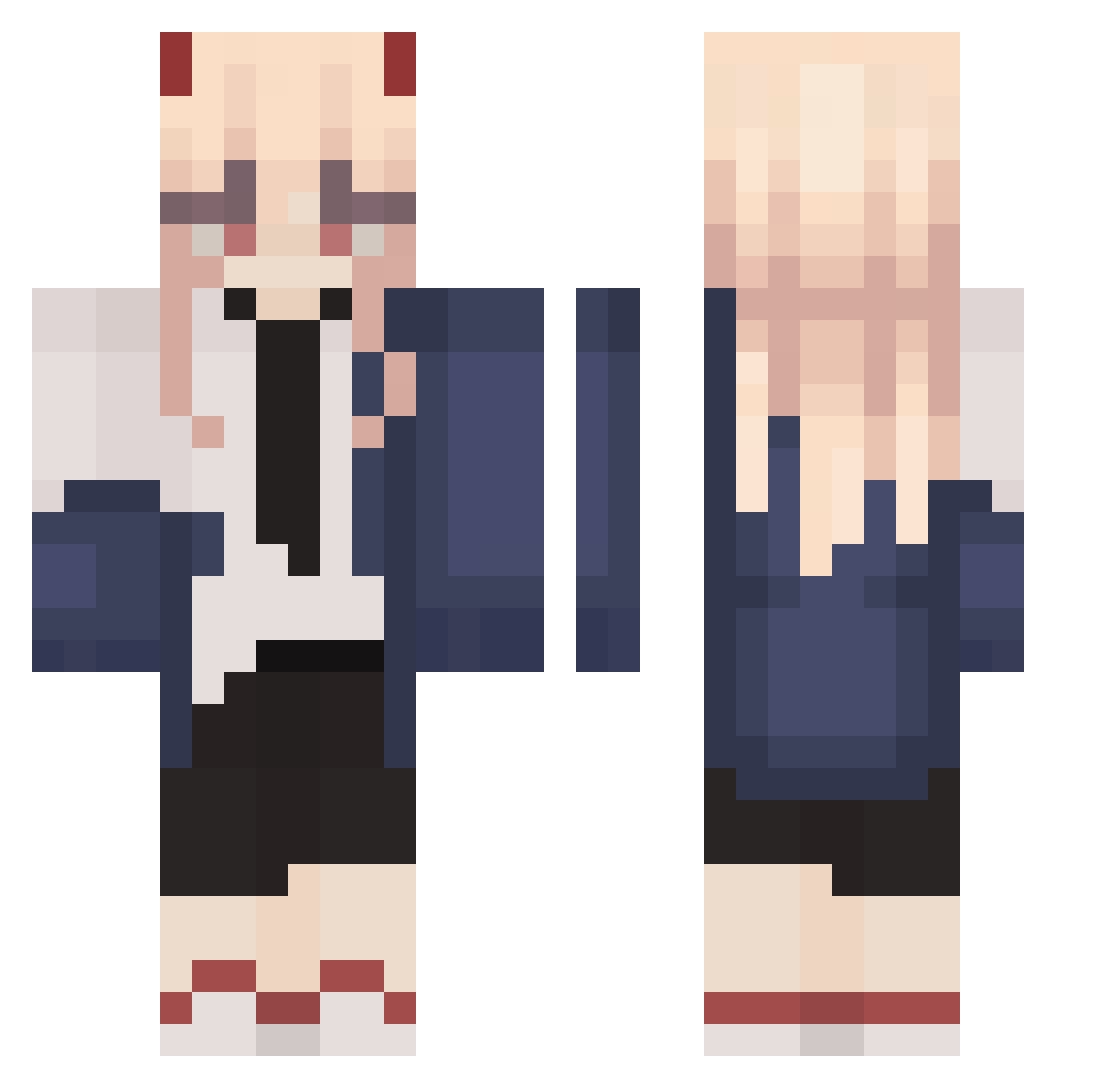
Current Minecraft skin of the player Jilan1986, loaded from the official Mojang API. Rotate the 3D model with your mouse or finger, then download the skin as a PNG file and use it in Minecraft: Bedrock Edition or Java Edition for free. When Jilan1986 changes their skin, this page updates automatically and the old skin stays in the history below.
Other players with this skin (261)
Jilan1986 was the 55th player we have seen with this skin, first spotted on 14.08.2026. The same skin was seen on these players. Open a nickname to see their current skin and skin history.
 Scorveth Roesy131 coolheitpur Xinniya eunick povidlo98 suborN_ Lemxx05 MasterclassFR Fraulien Harlinius Kaitamineee Sunyysideup 26kb Dalin0321 SeeVee746
 slayerofworlds69 AustinTheCactus DieTuer007 Muliphein42 SDWBlast Setagaya_ FruitJellies lil__link My_Kr4t0s Exactlysmash yaxver ivonneee_ Elnim244 P0wer_xd TigerTo0th
 Ryujin1020 SingNew mianyani Sae_desu luv4miku Leaf2882 dragonfiretheg JaBan__ Darling_ GoddessSheele xxxsweet bighairyape Kakazhh 0yourmom0 SrDino21 ItsDashy AnDeeZMany naanse 4ftw FinishingMove ashnmes sveecha ChillinChuck42 Ywlr _Activist_ IDKWIRIN onmoonsuttv SushiGUI Raf_0724
More Power Minecraft skins
How to install the Jilan1986 skin
- Press the Download button above to save the skin as a PNG file.
- Minecraft: Bedrock Edition (PE): open the Dressing Room from the main menu (or tap your character → Edit Character), go to Classic Skins → Owned, press the + (new skin) button, choose the downloaded PNG and pick the Classic (Steve) model. Works on PC and mobile; consoles cannot import custom skins.
- Minecraft: Java Edition: open the Minecraft Launcher, go to the Skins tab, click New Skin, load the PNG, pick the Classic (Steve) model and press Save & Use. You can also upload it at minecraft.net → Profile → Change Skin.
The skin does not show up after import - what should I do?
Restart Minecraft and open the Dressing Room again - imported skins sometimes appear only after a restart. Also make sure you selected the imported skin and picked the Classic (Steve) model.
Which model should I choose, Classic or Slim?
This skin is designed for the Classic (Steve) model. If you pick the wrong model, the arms of the skin will look stretched or squeezed.
Is the skin of Jilan1986 free to download?
Yes. Press Download, save the PNG file and use it in Minecraft: Bedrock Edition or Java Edition - no payment or registration needed. The skin also works on multiplayer servers and Realms.
More skins
Looking for more? Go back to all Minecraft skins and check the top skins of the week, month and all time, or find any player's skin by nickname.