
Jerian - Minecraft Skins & Skin History
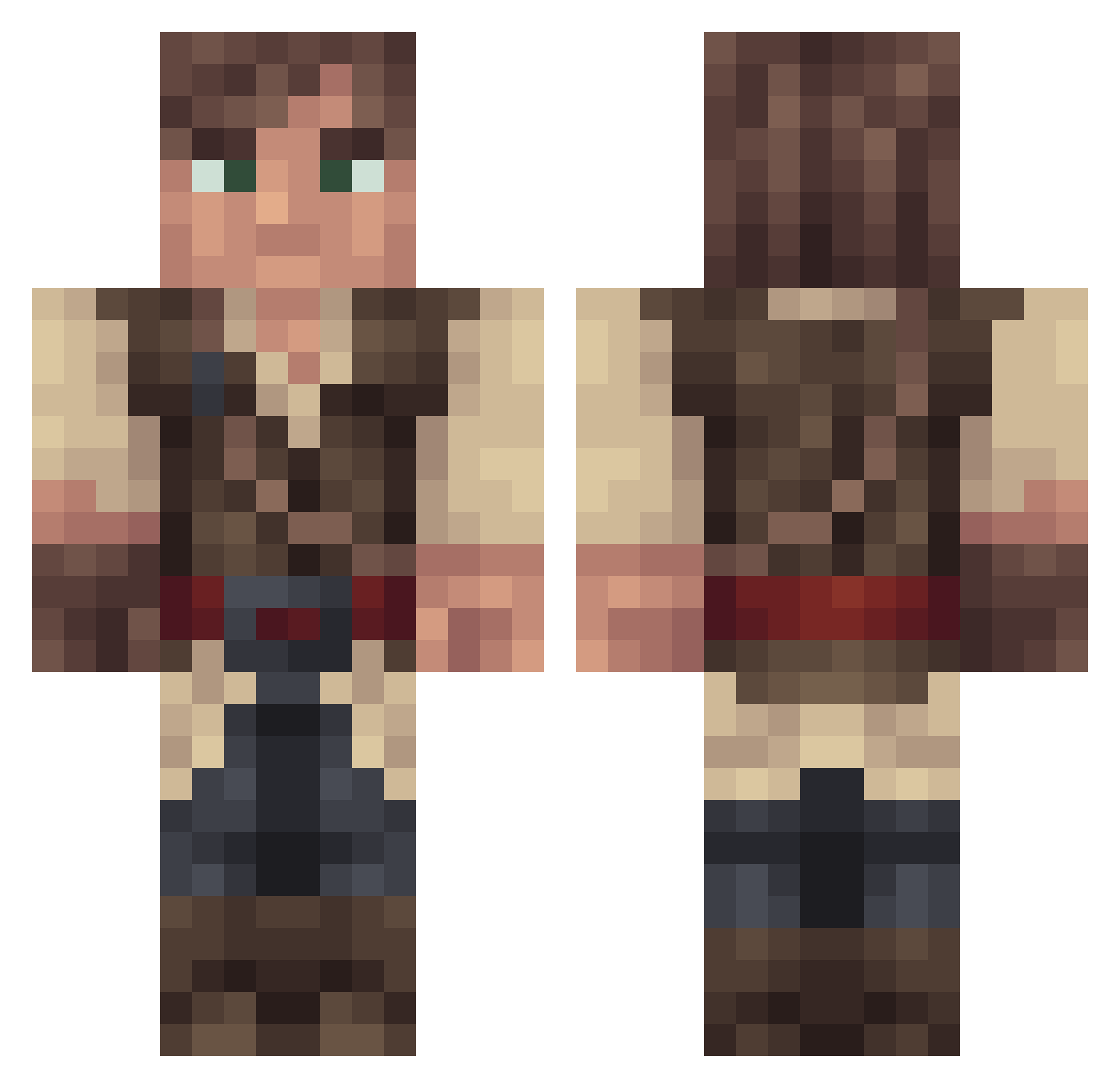
Current Minecraft skin of the player Jerian, loaded from the official Mojang API. Rotate the 3D model with your mouse or finger, then download the skin as a PNG file and use it in Minecraft: Bedrock Edition or Java Edition for free. When Jerian changes their skin, this page updates automatically and the old skin stays in the history below.
Other players with this skin (268)
Jerian was the 20th player we have seen with this skin, first spotted on 05.08.2026. The same skin was seen on these players. Open a nickname to see their current skin and skin history.
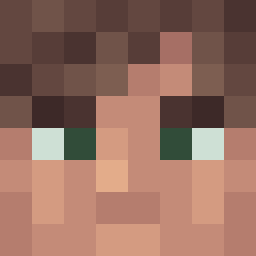 mghy MrMufasi corndawg2124 SgtPepper725 H16HP01N7 BlitzBurn83 DocSilver Vid16 eziocandy Survivalistien Coldox theafternote Umbrawear Holmfaste Zlaimix00 PorkChopps07 thegrinder2 Xizoxia Big_Tazz cellorictus Erik279 Btygr Xavites Zingero Nakaruru PealyOJ Harry_Raymond Mimdalf spaceturtle10 Unitedface baronfan2544 Toast_Miner Tenguxx Last_Memory Theophobic Limet09 x4000 Cuinn Rinn_ ook222 havep9 mynameisryanhi MinecraftMerijn Nayab TeiSDragon Hakunamawatta BlockySoul monkeyrevenge12 Divecrown Zanatho Dr_Joel mrsocure ScipioRex Woodsman2100 TheGrumpyPeanut GuyLC DocSkineur Tonara Aseraphim Das_Reiskorn_HD
More Bandit Minecraft skins
How to install the Jerian skin
- Press the Download button above to save the skin as a PNG file.
- Minecraft: Bedrock Edition (PE): open the Dressing Room from the main menu (or tap your character → Edit Character), go to Classic Skins → Owned, press the + (new skin) button, choose the downloaded PNG and pick the Classic (Steve) model. Works on PC and mobile; consoles cannot import custom skins.
- Minecraft: Java Edition: open the Minecraft Launcher, go to the Skins tab, click New Skin, load the PNG, pick the Classic (Steve) model and press Save & Use. You can also upload it at minecraft.net → Profile → Change Skin.
The skin does not show up after import - what should I do?
Restart Minecraft and open the Dressing Room again - imported skins sometimes appear only after a restart. Also make sure you selected the imported skin and picked the Classic (Steve) model.
Which model should I choose, Classic or Slim?
This skin is designed for the Classic (Steve) model. If you pick the wrong model, the arms of the skin will look stretched or squeezed.
Is the skin of Jerian free to download?
Yes. Press Download, save the PNG file and use it in Minecraft: Bedrock Edition or Java Edition - no payment or registration needed. The skin also works on multiplayer servers and Realms.
More skins
Looking for more? Go back to all Minecraft skins and check the top skins of the week, month and all time, or find any player's skin by nickname.