
JellyOoz - Minecraft Skins & Skin History
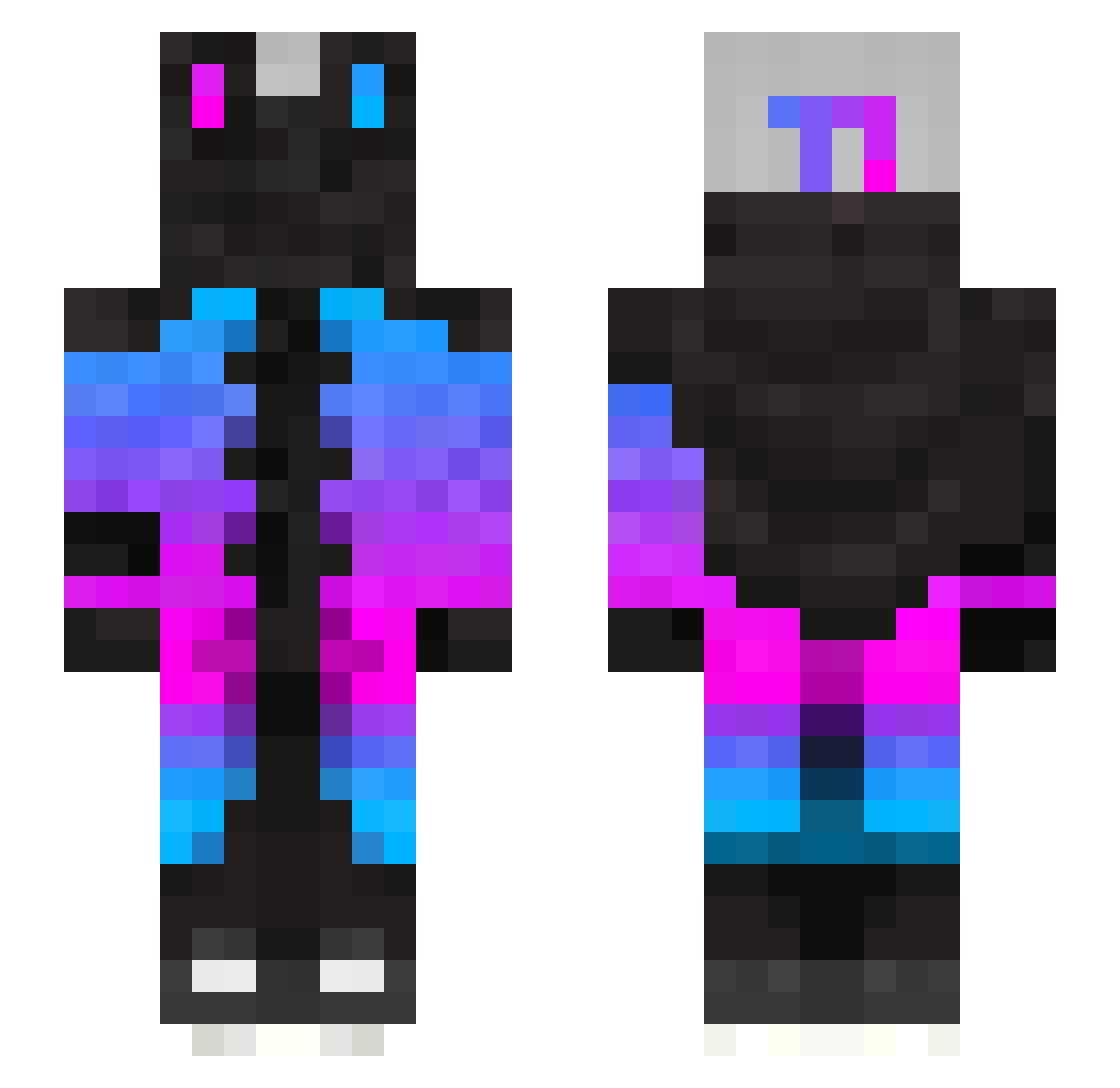
Current Minecraft skin of the player JellyOoz, loaded from the official Mojang API. Rotate the 3D model with your mouse or finger, then download the skin as a PNG file and use it in Minecraft: Bedrock Edition or Java Edition for free. When JellyOoz changes their skin, this page updates automatically and the old skin stays in the history below.
Other players with this skin (274)
JellyOoz was the 166th player we have seen with this skin, first spotted on 28.09.2026. The same skin was seen on these players. Open a nickname to see their current skin and skin history.
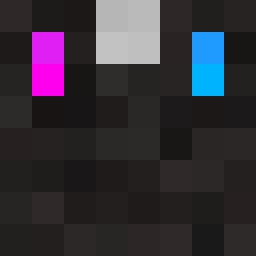 Yunhao0107 zhenmunse karlmwah RamenXXD TwoStars_ emmafema jurdytjuh Meekstatue47 flshlino SsTheBest WhiteTurtle129 Kyllin Akamoha Panchopss Sin1168 Smurfcat4 Playerone_HD Gb285 R3DG3 zCuzImSyrox sangwoo0404 CShadows UnLuckyBoy Redstar55 Rqvvit RyanChen123 TheCrashSB Scorify FTRes_XDD BaiMi_XDD slow164 potatoplate King_Yamano yeewanwan MisterPigGaming cr0ssf1re13 Konrad720 S0castle KrisGamesYT Cris_Master_ EmmRose365 Rank_Master_65 DarcyJ3 euggie2000 AnthonyRPB Netr0 twins0331 gayboi9918 Der_FlyingPanzer SizzleSix Yago09 CybatronPrime Ferrari5746 SenNP1e babaauruhm Miss_OWL NeoWingster stazasix EmirHMRT34 DemonAS2
More Gradient Minecraft skins
How to install the JellyOoz skin
- Press the Download button above to save the skin as a PNG file.
- Minecraft: Bedrock Edition (PE): open the Dressing Room from the main menu (or tap your character → Edit Character), go to Classic Skins → Owned, press the + (new skin) button, choose the downloaded PNG and pick the Slim (Alex) model. Works on PC and mobile; consoles cannot import custom skins.
- Minecraft: Java Edition: open the Minecraft Launcher, go to the Skins tab, click New Skin, load the PNG, pick the Slim (Alex) model and press Save & Use. You can also upload it at minecraft.net → Profile → Change Skin.
The skin does not show up after import - what should I do?
Restart Minecraft and open the Dressing Room again - imported skins sometimes appear only after a restart. Also make sure you selected the imported skin and picked the Slim (Alex) model.
Which model should I choose, Classic or Slim?
This skin is designed for the Slim (Alex) model. If you pick the wrong model, the arms of the skin will look stretched or squeezed.
Is the skin of JellyOoz free to download?
Yes. Press Download, save the PNG file and use it in Minecraft: Bedrock Edition or Java Edition - no payment or registration needed. The skin also works on multiplayer servers and Realms.
More skins
Looking for more? Go back to all Minecraft skins and check the top skins of the week, month and all time, or find any player's skin by nickname.