
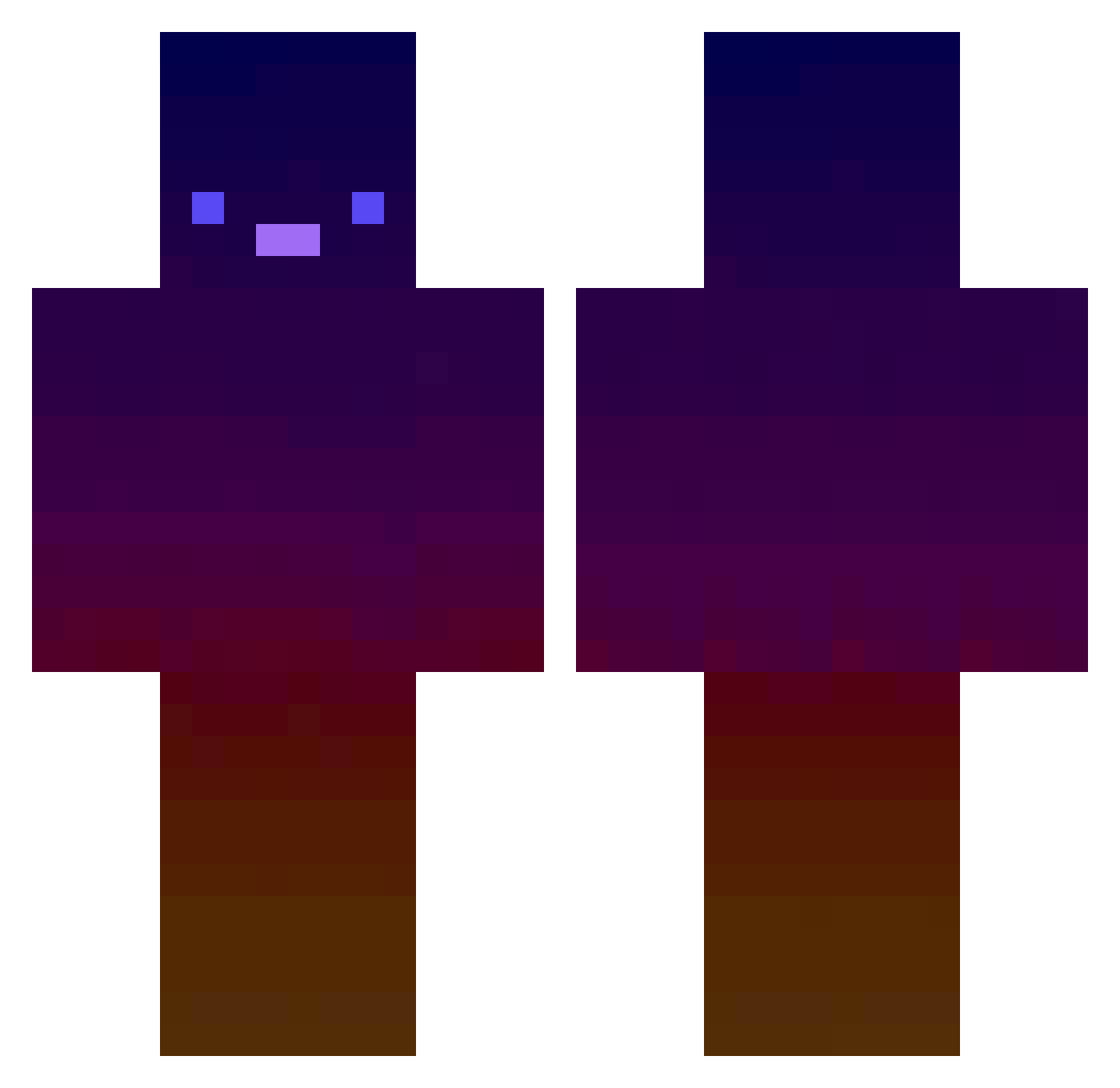
Current Minecraft skin of the player JamJman, loaded from the official Mojang API. Rotate the 3D model with your mouse or finger, then download the skin as a PNG file and use it in Minecraft: Bedrock Edition or Java Edition for free. When JamJman changes their skin, this page updates automatically and the old skin stays in the history below.
Other players with this skin (415)
JamJman was the 359th player we have seen with this skin, first spotted on 06.10.2026. The same skin was seen on these players. Open a nickname to see their current skin and skin history.
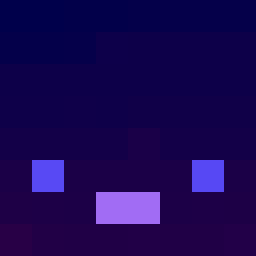 haifeng444 xRockz_ Yamadaisme Shelltastic RaizelKnight JJun_Min handu046 ondrej32 pingubat xiaolu_plum Cubedrabbit Smario_28 igarashiaki BooToTheLoo imSawq Y0Y008 Nemesis666first uion0829 Xhifey lobbot cider88 1Nexus2 Mati545 NPBgames BigBoiBix Drackonyx Yuu0854 eraser002 MaryCzarnowski Tcgspy12 Yolo2115 Haoge17 Trampolins Buixy djjazzynads RisKa05 Jonne3114 SammyGreem Cenito bigmike31 stoleurbikedaddy ZpOnigiri Eclipze145 WurstPups Hegolebuilderfou nogak_yongsa _Lemon_zest Silverianis ElliHartli domjjill CiCeX92 lucleh IPv4Adress IkypucaI Linx77114 PerceuseMobile warriors09 AkhyDesRois plantfibers alexander85
How to install the JamJman skin
- Press the Download button above to save the skin as a PNG file.
- Minecraft: Bedrock Edition (PE): open the Dressing Room from the main menu (or tap your character → Edit Character), go to Classic Skins → Owned, press the + (new skin) button, choose the downloaded PNG and pick the Classic (Steve) model. Works on PC and mobile; consoles cannot import custom skins.
- Minecraft: Java Edition: open the Minecraft Launcher, go to the Skins tab, click New Skin, load the PNG, pick the Classic (Steve) model and press Save & Use. You can also upload it at minecraft.net → Profile → Change Skin.
The skin does not show up after import - what should I do?
Restart Minecraft and open the Dressing Room again - imported skins sometimes appear only after a restart. Also make sure you selected the imported skin and picked the Classic (Steve) model.
Which model should I choose, Classic or Slim?
This skin is designed for the Classic (Steve) model. If you pick the wrong model, the arms of the skin will look stretched or squeezed.
Is the skin of JamJman free to download?
Yes. Press Download, save the PNG file and use it in Minecraft: Bedrock Edition or Java Edition - no payment or registration needed. The skin also works on multiplayer servers and Realms.
More skins
Looking for more? Go back to all Minecraft skins and check the top skins of the week, month and all time, or find any player's skin by nickname.