
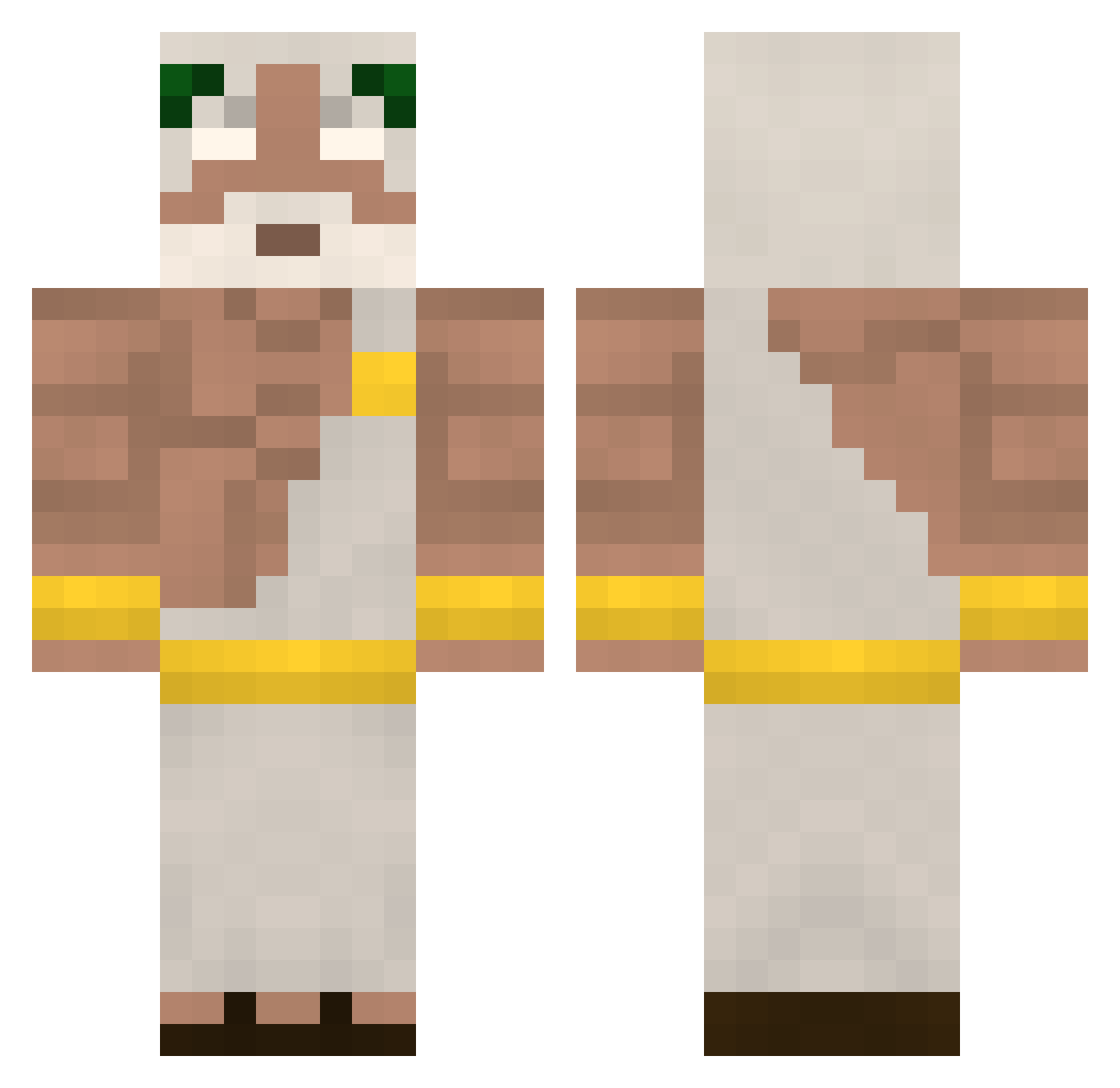
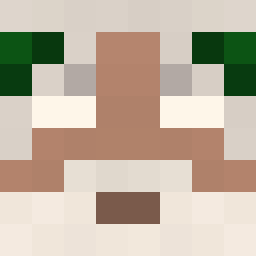
Current Minecraft skin of the player Jadwa07, loaded from the official Mojang API. Rotate the 3D model with your mouse or finger, then download the skin as a PNG file and use it in Minecraft: Bedrock Edition or Java Edition for free. When Jadwa07 changes their skin, this page updates automatically and the old skin stays in the history below.
Other players with this skin (339)
Jadwa07 was the 233rd player we have seen with this skin, first spotted on 26.09.2026. The same skin was seen on these players. Open a nickname to see their current skin and skin history.
 KAISKRAFT MuscleMan13 nille5000 Keltosss35 Godmundd Xam_maX OutOfDate1 DoctorStrange71 youlikemeat Themainking2018 Spinningmaster livelily Martimg4mEr bassamqt RofGod Higuinha betonniere27 lzzin7 deadtheon freak862 Neakden Bagietsonn DetailedTick370 Armandoblock xDariuz Vikusaaa GRESMO DreadFlamez glickglick275 kikigooffline LordOfKebab mikitikk pabloescobaran sgnx_ intimate_homie AlexIsTheMan_ givihd Isaac_2708 BenChiDaG Winistey The_Cultivator Ewaldo20 Julliano Xyndren matfloch Napelz ThisisMustafa fivermen PharoX_123 aBrokenGod98 qokc WompWomq Grcanda Otisazebi Lardoh JadeRoz Aydenus Kaptwo08 Fusiii xdani2511
More Zeus Minecraft skins
How to install the Jadwa07 skin
- Press the Download button above to save the skin as a PNG file.
- Minecraft: Bedrock Edition (PE): open the Dressing Room from the main menu (or tap your character → Edit Character), go to Classic Skins → Owned, press the + (new skin) button, choose the downloaded PNG and pick the Classic (Steve) model. Works on PC and mobile; consoles cannot import custom skins.
- Minecraft: Java Edition: open the Minecraft Launcher, go to the Skins tab, click New Skin, load the PNG, pick the Classic (Steve) model and press Save & Use. You can also upload it at minecraft.net → Profile → Change Skin.
The skin does not show up after import - what should I do?
Restart Minecraft and open the Dressing Room again - imported skins sometimes appear only after a restart. Also make sure you selected the imported skin and picked the Classic (Steve) model.
Which model should I choose, Classic or Slim?
This skin is designed for the Classic (Steve) model. If you pick the wrong model, the arms of the skin will look stretched or squeezed.
Is the skin of Jadwa07 free to download?
Yes. Press Download, save the PNG file and use it in Minecraft: Bedrock Edition or Java Edition - no payment or registration needed. The skin also works on multiplayer servers and Realms.
More skins
Looking for more? Go back to all Minecraft skins and check the top skins of the week, month and all time, or find any player's skin by nickname.