
JackTA2023 - Minecraft Skins & Skin History
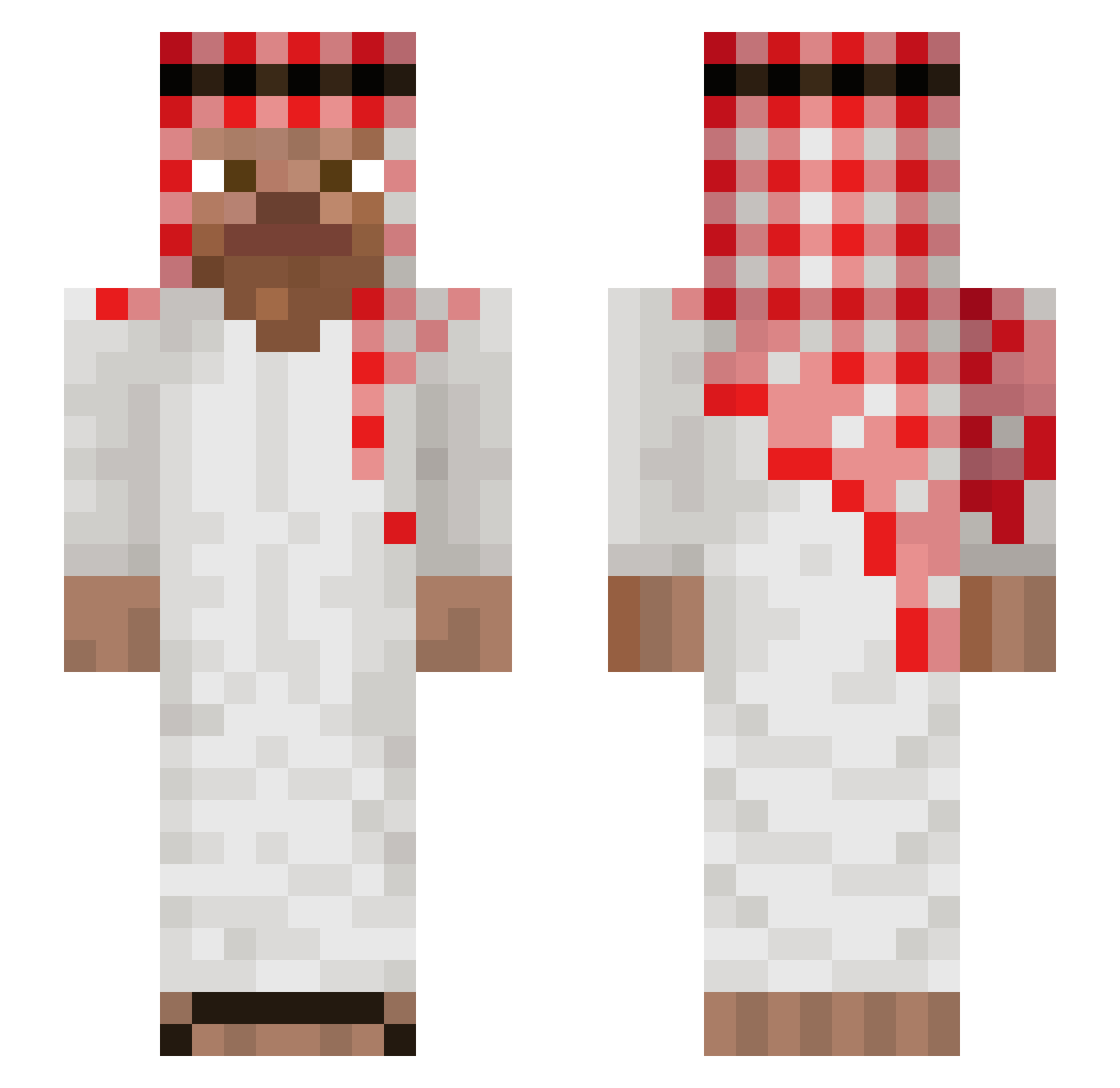
Current Minecraft skin of the player JackTA2023, loaded from the official Mojang API. Rotate the 3D model with your mouse or finger, then download the skin as a PNG file and use it in Minecraft: Bedrock Edition or Java Edition for free. When JackTA2023 changes their skin, this page updates automatically and the old skin stays in the history below.
Other players with this skin (1264)
JackTA2023 was the 1188th player we have seen with this skin, first spotted on 14.11.2026. The same skin was seen on these players. Open a nickname to see their current skin and skin history.
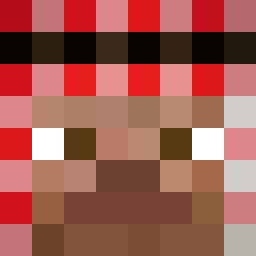 Foiksong jeppetto08 fnx1907 mohaxision Elitemovi sooani kulthan Xaloth nilknar sosiegao777 Vodkalaschnikow_ GD_HADES ilovemoms00 trisrol vortaxfr LGFgg NATAK0NG69 ergqargearg ApeSpuppet DewTNK Unlucky_dude AZBEST7017 Juan_Jose Hemophilia tymeczke Alxihc1020 Marceleeek MerTTYL Cesarillooo SLaAMm Sboys4545 Arsen_Markaryan JojoEtRiri Sluyvux Remm19 aqrila WChikenTandory Trzmiel98 Zemie3676 Mantaderf darktheop Varun_xD ben_a_drill BARBEEEEE Donut3g2a5y MAKAN__ MinerBro917 KrzysztofWojtek ZeaPea berhim Proaso377 laysssss basicallyLev VoidXSenPo1 Itzz_Olafeq Ham_Ham_Kunefe paskus27 myaurizzi PelaMela9184 Matrix008008
More Arabic Minecraft skins
How to install the JackTA2023 skin
- Press the Download button above to save the skin as a PNG file.
- Minecraft: Bedrock Edition (PE): open the Dressing Room from the main menu (or tap your character → Edit Character), go to Classic Skins → Owned, press the + (new skin) button, choose the downloaded PNG and pick the Slim (Alex) model. Works on PC and mobile; consoles cannot import custom skins.
- Minecraft: Java Edition: open the Minecraft Launcher, go to the Skins tab, click New Skin, load the PNG, pick the Slim (Alex) model and press Save & Use. You can also upload it at minecraft.net → Profile → Change Skin.
The skin does not show up after import - what should I do?
Restart Minecraft and open the Dressing Room again - imported skins sometimes appear only after a restart. Also make sure you selected the imported skin and picked the Slim (Alex) model.
Which model should I choose, Classic or Slim?
This skin is designed for the Slim (Alex) model. If you pick the wrong model, the arms of the skin will look stretched or squeezed.
Is the skin of JackTA2023 free to download?
Yes. Press Download, save the PNG file and use it in Minecraft: Bedrock Edition or Java Edition - no payment or registration needed. The skin also works on multiplayer servers and Realms.
More skins
Looking for more? Go back to all Minecraft skins and check the top skins of the week, month and all time, or find any player's skin by nickname.