
JVZIYOU - Minecraft Skins & Skin History
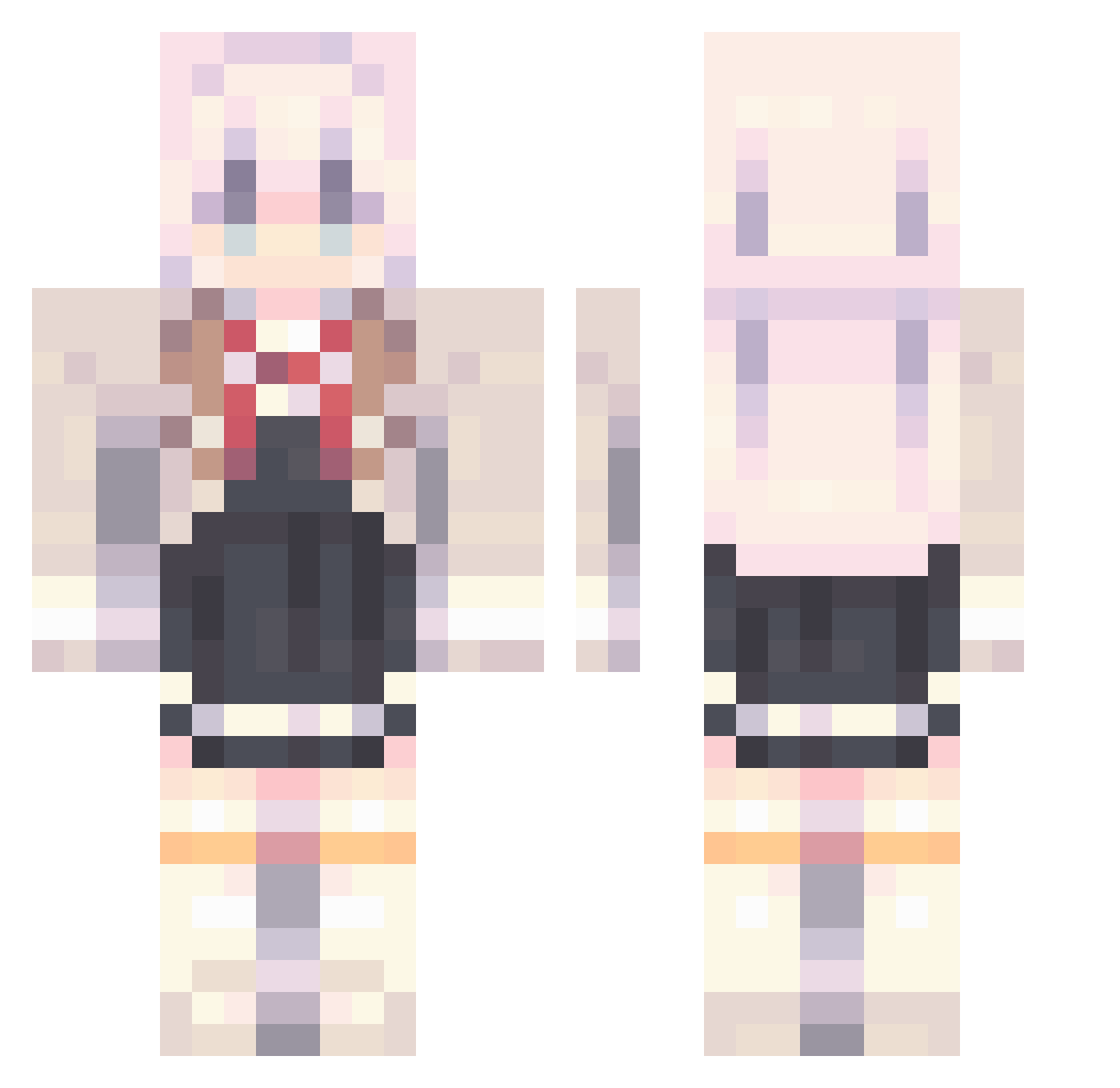
Current Minecraft skin of the player JVZIYOU, loaded from the official Mojang API. Rotate the 3D model with your mouse or finger, then download the skin as a PNG file and use it in Minecraft: Bedrock Edition or Java Edition for free. When JVZIYOU changes their skin, this page updates automatically and the old skin stays in the history below.
Other players with this skin (815)
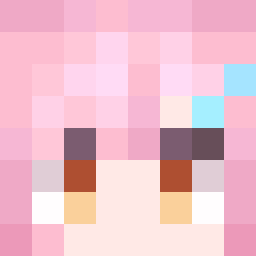
JVZIYOU was the 304th player we have seen with this skin, first spotted on 29.08.2026. The same skin was seen on these players. Open a nickname to see their current skin and skin history.
 ah_Wan
 vocaLs_ algo13 Ykx1 GN_Crescent_moon mizusoup_ luy05 nkmmom MeloCaramel v4xiu_
 LinShutong Tianyi55 AWINTERSOLACE MonsterG7 Kitcar marincourcoux GabrielRC05 AL_YA bryan_you666 tifa2 Matops00 0ovictoro0 Cakebtw NNK1145 WAAAAAHJ xiirats chenpiii Pokeerik0 168Cracker T_CH QLyue fudoyusei1 NeKoKinZ kongshan666 DuckyPun yueyizihe Irou_0425 lanshan21 PEEP0_ birdseki SH4TT3R3D MattTing kitune210 s4dzz Uoxia bebeemilo VwwwkK Cheong_Am Fake3114514
 Knollrich Flo08754 XCJL GunsNroses1987 CashXel wan1314 ZeroreroLiN LyCatt sparkytooo zzhj2 Level8Gyat
More School Uniform Minecraft skins
See all 6082 School Uniform skins
How to install the JVZIYOU skin
- Press the Download button above to save the skin as a PNG file.
- Minecraft: Bedrock Edition (PE): open the Dressing Room from the main menu (or tap your character → Edit Character), go to Classic Skins → Owned, press the + (new skin) button, choose the downloaded PNG and pick the Classic (Steve) model. Works on PC and mobile; consoles cannot import custom skins.
- Minecraft: Java Edition: open the Minecraft Launcher, go to the Skins tab, click New Skin, load the PNG, pick the Classic (Steve) model and press Save & Use. You can also upload it at minecraft.net → Profile → Change Skin.
The skin does not show up after import - what should I do?
Restart Minecraft and open the Dressing Room again - imported skins sometimes appear only after a restart. Also make sure you selected the imported skin and picked the Classic (Steve) model.
Which model should I choose, Classic or Slim?
This skin is designed for the Classic (Steve) model. If you pick the wrong model, the arms of the skin will look stretched or squeezed.
Is the skin of JVZIYOU free to download?
Yes. Press Download, save the PNG file and use it in Minecraft: Bedrock Edition or Java Edition - no payment or registration needed. The skin also works on multiplayer servers and Realms.
More skins
Looking for more? Go back to all Minecraft skins and check the top skins of the week, month and all time, or find any player's skin by nickname.