
JULIANELFAIL - Minecraft Skins & Skin History
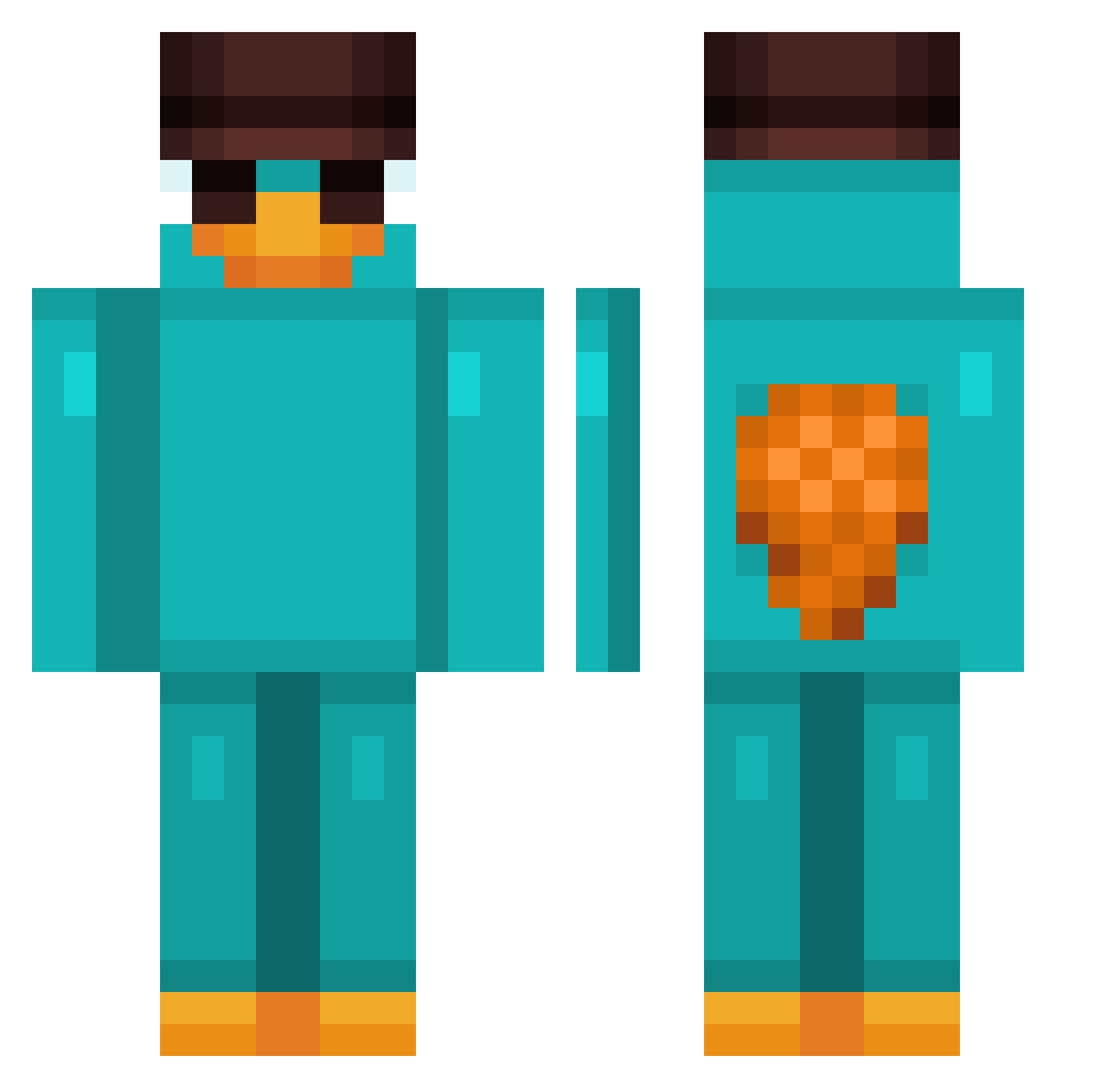
Current Minecraft skin of the player JULIANELFAIL, loaded from the official Mojang API. Rotate the 3D model with your mouse or finger, then download the skin as a PNG file and use it in Minecraft: Bedrock Edition or Java Edition for free. When JULIANELFAIL changes their skin, this page updates automatically and the old skin stays in the history below.
Other players with this skin (1045)
JULIANELFAIL was the 993rd player we have seen with this skin, first spotted on 06.11.2026. The same skin was seen on these players. Open a nickname to see their current skin and skin history.
 TheCh3ck3r bistecone123 roomhocker Farfend SchlauchBootFegi Vincent067 DobbyPrime Omark_33 hanchan123456 Guillaumedaig KahveciArif Der_Rehse Spec_007 CrazyTurtle953 Macias_420 nino_mk777 Justxx_Ball QinnCrown AJL0ky GatitoGster LucasMoreno SaraMoons Womgener SolidSnow987 Gerrit999999 Chamytera qowlsgur1221 WizzyAltered124 DavidGto GodzKiller_55 LEO_M99 lekmeihxden35674 Goatman00 BlueHeart000 jurin729 garden0725 uGuustavo Bella_2011 Keys31 DevMal KirnNa TerryJackson Victorcdf speedykidcb SokaMyNuts Lggj4212 Frenny212 soundavid MYNT_Frosty Cronchy75 FirstRushLeqend Jinx_nor choiiia jpTT10 Mowha_ bugorci mlodygruby342 NocTzT Dizuupl destroka
More Platypus Minecraft skins
How to install the JULIANELFAIL skin
- Press the Download button above to save the skin as a PNG file.
- Minecraft: Bedrock Edition (PE): open the Dressing Room from the main menu (or tap your character → Edit Character), go to Classic Skins → Owned, press the + (new skin) button, choose the downloaded PNG and pick the Classic (Steve) model. Works on PC and mobile; consoles cannot import custom skins.
- Minecraft: Java Edition: open the Minecraft Launcher, go to the Skins tab, click New Skin, load the PNG, pick the Classic (Steve) model and press Save & Use. You can also upload it at minecraft.net → Profile → Change Skin.
The skin does not show up after import - what should I do?
Restart Minecraft and open the Dressing Room again - imported skins sometimes appear only after a restart. Also make sure you selected the imported skin and picked the Classic (Steve) model.
Which model should I choose, Classic or Slim?
This skin is designed for the Classic (Steve) model. If you pick the wrong model, the arms of the skin will look stretched or squeezed.
Is the skin of JULIANELFAIL free to download?
Yes. Press Download, save the PNG file and use it in Minecraft: Bedrock Edition or Java Edition - no payment or registration needed. The skin also works on multiplayer servers and Realms.
More skins
Looking for more? Go back to all Minecraft skins and check the top skins of the week, month and all time, or find any player's skin by nickname.