
ItsCaptive - Minecraft Skins & Skin History
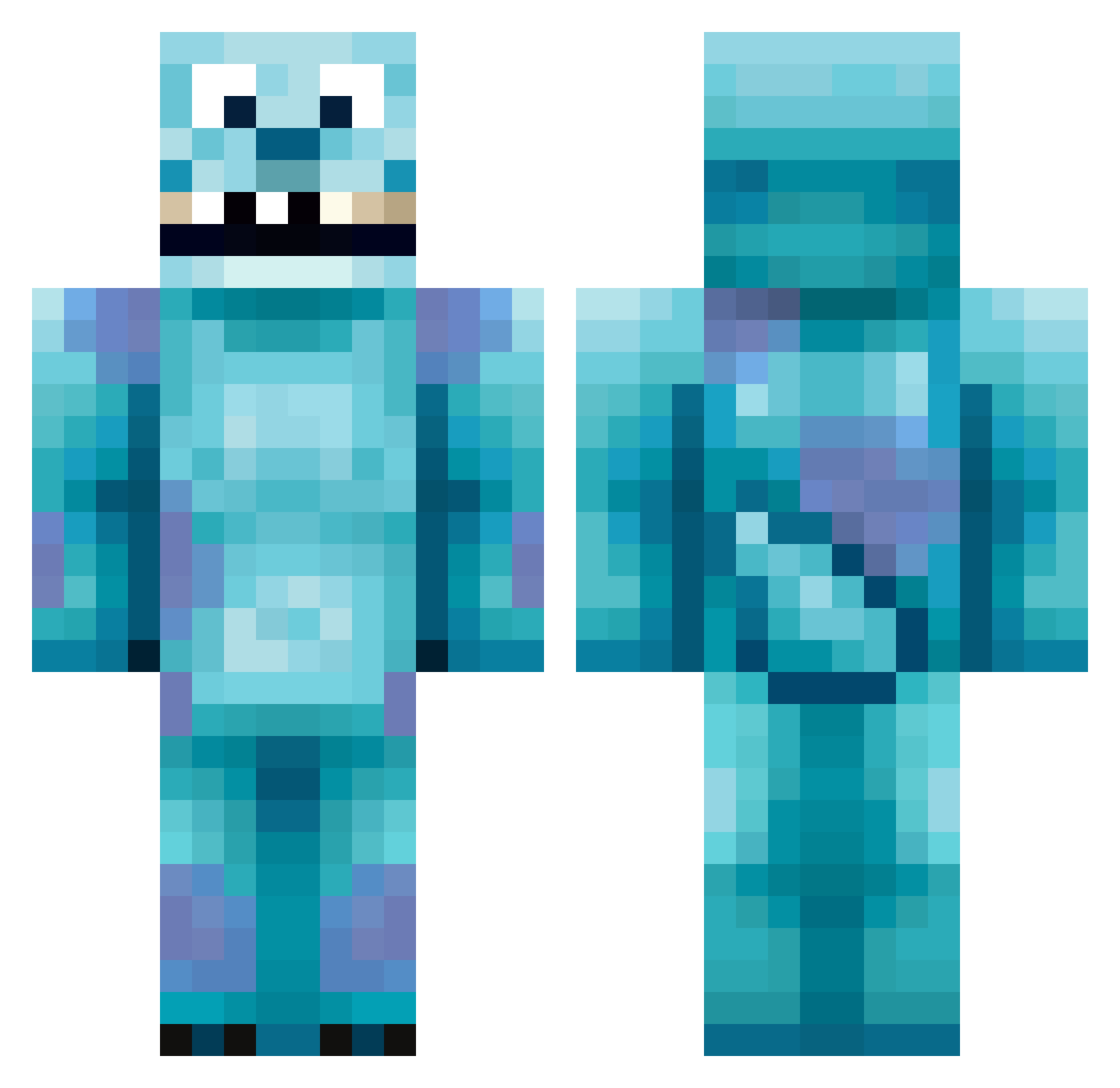
Current Minecraft skin of the player ItsCaptive, loaded from the official Mojang API. Rotate the 3D model with your mouse or finger, then download the skin as a PNG file and use it in Minecraft: Bedrock Edition or Java Edition for free. When ItsCaptive changes their skin, this page updates automatically and the old skin stays in the history below.
Other players with this skin (418)
ItsCaptive was the 204th player we have seen with this skin, first spotted on 21.09.2026. The same skin was seen on these players. Open a nickname to see their current skin and skin history.
 JackAmazed jcoolio56 jakobexgo jojo_geek EndstiIIe DJ_Milonco ivanc90 Talonical mavrik132 Hop_Light xStofan_ Bradgasm Flexis007 kinako0w0 hmnit 4249 harry8 leemo1999 WildAlpacaFarm NoHaxJustKranzo CoonVille Astrice mradw27 LeProc GoBears51 mini_savvas ttiilda nedthebed KevinNijhof Jim_Reaper2000 GkPIRF Teddyy420 EmiPoulet BDAAs riffyraff69 Ugald DJFox_32 armentia97 clapperboyz Lilwenn9999 RaG_BAK Carpo_ jendazamby Jamie_Chipp EdwardVonKlein Mansteak14 majesticjordan thevillevirus mysterious_joe RivalizeHD Bluetarguy Frasersproul1 rokinbird BOSSMAN705 Feloxos SullyPlays dachamp93 KerryLouise_ Max4HdX1 johnnyboy15037
More Sulley Minecraft skins
How to install the ItsCaptive skin
- Press the Download button above to save the skin as a PNG file.
- Minecraft: Bedrock Edition (PE): open the Dressing Room from the main menu (or tap your character → Edit Character), go to Classic Skins → Owned, press the + (new skin) button, choose the downloaded PNG and pick the Classic (Steve) model. Works on PC and mobile; consoles cannot import custom skins.
- Minecraft: Java Edition: open the Minecraft Launcher, go to the Skins tab, click New Skin, load the PNG, pick the Classic (Steve) model and press Save & Use. You can also upload it at minecraft.net → Profile → Change Skin.
The skin does not show up after import - what should I do?
Restart Minecraft and open the Dressing Room again - imported skins sometimes appear only after a restart. Also make sure you selected the imported skin and picked the Classic (Steve) model.
Which model should I choose, Classic or Slim?
This skin is designed for the Classic (Steve) model. If you pick the wrong model, the arms of the skin will look stretched or squeezed.
Is the skin of ItsCaptive free to download?
Yes. Press Download, save the PNG file and use it in Minecraft: Bedrock Edition or Java Edition - no payment or registration needed. The skin also works on multiplayer servers and Realms.
More skins
Looking for more? Go back to all Minecraft skins and check the top skins of the week, month and all time, or find any player's skin by nickname.