
InfernalBarber - Minecraft Skins & Skin History
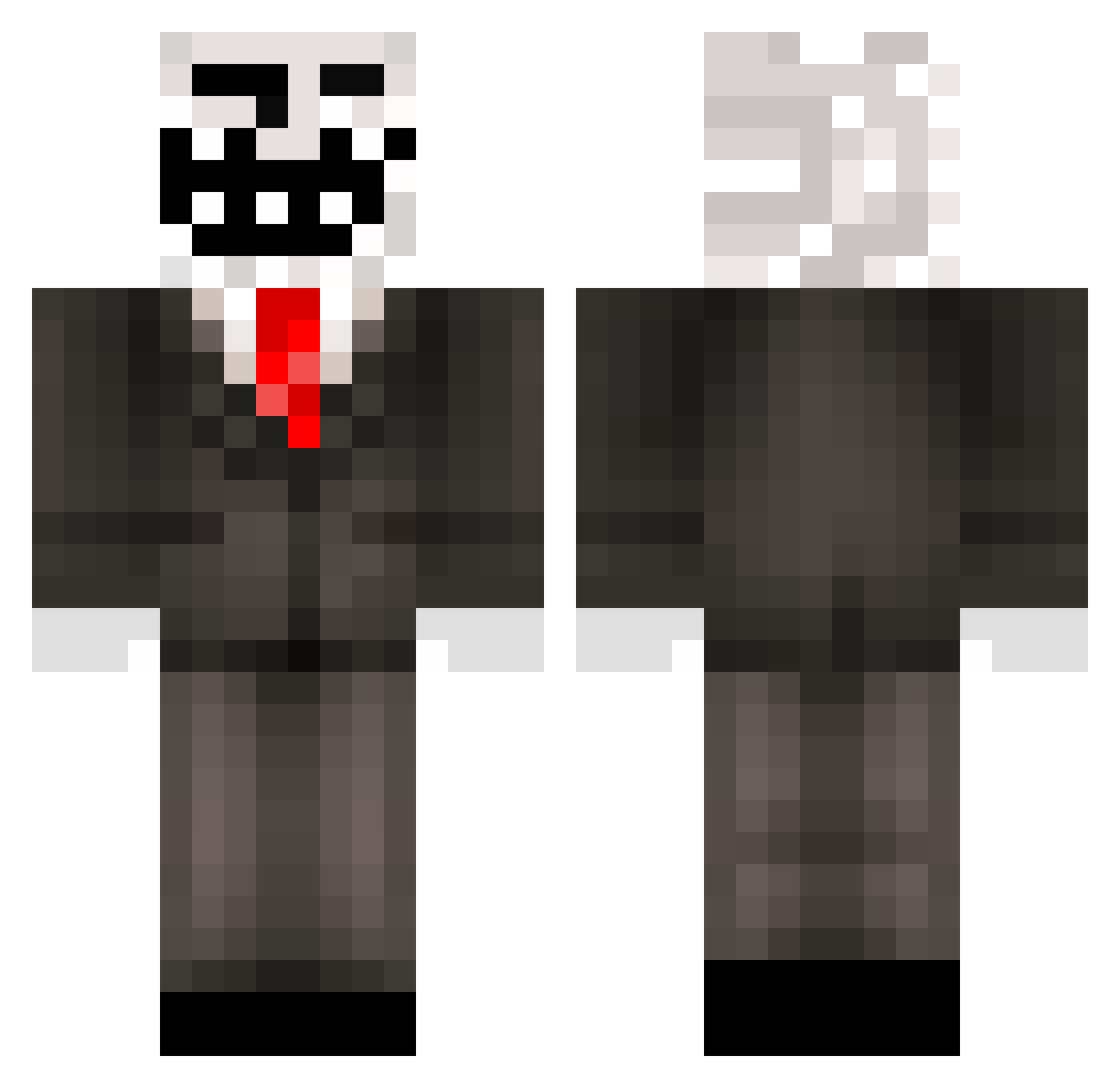
Current Minecraft skin of the player InfernalBarber, loaded from the official Mojang API. Rotate the 3D model with your mouse or finger, then download the skin as a PNG file and use it in Minecraft: Bedrock Edition or Java Edition for free. When InfernalBarber changes their skin, this page updates automatically and the old skin stays in the history below.
Other players with this skin (71)
InfernalBarber was the 20th player we have seen with this skin, first spotted on 28.08.2026. The same skin was seen on these players. Open a nickname to see their current skin and skin history.
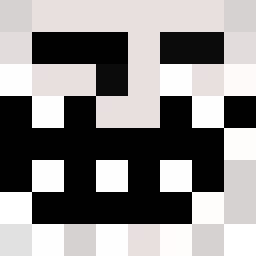 Dephormed Basta_l sat2459 slenti13 TheJackea MiaKarl123 FranValu Celstartswar ZezoFx CaveTroll18 Blonde_Bandit speedity2206 KjFrederik MrButterProof JZ_Elm Lilbertnh GhostShaun xiSaW xray7647 kchuynh ZStein8 robinslager gralice Sanpher01 Daniel60006 SimplySon Papon25 awsomeness7654 construct0r yaniboy55 xDaKurlz AyeSack corbster123 Bjurkell kikkakitty01 ocean_jlp Cnote4 CarDylKen Ev1lcl0wn Spike0813 BowOfSoup executioner1993 tidy_twistt DragaloBro eltrolero5000 ImDubz Phynxzor Dragoncanon KillerMexx LoGiiKBah tizu_2000 DrDiamond100 EvanJG02 SkullBlaster5000 Loganator911 AlejandroTrollHD Hankthetank69 KostaplaysMC destroyer261 yelyssa
More Trollface Minecraft skins
How to install the InfernalBarber skin
- Press the Download button above to save the skin as a PNG file.
- Minecraft: Bedrock Edition (PE): open the Dressing Room from the main menu (or tap your character → Edit Character), go to Classic Skins → Owned, press the + (new skin) button, choose the downloaded PNG and pick the Classic (Steve) model. Works on PC and mobile; consoles cannot import custom skins.
- Minecraft: Java Edition: open the Minecraft Launcher, go to the Skins tab, click New Skin, load the PNG, pick the Classic (Steve) model and press Save & Use. You can also upload it at minecraft.net → Profile → Change Skin.
The skin does not show up after import - what should I do?
Restart Minecraft and open the Dressing Room again - imported skins sometimes appear only after a restart. Also make sure you selected the imported skin and picked the Classic (Steve) model.
Which model should I choose, Classic or Slim?
This skin is designed for the Classic (Steve) model. If you pick the wrong model, the arms of the skin will look stretched or squeezed.
Is the skin of InfernalBarber free to download?
Yes. Press Download, save the PNG file and use it in Minecraft: Bedrock Edition or Java Edition - no payment or registration needed. The skin also works on multiplayer servers and Realms.
More skins
Looking for more? Go back to all Minecraft skins and check the top skins of the week, month and all time, or find any player's skin by nickname.