
Igne1is - Minecraft Skins & Skin History
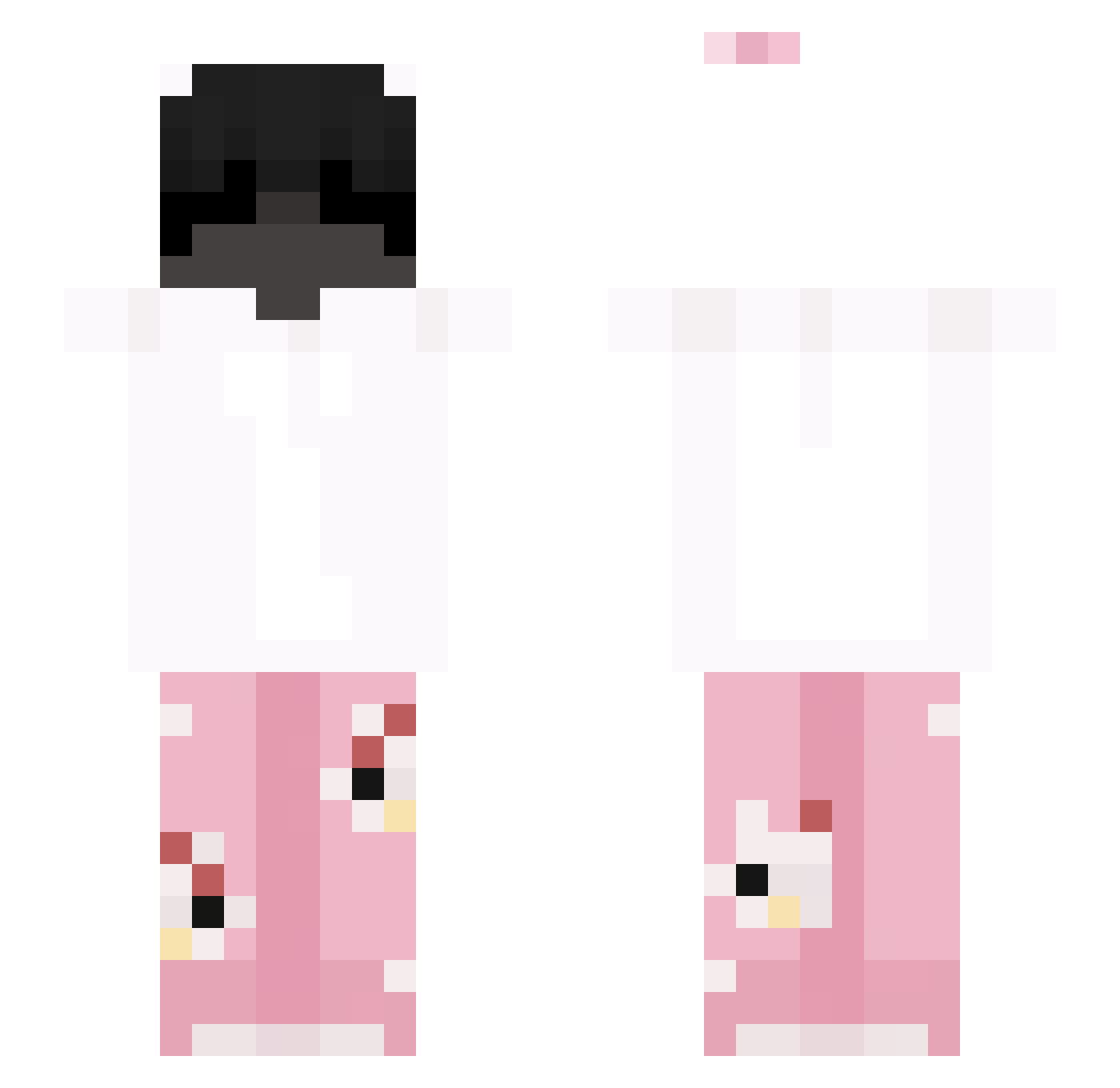
Current Minecraft skin of the player Igne1is, loaded from the official Mojang API. Rotate the 3D model with your mouse or finger, then download the skin as a PNG file and use it in Minecraft: Bedrock Edition or Java Edition for free. When Igne1is changes their skin, this page updates automatically and the old skin stays in the history below.
Other players with this skin (53)
Igne1is was the 12th player we have seen with this skin, first spotted on 17.08.2026. The same skin was seen on these players. Open a nickname to see their current skin and skin history.
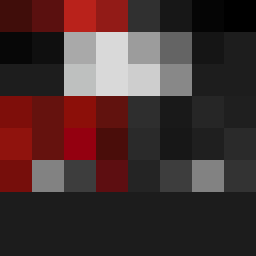 EddySpiReal
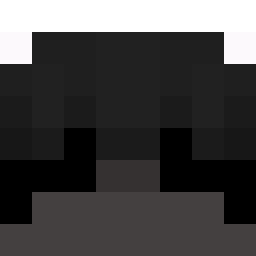 W_whisgus azerq28 Rayken_15 PinguLL
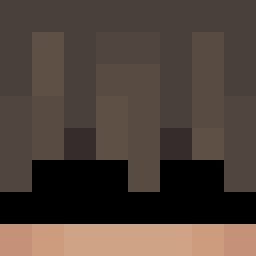 Appolo_Brother jabierdale
 ChubeCutChan Benzorw777 ItsD4vito leonaari KIMatrr17
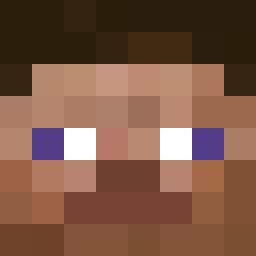 itsNerkoz WitcherNova
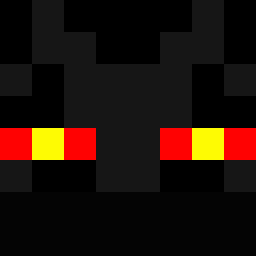 Mil2013
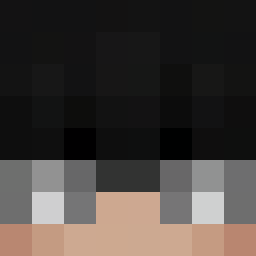 WhosDavid_ pucco__ beo2k12 Adentos OneBlcokTop1 GTR xDemus_ Kitsoooo tamalconchile Irxkk
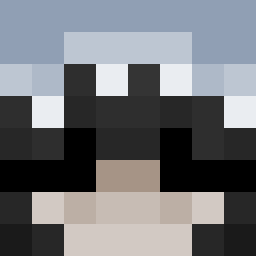 Ugauw NatureDan232 s2k1x CookieRedstone ArafEditzz Zxvkss ItsMaxe Gusav_ Yuangii PegazekPL xlisio PublicAlt10551 Anatra44 VexisPL WardHD merismeris KA_1K2 ToJaKezzi felipe98712 CH1RB4T _Antojocity_ Sp4rt4n117 Oliviqer voidcriis Lil_Bri091 BARBOOOO1 Arthurisz Hanghai9922
More Cute Minecraft skins
How to install the Igne1is skin
- Press the Download button above to save the skin as a PNG file.
- Minecraft: Bedrock Edition (PE): open the Dressing Room from the main menu (or tap your character → Edit Character), go to Classic Skins → Owned, press the + (new skin) button, choose the downloaded PNG and pick the Slim (Alex) model. Works on PC and mobile; consoles cannot import custom skins.
- Minecraft: Java Edition: open the Minecraft Launcher, go to the Skins tab, click New Skin, load the PNG, pick the Slim (Alex) model and press Save & Use. You can also upload it at minecraft.net → Profile → Change Skin.
The skin does not show up after import - what should I do?
Restart Minecraft and open the Dressing Room again - imported skins sometimes appear only after a restart. Also make sure you selected the imported skin and picked the Slim (Alex) model.
Which model should I choose, Classic or Slim?
This skin is designed for the Slim (Alex) model. If you pick the wrong model, the arms of the skin will look stretched or squeezed.
Is the skin of Igne1is free to download?
Yes. Press Download, save the PNG file and use it in Minecraft: Bedrock Edition or Java Edition - no payment or registration needed. The skin also works on multiplayer servers and Realms.
More skins
Looking for more? Go back to all Minecraft skins and check the top skins of the week, month and all time, or find any player's skin by nickname.