
IT9YO - Minecraft Skins & Skin History
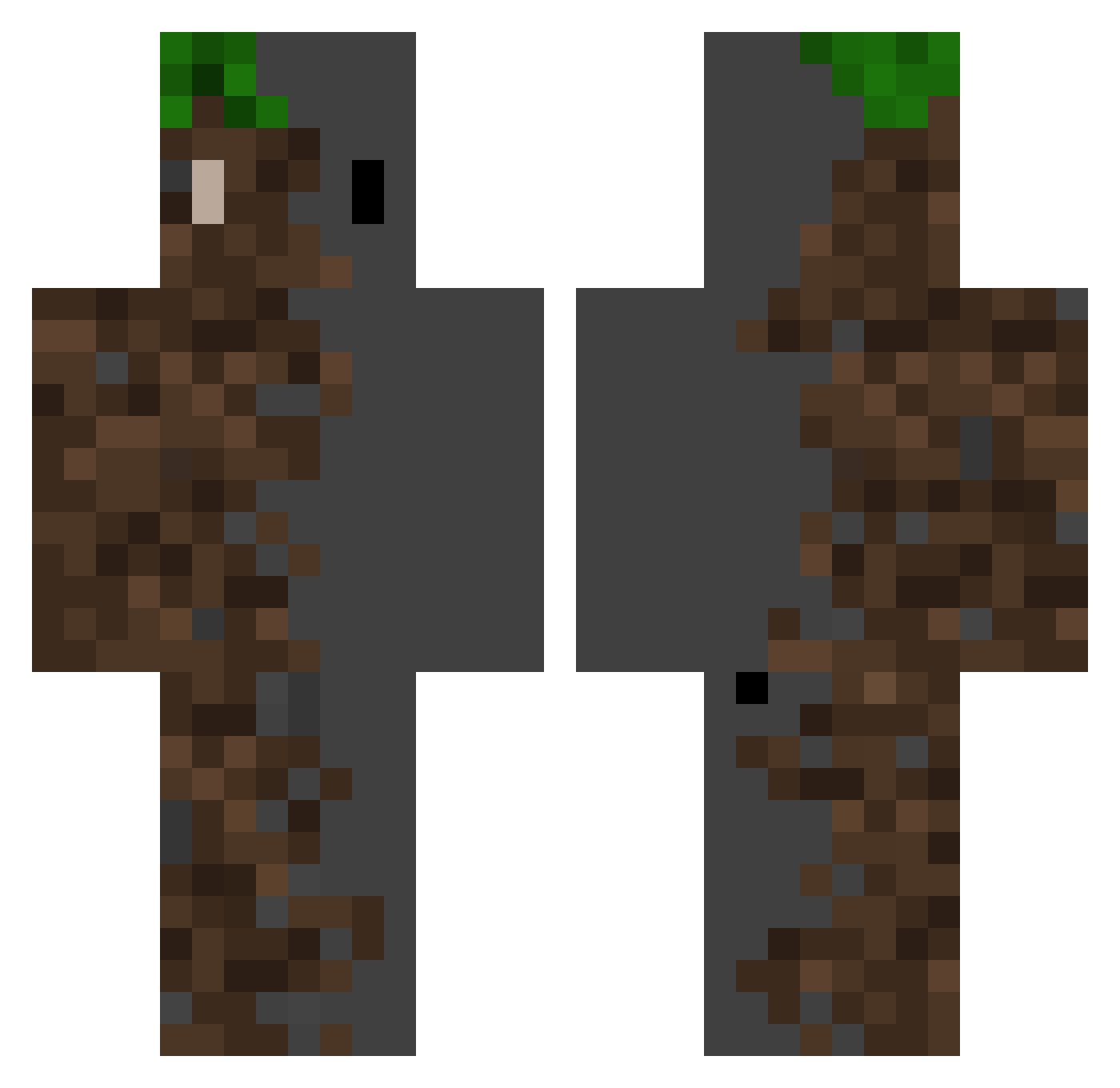
Current Minecraft skin of the player IT9YO, loaded from the official Mojang API. Rotate the 3D model with your mouse or finger, then download the skin as a PNG file and use it in Minecraft: Bedrock Edition or Java Edition for free. When IT9YO changes their skin, this page updates automatically and the old skin stays in the history below.
Other players with this skin (371)
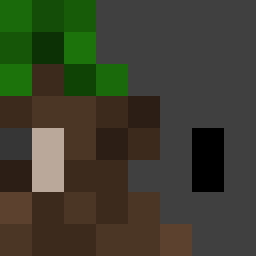
IT9YO was the 84th player we have seen with this skin, first spotted on 19.08.2026. The same skin was seen on these players. Open a nickname to see their current skin and skin history.
 FirstTroubleS ZISA07 Pipemon SalamiKunkku www705 Pedronbb SnapWasTaken Ghost_Burn3r SerPawerEs OldP55 ByVyoxKS Danu_uel jonnyallenwrench withuu wabi13 Demu989
 haru_micra matcreeper10 FelineAir1280 TTVtisthunder_YT AimZz_0833 AngelTHK15 abdielll ErSuNi31 TheGuyWhoHasAD ABearableTeddy Qikk3r eheks RedPenguinz _Tuco_ adantesdents zolabeil Mujiin Xayyzen AnoklesFire Telahh M1ST1CJr Rattlesnake_32 RebelJupiter716 LigmaDack ByteSore rockblock7755 darkpower018 Sub_on_YouTube Runningwild87 Pitbull_Cruel ArilisDev1 The_Zero_ Anchovy487 Adamos1324 s3narius Luckyskyes Not_Steveee illililililli Aruma_Sain MrSquirell Power_Brave oban7 Acite BarrelRacer6893
More Dirt Block Minecraft skins
How to install the IT9YO skin
- Press the Download button above to save the skin as a PNG file.
- Minecraft: Bedrock Edition (PE): open the Dressing Room from the main menu (or tap your character → Edit Character), go to Classic Skins → Owned, press the + (new skin) button, choose the downloaded PNG and pick the Classic (Steve) model. Works on PC and mobile; consoles cannot import custom skins.
- Minecraft: Java Edition: open the Minecraft Launcher, go to the Skins tab, click New Skin, load the PNG, pick the Classic (Steve) model and press Save & Use. You can also upload it at minecraft.net → Profile → Change Skin.
The skin does not show up after import - what should I do?
Restart Minecraft and open the Dressing Room again - imported skins sometimes appear only after a restart. Also make sure you selected the imported skin and picked the Classic (Steve) model.
Which model should I choose, Classic or Slim?
This skin is designed for the Classic (Steve) model. If you pick the wrong model, the arms of the skin will look stretched or squeezed.
Is the skin of IT9YO free to download?
Yes. Press Download, save the PNG file and use it in Minecraft: Bedrock Edition or Java Edition - no payment or registration needed. The skin also works on multiplayer servers and Realms.
More skins
Looking for more? Go back to all Minecraft skins and check the top skins of the week, month and all time, or find any player's skin by nickname.