
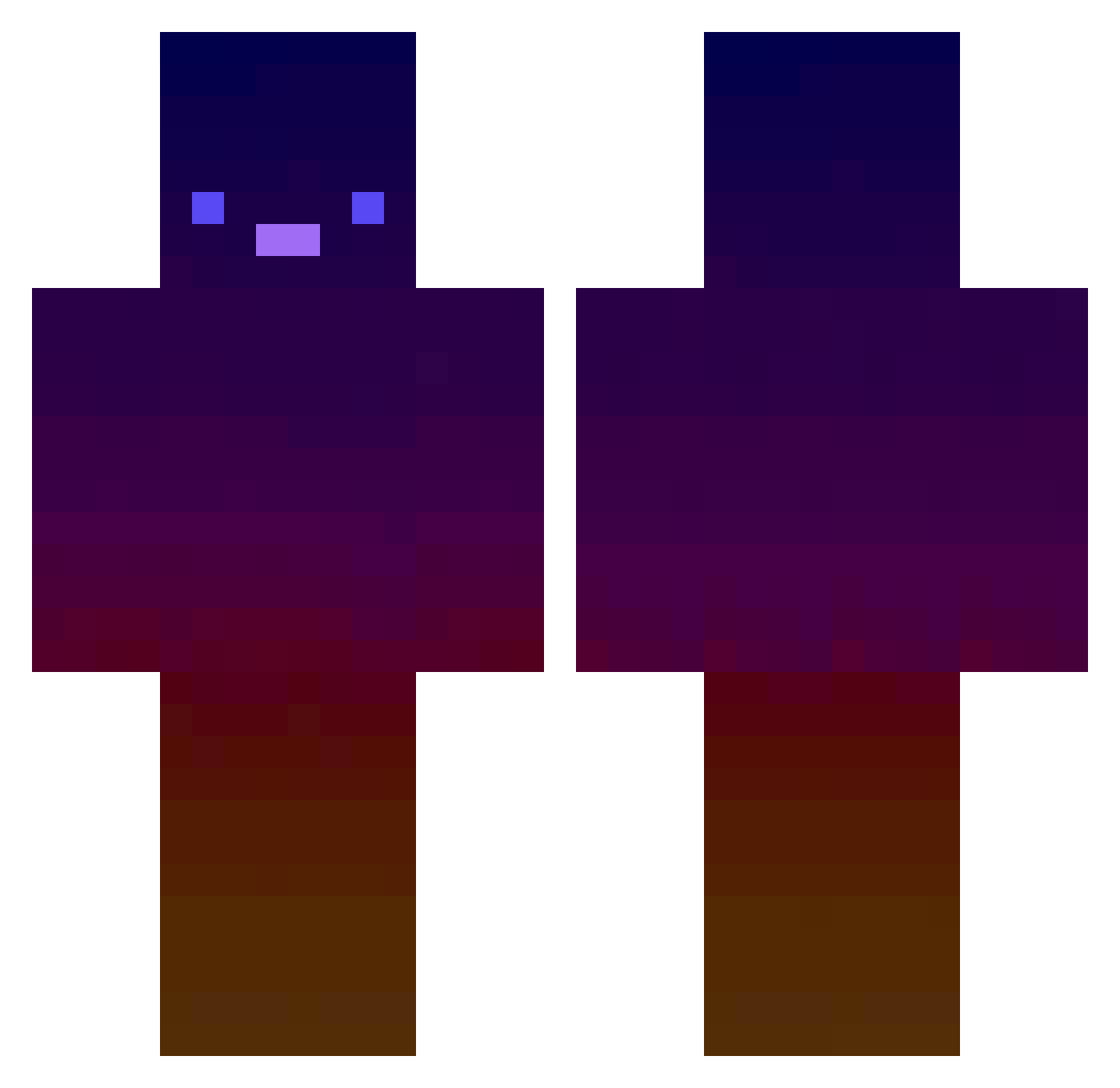
Current Minecraft skin of the player ILIKEBOOBI3ZZ, loaded from the official Mojang API. Rotate the 3D model with your mouse or finger, then download the skin as a PNG file and use it in Minecraft: Bedrock Edition or Java Edition for free. When ILIKEBOOBI3ZZ changes their skin, this page updates automatically and the old skin stays in the history below.
Other players with this skin (415)
ILIKEBOOBI3ZZ was the 97th player we have seen with this skin, first spotted on 18.08.2026. The same skin was seen on these players. Open a nickname to see their current skin and skin history.
 neriif JEXSD DrSkelz TreadingXcinders SporkyAynal enric_airways theWicked_Wiener L0o07 Cal_0321 randy821 488_KosmoPista ramatrash conbawa orian_kg jeongwon123 BlueYed_MC Orphic_69 hyeop8785 F3ed 666_Olix_666 Douhua_ _Molysson HaRmFuLlMrKiRa Dominik123hun Aldair_CC Celianleking Domdom2625 Vatis_Galaxy Display_76 Hendl123 StumbleYT tisFrank capi_189 Do0ma_ CHRISF0 NaxasNW melio_ytb WatermelonFishhh Smaggoh ssaaamm Luka_tchi albertoxxxx17 weakasgod
 CreepsterReapstr pwllo_ neonshine2322 Bedonkedonk Katsuki1203 jremi DandiYT quzzze Tonysnake9203 w_matthijs ranger534 Yuyo55688 Geletejoo V00lD Morwiel Blurownzzjr ljh0611
How to install the ILIKEBOOBI3ZZ skin
- Press the Download button above to save the skin as a PNG file.
- Minecraft: Bedrock Edition (PE): open the Dressing Room from the main menu (or tap your character → Edit Character), go to Classic Skins → Owned, press the + (new skin) button, choose the downloaded PNG and pick the Classic (Steve) model. Works on PC and mobile; consoles cannot import custom skins.
- Minecraft: Java Edition: open the Minecraft Launcher, go to the Skins tab, click New Skin, load the PNG, pick the Classic (Steve) model and press Save & Use. You can also upload it at minecraft.net → Profile → Change Skin.
The skin does not show up after import - what should I do?
Restart Minecraft and open the Dressing Room again - imported skins sometimes appear only after a restart. Also make sure you selected the imported skin and picked the Classic (Steve) model.
Which model should I choose, Classic or Slim?
This skin is designed for the Classic (Steve) model. If you pick the wrong model, the arms of the skin will look stretched or squeezed.
Is the skin of ILIKEBOOBI3ZZ free to download?
Yes. Press Download, save the PNG file and use it in Minecraft: Bedrock Edition or Java Edition - no payment or registration needed. The skin also works on multiplayer servers and Realms.
More skins
Looking for more? Go back to all Minecraft skins and check the top skins of the week, month and all time, or find any player's skin by nickname.