
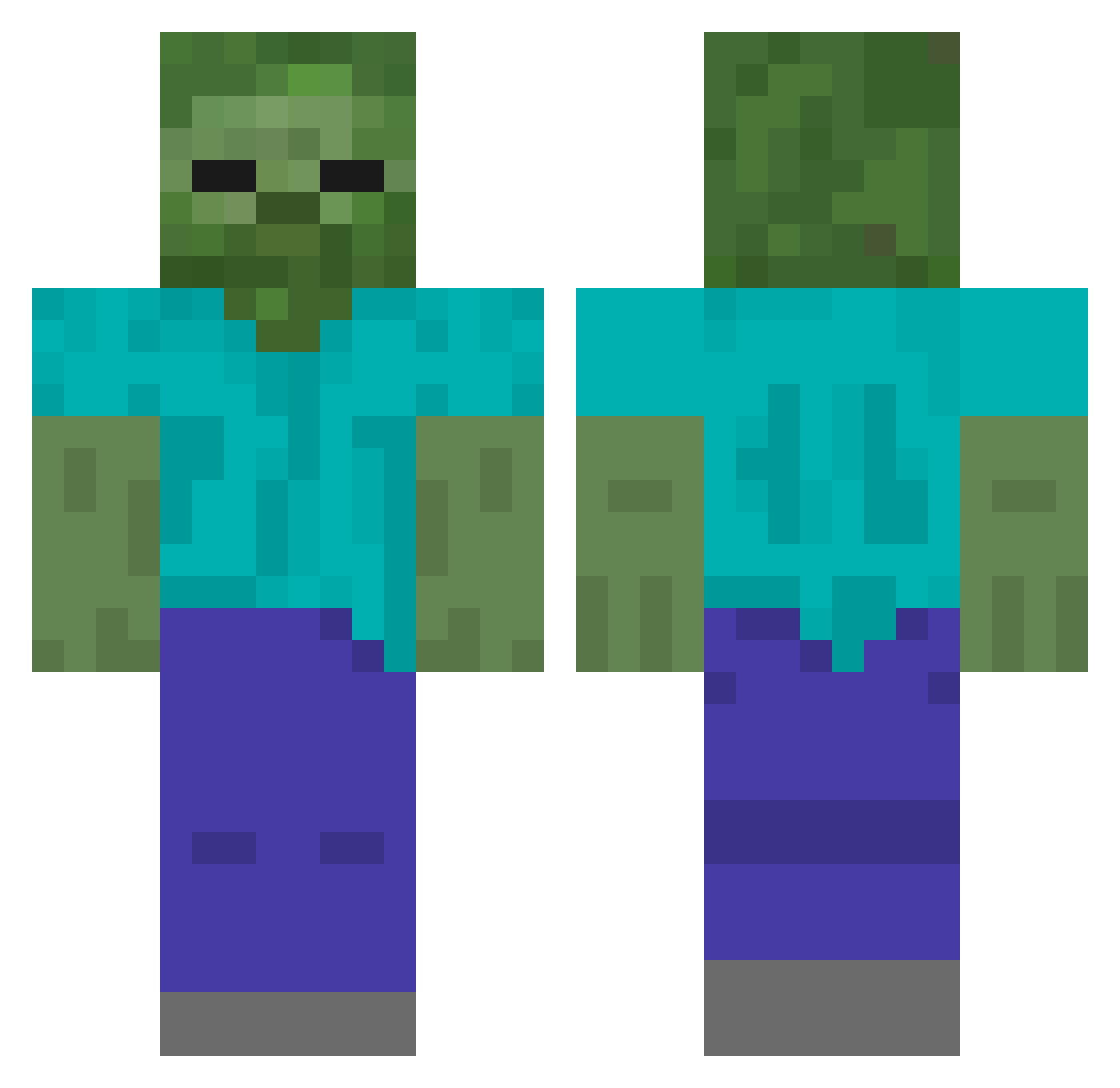
Current Minecraft skin of the player Huxu460, loaded from the official Mojang API. Rotate the 3D model with your mouse or finger, then download the skin as a PNG file and use it in Minecraft: Bedrock Edition or Java Edition for free. When Huxu460 changes their skin, this page updates automatically and the old skin stays in the history below.
Other players with this skin (401)
Huxu460 was the 254th player we have seen with this skin, first spotted on 19.09.2026. The same skin was seen on these players. Open a nickname to see their current skin and skin history.
 phppgh WhiteTony QUEENDAN TheMirrorLied HbrC417 pophu Hzwe707 PUXIXUN HZvI694 Timetriveler FH271 HbEM931 Maker_777 weberksten HHRv183 mw952 delihe111 NSD67 ValeraRUS HHSV548 aihhh Wei_Wang HmLN86 AAAeonon HJnG453 Hiyy502 0soups0 rook0113 wangxiumin HDRV785 zeng421 Marx1231 foyise HKbx91 Leafsky_ Wolfstorm33 2544307 HqHa313 Zh1vE MA0QI ygdsb114514 HLpP580 Bai_Guidd HHKl914 HOGy448 speeddragon1111 BeueJie HBHS962 fxxkingbear ZHSMING HQsG337 afterhourrs YEFANQIANG 13nana kdoh0306 Suxiao55 isobased kingzong12 BartiX252 lukideschingscho
More Undead Minecraft skins
How to install the Huxu460 skin
- Press the Download button above to save the skin as a PNG file.
- Minecraft: Bedrock Edition (PE): open the Dressing Room from the main menu (or tap your character → Edit Character), go to Classic Skins → Owned, press the + (new skin) button, choose the downloaded PNG and pick the Classic (Steve) model. Works on PC and mobile; consoles cannot import custom skins.
- Minecraft: Java Edition: open the Minecraft Launcher, go to the Skins tab, click New Skin, load the PNG, pick the Classic (Steve) model and press Save & Use. You can also upload it at minecraft.net → Profile → Change Skin.
The skin does not show up after import - what should I do?
Restart Minecraft and open the Dressing Room again - imported skins sometimes appear only after a restart. Also make sure you selected the imported skin and picked the Classic (Steve) model.
Which model should I choose, Classic or Slim?
This skin is designed for the Classic (Steve) model. If you pick the wrong model, the arms of the skin will look stretched or squeezed.
Is the skin of Huxu460 free to download?
Yes. Press Download, save the PNG file and use it in Minecraft: Bedrock Edition or Java Edition - no payment or registration needed. The skin also works on multiplayer servers and Realms.
More skins
Looking for more? Go back to all Minecraft skins and check the top skins of the week, month and all time, or find any player's skin by nickname.