
Hettylite - Minecraft Skins & Skin History
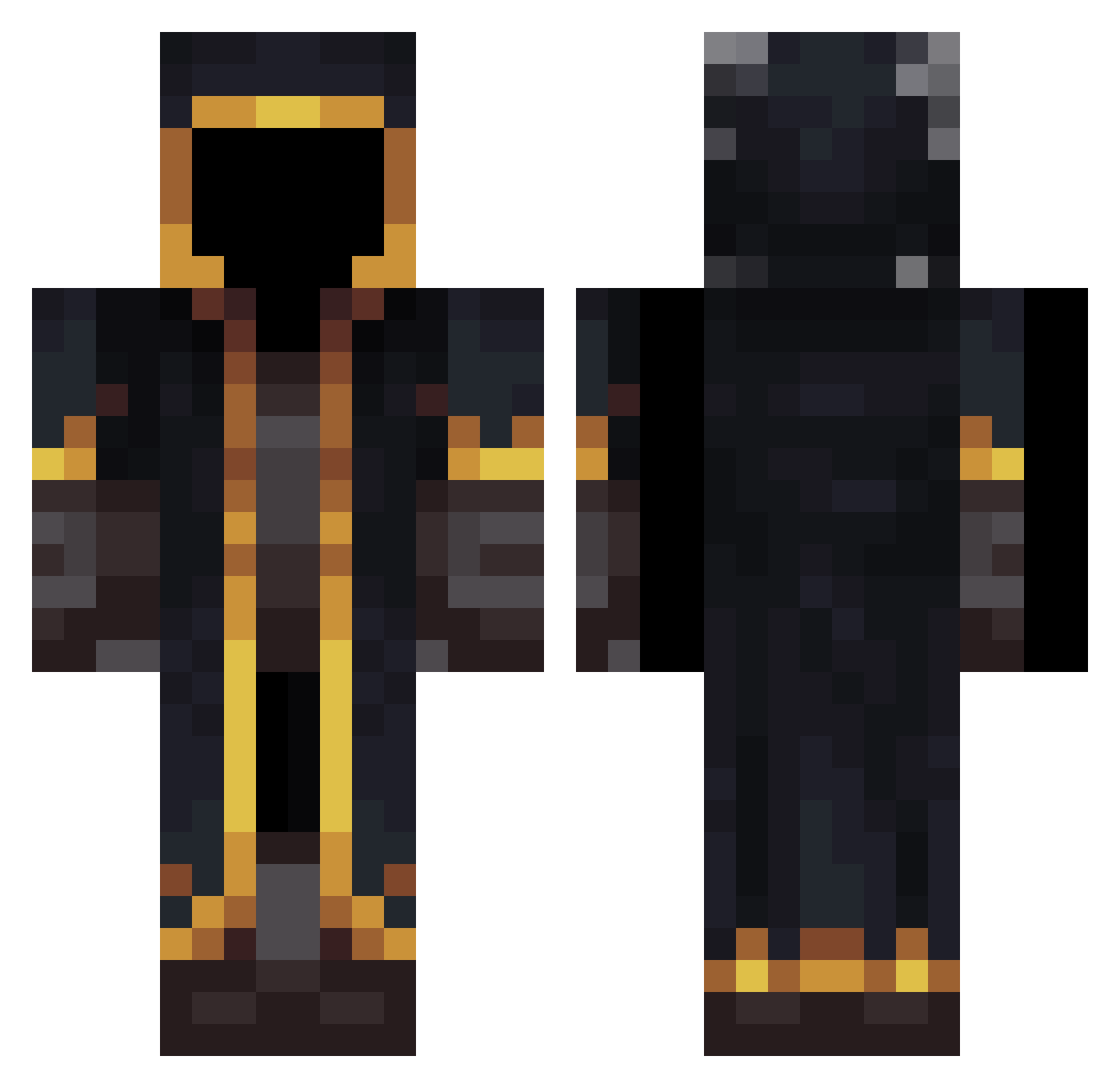
Current Minecraft skin of the player Hettylite, loaded from the official Mojang API. Rotate the 3D model with your mouse or finger, then download the skin as a PNG file and use it in Minecraft: Bedrock Edition or Java Edition for free. When Hettylite changes their skin, this page updates automatically and the old skin stays in the history below.
Other players with this skin (532)
Hettylite was the 461st player we have seen with this skin, first spotted on 21.10.2026. The same skin was seen on these players. Open a nickname to see their current skin and skin history.
 RumMmmMmMmMMMmM jaozada33 ianis26 Aimer2233 Matic_000 Geist0020 Danish20139 usz7 Pandaaa156 saraawaak _Eleven_11__ GabrieleDS4722 Alphaversion109 Lingerer czfy6 Dav1Zer0 Thor2ike linxquan LuxDaine Walker_Space EduardoMiranda Frostflat NyozCerix nnvkewnn HappySilas CastMedal Teklitas dlstodtx dav0196 Geow3000 marcusov Openned Canterbury_Knigh DioNoir xLinzh sniperdog8601 Maruchiniuwu miksio005 S3alus NicoBaldoma loongc04 skystar_030 valgau2009 Teleport130 amaie_93 Oupie LiquidPrep yLyla ENDLESS991 Capo_ghost hirapon4982 ShadowNinja545 kcm696969 rize09 SKYHNS doudou4064 LilArodTG genok0101 Lucas_Forever ActuallyLegend
More Mage Minecraft skins
How to install the Hettylite skin
- Press the Download button above to save the skin as a PNG file.
- Minecraft: Bedrock Edition (PE): open the Dressing Room from the main menu (or tap your character → Edit Character), go to Classic Skins → Owned, press the + (new skin) button, choose the downloaded PNG and pick the Classic (Steve) model. Works on PC and mobile; consoles cannot import custom skins.
- Minecraft: Java Edition: open the Minecraft Launcher, go to the Skins tab, click New Skin, load the PNG, pick the Classic (Steve) model and press Save & Use. You can also upload it at minecraft.net → Profile → Change Skin.
The skin does not show up after import - what should I do?
Restart Minecraft and open the Dressing Room again - imported skins sometimes appear only after a restart. Also make sure you selected the imported skin and picked the Classic (Steve) model.
Which model should I choose, Classic or Slim?
This skin is designed for the Classic (Steve) model. If you pick the wrong model, the arms of the skin will look stretched or squeezed.
Is the skin of Hettylite free to download?
Yes. Press Download, save the PNG file and use it in Minecraft: Bedrock Edition or Java Edition - no payment or registration needed. The skin also works on multiplayer servers and Realms.
More skins
Looking for more? Go back to all Minecraft skins and check the top skins of the week, month and all time, or find any player's skin by nickname.