
HeraCrown - Minecraft Skins & Skin History
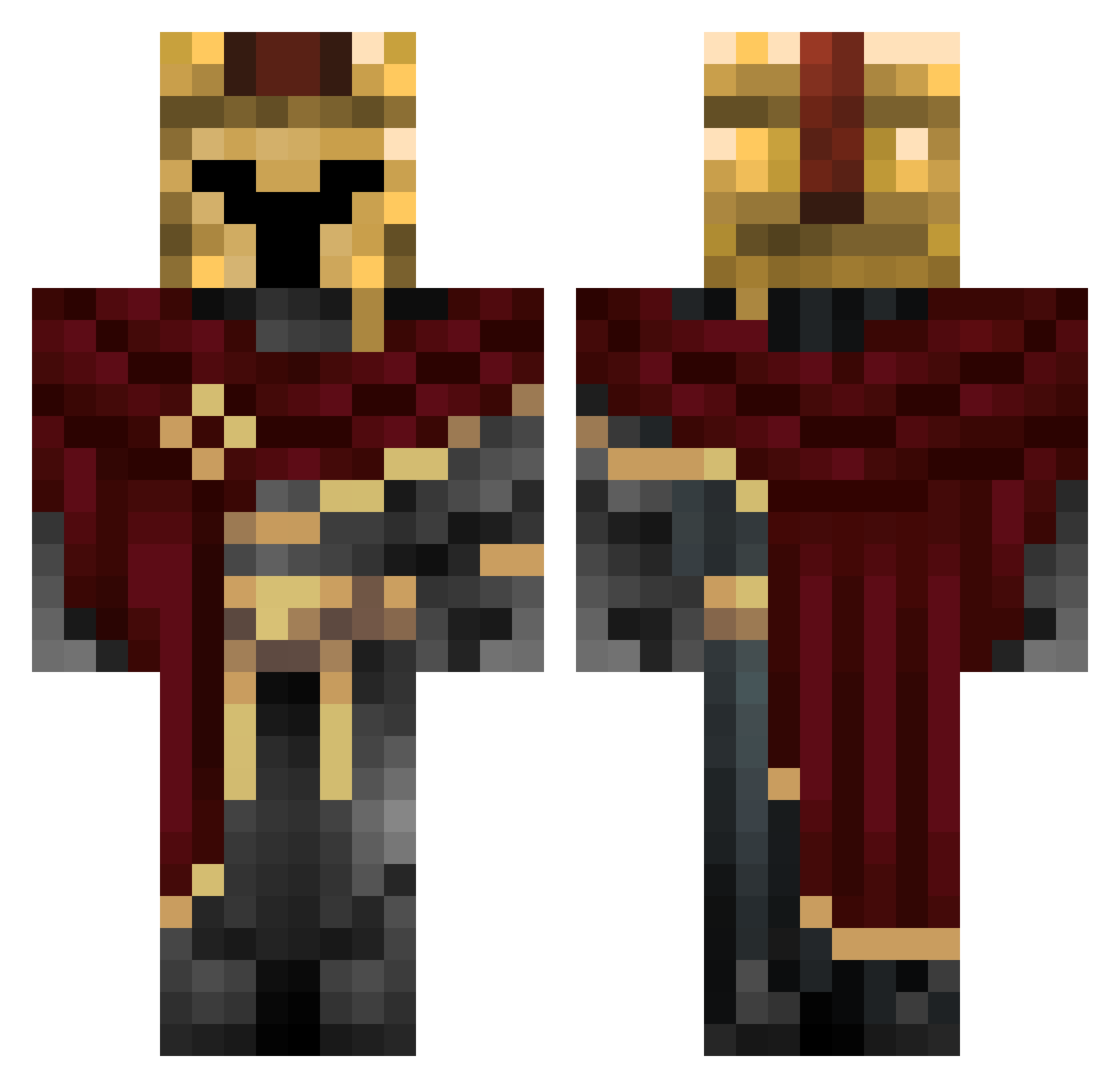
Current Minecraft skin of the player HeraCrown, loaded from the official Mojang API. Rotate the 3D model with your mouse or finger, then download the skin as a PNG file and use it in Minecraft: Bedrock Edition or Java Edition for free. When HeraCrown changes their skin, this page updates automatically and the old skin stays in the history below.
Other players with this skin (327)
HeraCrown was the 287th player we have seen with this skin, first spotted on 21.10.2026. The same skin was seen on these players. Open a nickname to see their current skin and skin history.
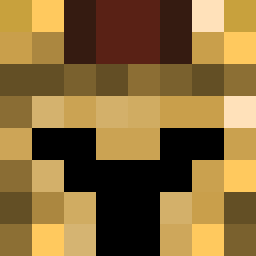 DonPancho402 Phobos Nitla MartinhoLutero Medstertrue Pafflog CapsaDNA carbenito123 rellothesnake RaspberryCatt Swinker Ca1ta LPM_Block2xtrem Ortu_Solis33 Helio57 _M1mic Evilans EnderCreeper627 soimanul TheArch1vist Tylerassassin24 Viellel Vici0uZ Po_prostu_Marcin Xfactor_99 Hloa ZeusAvenger tuna2976 WhiteWh1te MRaxlothle Squway AnhZungdepzai SDViper0516 HugoCG Lochlancox Drawing40 prsz_ EtavY11 w3yst diamond85745 TempestFredbear romanijus PaulMoloko Cavendish999 AgustinEscandon Xeyho JonasCM cheese_wizard22 EazyVictim LeopardThunder Abomajed Pro_metheus_ Giitar Eluril Wyrtox ADORITO345 us_sr1 B4Rt0SZZ E4r3lJ3why FederalAtlas
More Spartan Minecraft skins
How to install the HeraCrown skin
- Press the Download button above to save the skin as a PNG file.
- Minecraft: Bedrock Edition (PE): open the Dressing Room from the main menu (or tap your character → Edit Character), go to Classic Skins → Owned, press the + (new skin) button, choose the downloaded PNG and pick the Classic (Steve) model. Works on PC and mobile; consoles cannot import custom skins.
- Minecraft: Java Edition: open the Minecraft Launcher, go to the Skins tab, click New Skin, load the PNG, pick the Classic (Steve) model and press Save & Use. You can also upload it at minecraft.net → Profile → Change Skin.
The skin does not show up after import - what should I do?
Restart Minecraft and open the Dressing Room again - imported skins sometimes appear only after a restart. Also make sure you selected the imported skin and picked the Classic (Steve) model.
Which model should I choose, Classic or Slim?
This skin is designed for the Classic (Steve) model. If you pick the wrong model, the arms of the skin will look stretched or squeezed.
Is the skin of HeraCrown free to download?
Yes. Press Download, save the PNG file and use it in Minecraft: Bedrock Edition or Java Edition - no payment or registration needed. The skin also works on multiplayer servers and Realms.
More skins
Looking for more? Go back to all Minecraft skins and check the top skins of the week, month and all time, or find any player's skin by nickname.