
HelloWasTaken - Minecraft Skins & Skin History
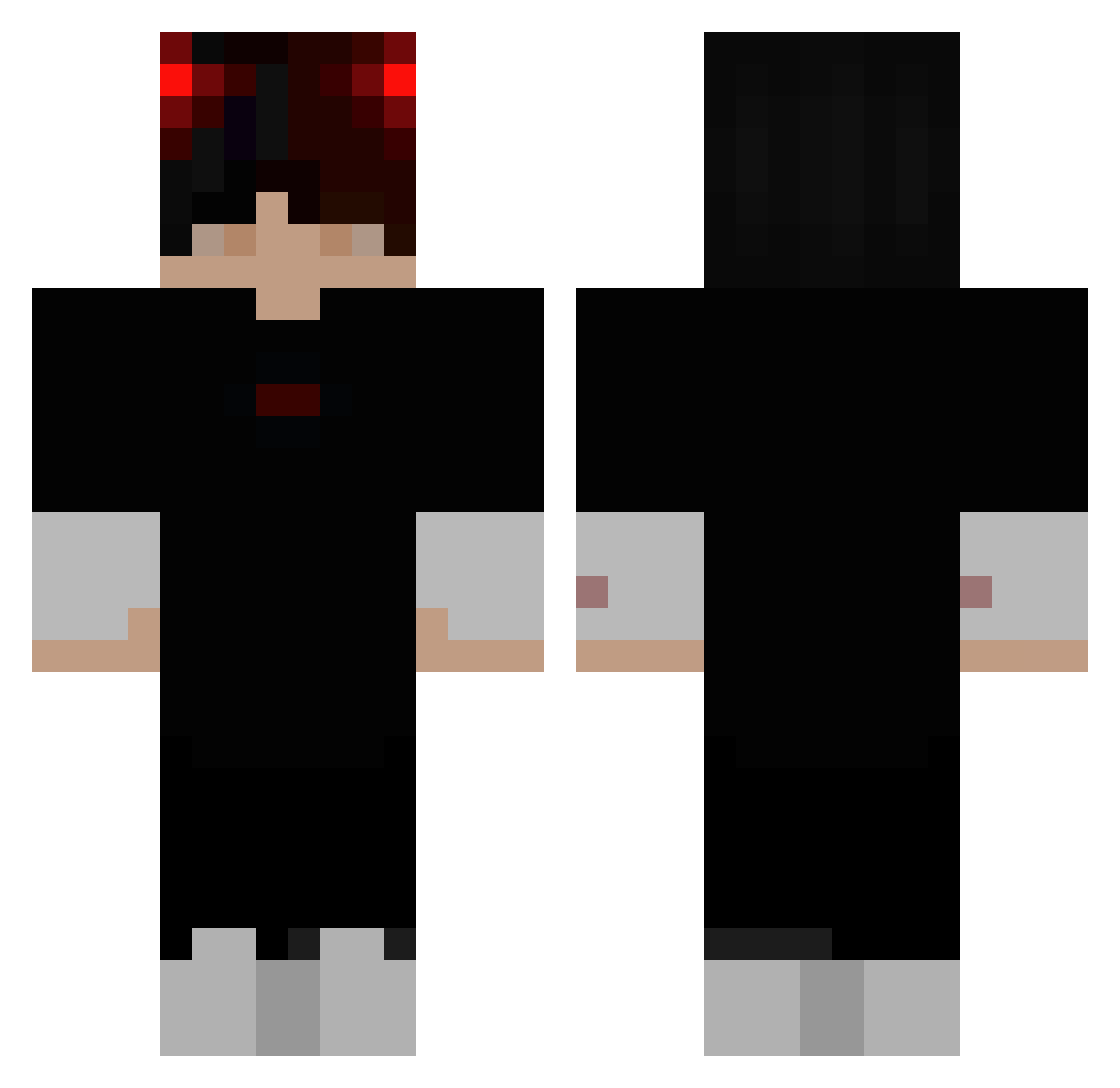
Current Minecraft skin of the player HelloWasTaken, loaded from the official Mojang API. Rotate the 3D model with your mouse or finger, then download the skin as a PNG file and use it in Minecraft: Bedrock Edition or Java Edition for free. When HelloWasTaken changes their skin, this page updates automatically and the old skin stays in the history below.
Other players with this skin (358)
HelloWasTaken was the 314th player we have seen with this skin, first spotted on 27.10.2026. The same skin was seen on these players. Open a nickname to see their current skin and skin history.
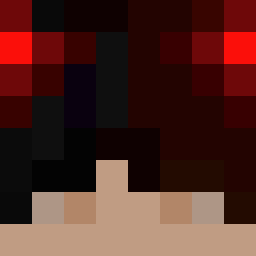 TheHrasekTV DomesticChicken MunK_ LIZARD6303 Pommes0305 poplopjj BossCastle95651 VsSweaZy HidekiRebel _mapix Zeydal 9lysy66 FeuchteKarotte 000and666 therhirhi AvaNeu Seanx17 disperato jeffxxz_ Sutkoksu YA__ Floxxx1 Visotin_Alex Luteraniense Lxxcs mdh775 EssekciDayi_31 pyodor TheGameingBrit kylebradley75 4lxr1 btwAngel Gumny0__0 xXLuciferXx3450 bossvagyokxd Tannenbaum_sas B3CZUK ohvr THANAWAT_OCX2 LOLxSQUIDx itz_cukr3 Wycj Diyyd JUSTK4Y4 Itz_JackSlayeer Korea_Devil xRiny payu2524 Pobbi Dqnic3k Hunter_Zane LxquiddGaming munin2 lachlan_cole KS_Reign Harby_kool_swag Misakii333 GenuinelyMiffed Super_Star0829 Chuckles0315
More Demon Minecraft skins
How to install the HelloWasTaken skin
- Press the Download button above to save the skin as a PNG file.
- Minecraft: Bedrock Edition (PE): open the Dressing Room from the main menu (or tap your character → Edit Character), go to Classic Skins → Owned, press the + (new skin) button, choose the downloaded PNG and pick the Classic (Steve) model. Works on PC and mobile; consoles cannot import custom skins.
- Minecraft: Java Edition: open the Minecraft Launcher, go to the Skins tab, click New Skin, load the PNG, pick the Classic (Steve) model and press Save & Use. You can also upload it at minecraft.net → Profile → Change Skin.
The skin does not show up after import - what should I do?
Restart Minecraft and open the Dressing Room again - imported skins sometimes appear only after a restart. Also make sure you selected the imported skin and picked the Classic (Steve) model.
Which model should I choose, Classic or Slim?
This skin is designed for the Classic (Steve) model. If you pick the wrong model, the arms of the skin will look stretched or squeezed.
Is the skin of HelloWasTaken free to download?
Yes. Press Download, save the PNG file and use it in Minecraft: Bedrock Edition or Java Edition - no payment or registration needed. The skin also works on multiplayer servers and Realms.
More skins
Looking for more? Go back to all Minecraft skins and check the top skins of the week, month and all time, or find any player's skin by nickname.