
HanKyuHo - Minecraft Skins & Skin History
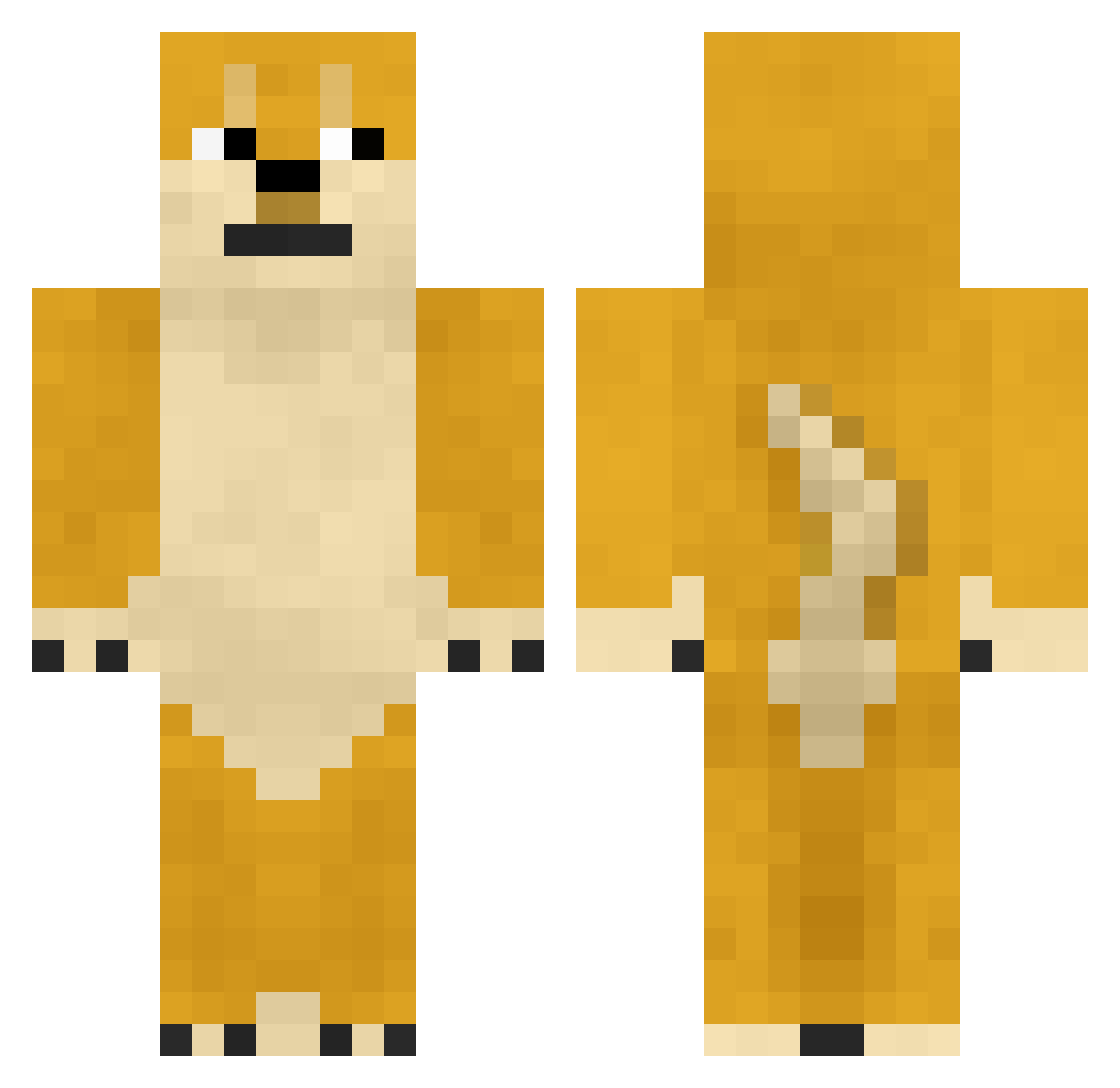
Current Minecraft skin of the player HanKyuHo, loaded from the official Mojang API. Rotate the 3D model with your mouse or finger, then download the skin as a PNG file and use it in Minecraft: Bedrock Edition or Java Edition for free. When HanKyuHo changes their skin, this page updates automatically and the old skin stays in the history below.
Other players with this skin (748)
HanKyuHo was the 571st player we have seen with this skin, first spotted on 11.10.2026. The same skin was seen on these players. Open a nickname to see their current skin and skin history.
 yslyds pieseuu2k17 wwwe8246 mc_available Tatsuya10969 kobe666james Hypixel_Zize Yin_doge doge322 Eason2333 butman200 T21337 Bond619 The_Sleeps Redbull2440 Mixupto lengmo2 MasterFatBull WangJunXibunanan TheGoodGood 666cbb NUMAchiii Zixuz_ deathbone77 Tjboi002 duhuan666 NiuTouRen_ _REON__ Bishop786 Sadlieh MooshroomMania WayneShiba qjtds Zhangyanjun WuDizhuzhuxia ShowMeYourDogs 1ce_Wolf MugiWheaty SkittleHawk Tudi29 baiyuqi520 Sakura2678 npwgsb ReilyX Sweety_Lemons b33fbuss xch1002 xiaoshan_com zimo170 cCcCcQ Ordinary_xue Kokoro0929 convertd FruitfulAtom176 Cyn3xx LiquidLunacy PortalAssassin Psychopt2 SteelerBoy2002 jevOdq8GkFmo
More Shiba Inu Minecraft skins
How to install the HanKyuHo skin
- Press the Download button above to save the skin as a PNG file.
- Minecraft: Bedrock Edition (PE): open the Dressing Room from the main menu (or tap your character → Edit Character), go to Classic Skins → Owned, press the + (new skin) button, choose the downloaded PNG and pick the Classic (Steve) model. Works on PC and mobile; consoles cannot import custom skins.
- Minecraft: Java Edition: open the Minecraft Launcher, go to the Skins tab, click New Skin, load the PNG, pick the Classic (Steve) model and press Save & Use. You can also upload it at minecraft.net → Profile → Change Skin.
The skin does not show up after import - what should I do?
Restart Minecraft and open the Dressing Room again - imported skins sometimes appear only after a restart. Also make sure you selected the imported skin and picked the Classic (Steve) model.
Which model should I choose, Classic or Slim?
This skin is designed for the Classic (Steve) model. If you pick the wrong model, the arms of the skin will look stretched or squeezed.
Is the skin of HanKyuHo free to download?
Yes. Press Download, save the PNG file and use it in Minecraft: Bedrock Edition or Java Edition - no payment or registration needed. The skin also works on multiplayer servers and Realms.
More skins
Looking for more? Go back to all Minecraft skins and check the top skins of the week, month and all time, or find any player's skin by nickname.