
Haku_Official - Minecraft Skins & Skin History
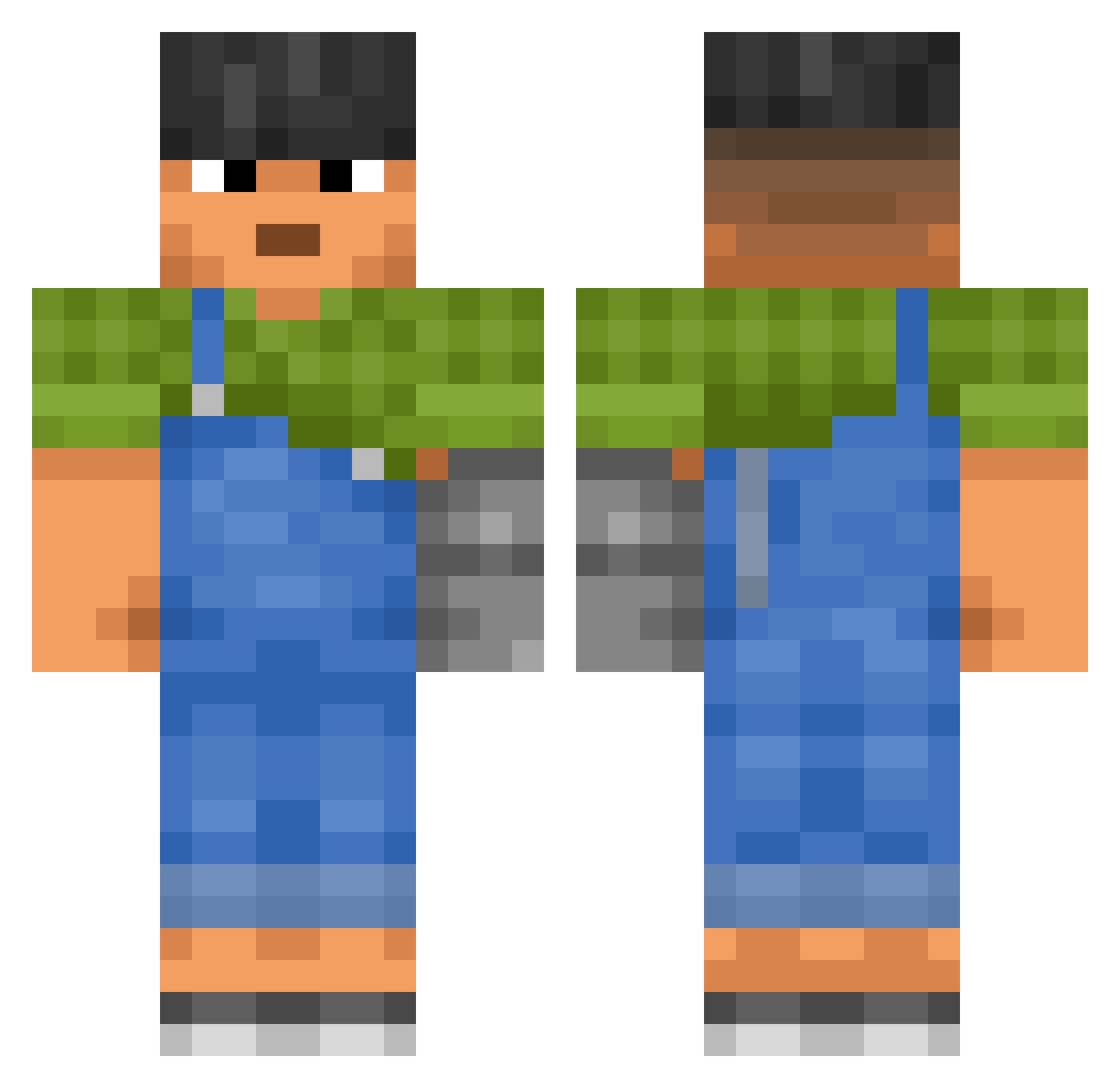
Current Minecraft skin of the player Haku_Official, loaded from the official Mojang API. Rotate the 3D model with your mouse or finger, then download the skin as a PNG file and use it in Minecraft: Bedrock Edition or Java Edition for free. When Haku_Official changes their skin, this page updates automatically and the old skin stays in the history below.
Other players with this skin (3443)
Haku_Official was the 2986th player we have seen with this skin, first spotted on 02.11.2026. The same skin was seen on these players. Open a nickname to see their current skin and skin history.
 arrowlike overanalyzing putz Mariculture SipSub vpee DishWasher42069 Vydiss Astrodynamics im_from_israel duess1 Calve dbarrera b4nanabre4d Votress TRESCHA SpaceyMC mustafaa_ Maicol0999 Intussusception Sant_czt benoit72350 Ebola42O MISTIEST Boopy22 Nr24 ices Antiglare Illudest 956y RobertNT sortiment Grill32 knotam Purple_Hazeee CybShredder Shwath Oreo_Kuchen Lona TYPERGUATE ReaperWolf23 RedHotFranky Thetamation olenator333 principe destabilized Putchuk therealone_1 SarpU iTzSnickerz CoreyManCan Exaction Dajule Manhunt M4fi4 bcz__ Papa_Zucc seledman 53szymanski53 matutekiller_
More Prosthetic Arm Minecraft skins
See all 80 Prosthetic Arm skins
How to install the Haku_Official skin
- Press the Download button above to save the skin as a PNG file.
- Minecraft: Bedrock Edition (PE): open the Dressing Room from the main menu (or tap your character → Edit Character), go to Classic Skins → Owned, press the + (new skin) button, choose the downloaded PNG and pick the Classic (Steve) model. Works on PC and mobile; consoles cannot import custom skins.
- Minecraft: Java Edition: open the Minecraft Launcher, go to the Skins tab, click New Skin, load the PNG, pick the Classic (Steve) model and press Save & Use. You can also upload it at minecraft.net → Profile → Change Skin.
The skin does not show up after import - what should I do?
Restart Minecraft and open the Dressing Room again - imported skins sometimes appear only after a restart. Also make sure you selected the imported skin and picked the Classic (Steve) model.
Which model should I choose, Classic or Slim?
This skin is designed for the Classic (Steve) model. If you pick the wrong model, the arms of the skin will look stretched or squeezed.
Is the skin of Haku_Official free to download?
Yes. Press Download, save the PNG file and use it in Minecraft: Bedrock Edition or Java Edition - no payment or registration needed. The skin also works on multiplayer servers and Realms.
More skins
Looking for more? Go back to all Minecraft skins and check the top skins of the week, month and all time, or find any player's skin by nickname.