
HTKK - Minecraft Skins & Skin History
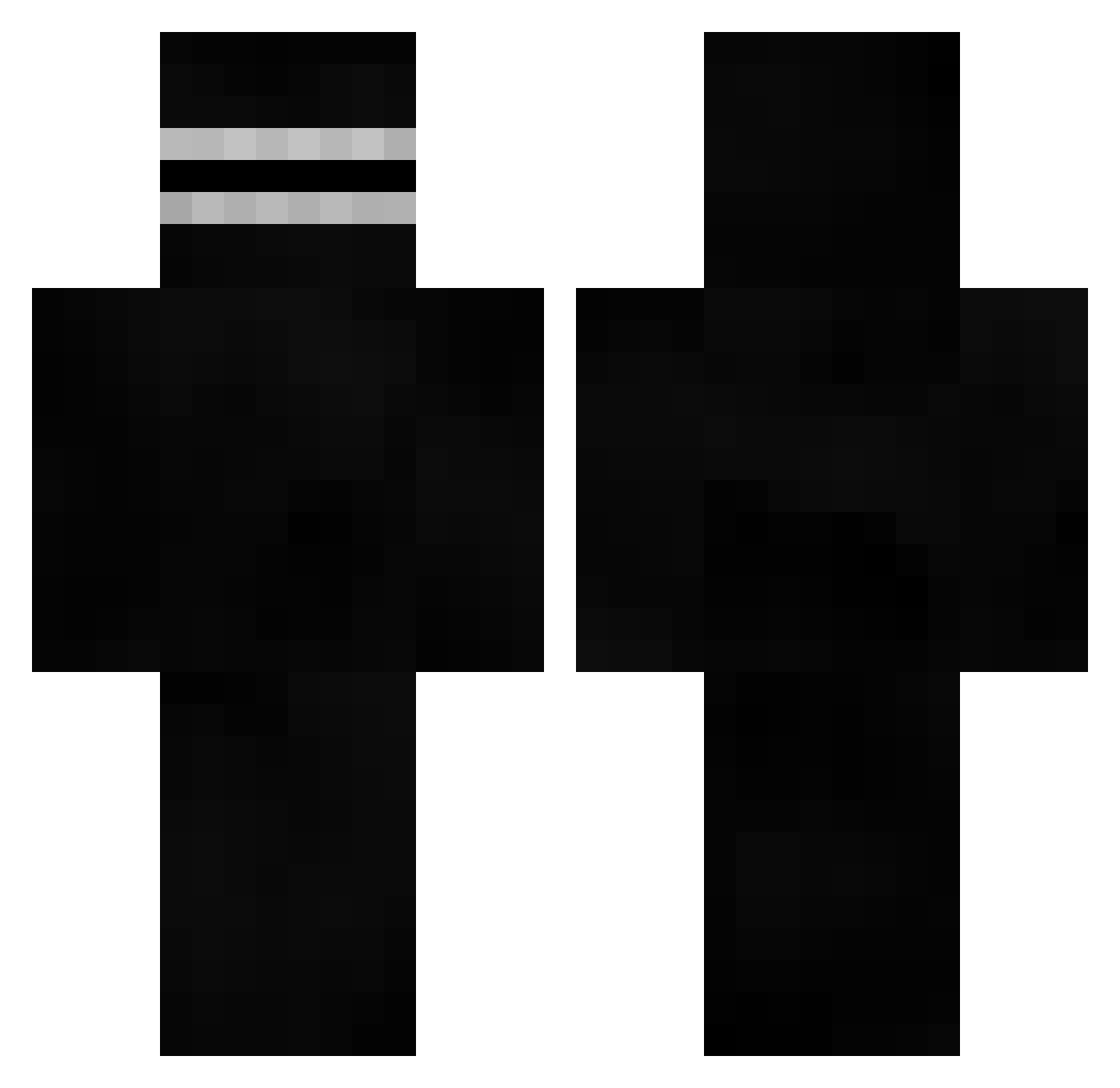
Current Minecraft skin of the player HTKK, loaded from the official Mojang API. Rotate the 3D model with your mouse or finger, then download the skin as a PNG file and use it in Minecraft: Bedrock Edition or Java Edition for free. When HTKK changes their skin, this page updates automatically and the old skin stays in the history below.
Other players with this skin (526)
HTKK was the 15th player we have seen with this skin, first spotted on 28.07.2026. The same skin was seen on these players. Open a nickname to see their current skin and skin history.
 gabedahering StettyBoostin Wuunsh Rotax34 SIHU0309 HAPPYzly Anry_27 DivorcioGames
 Re1Chan78 ZeroTheCollecter
 Sozka MRSwindle Zuccly LHP_Abgezwickt mogalts_sGBGW Figar Efferhehe Onyx_is_hot YolokriegerJonas JakeSkylxr potato2281 PygLia21 S2D_Dz p27wflix getxloww Over99 vulcanuqe fsuhaime Gioxd18 WxlfzAFK
 BlopaX mordaisy PhatHo_ jcoole Ziv CamelsToes DJYBOSS bananas253 Lambda013 TommyisShort LifeIsUseless Nikitovec Cheeseitz21duh Gilles3399 ShortGothGF chocovor MetahporMan BoJackson360 Fz3ro01 ImPeevy Scawy69 elmo2164 Holy_Pancuckoo OueChacal KaiserGreed AdskiyDrochila69 tlqkf0906 superpaulman Thanoss
 LAITCOUPILLE2JP
More Visor Minecraft skins
How to install the HTKK skin
- Press the Download button above to save the skin as a PNG file.
- Minecraft: Bedrock Edition (PE): open the Dressing Room from the main menu (or tap your character → Edit Character), go to Classic Skins → Owned, press the + (new skin) button, choose the downloaded PNG and pick the Classic (Steve) model. Works on PC and mobile; consoles cannot import custom skins.
- Minecraft: Java Edition: open the Minecraft Launcher, go to the Skins tab, click New Skin, load the PNG, pick the Classic (Steve) model and press Save & Use. You can also upload it at minecraft.net → Profile → Change Skin.
The skin does not show up after import - what should I do?
Restart Minecraft and open the Dressing Room again - imported skins sometimes appear only after a restart. Also make sure you selected the imported skin and picked the Classic (Steve) model.
Which model should I choose, Classic or Slim?
This skin is designed for the Classic (Steve) model. If you pick the wrong model, the arms of the skin will look stretched or squeezed.
Is the skin of HTKK free to download?
Yes. Press Download, save the PNG file and use it in Minecraft: Bedrock Edition or Java Edition - no payment or registration needed. The skin also works on multiplayer servers and Realms.
More skins
Looking for more? Go back to all Minecraft skins and check the top skins of the week, month and all time, or find any player's skin by nickname.