
HMX0116 - Minecraft Skins & Skin History
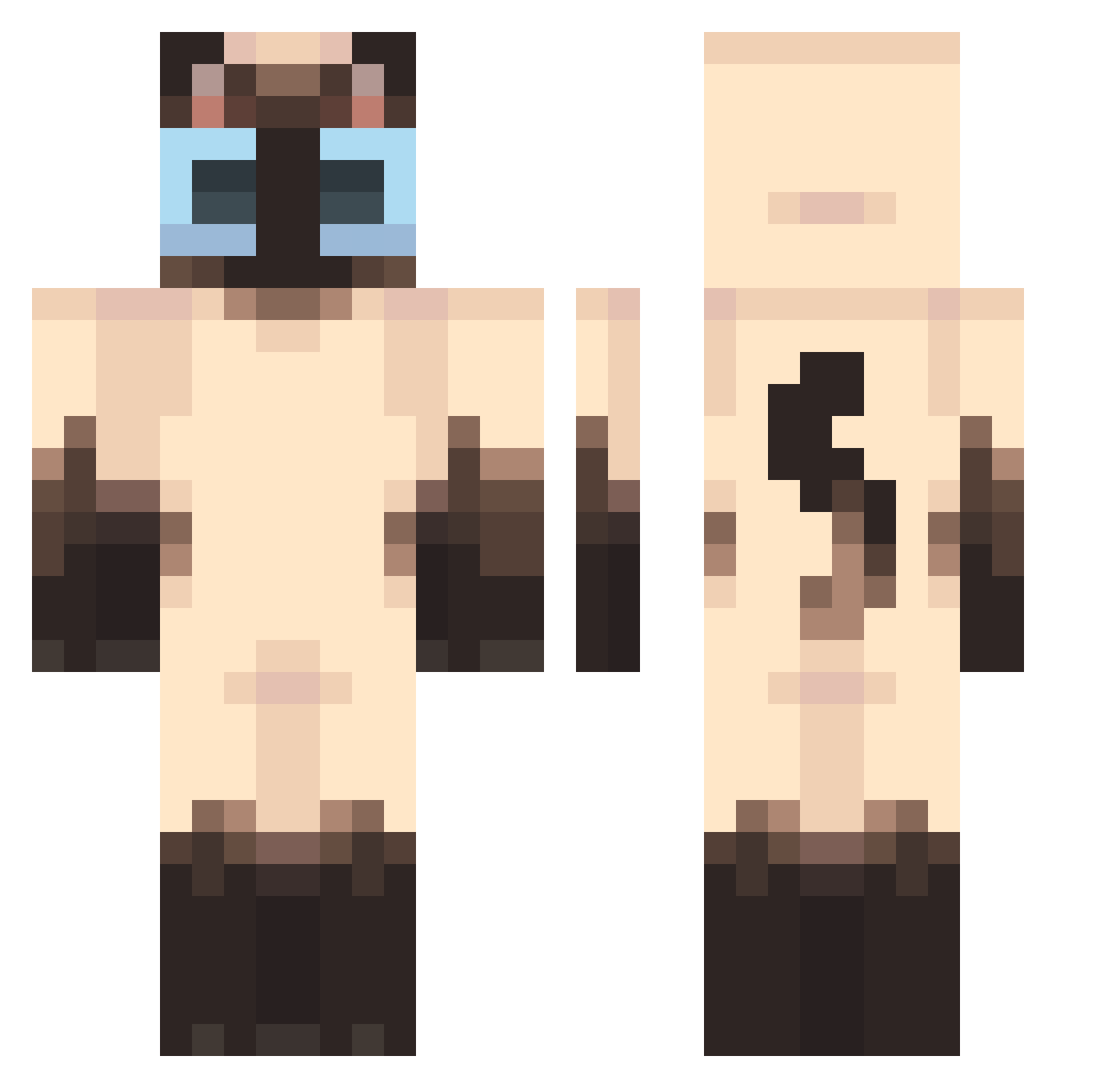
Current Minecraft skin of the player HMX0116, loaded from the official Mojang API. Rotate the 3D model with your mouse or finger, then download the skin as a PNG file and use it in Minecraft: Bedrock Edition or Java Edition for free. When HMX0116 changes their skin, this page updates automatically and the old skin stays in the history below.
Other players with this skin (440)
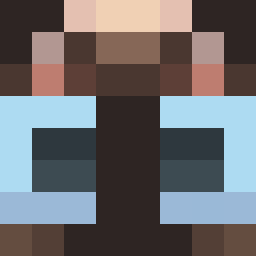
HMX0116 was the 231st player we have seen with this skin, first spotted on 20.09.2026. The same skin was seen on these players. Open a nickname to see their current skin and skin history.
 Bl0bfizh AmazingCodFish TatieSushi MrK7844 GanjaLaMenace bunnyhugsx MocreiaImunda ZeroTwo69_TV applepi323 Docobubs scruffyspirals modik_ ManuelDaSilva Schnuberto Vangoulard LUCHOMATICO dippy_stick ninananani Yibbyy Russelul Andre202020xd Baennah BrilliantYu bylethiez lililusss ihaztwojayz KDsorata Syamu_S_Kennedy tuareej z0mbbb1e M12and Just_Ang3l Fusheh xmascheerio yu0vo ItsJolty kapi112341 DiamondCC2021 hachiva MEOWMOW123 Insomnio134 catgod5544 Pho_livia lsj_709 nerfko xqqq7 daisyxc Yaongg mmhhmmhh Koluniczka Fey009 Alimiaui DLEE_ TURTLE7781 Barfly45 dappermeows PEDRO4k SORCIERDOUTREMER merstaikaa vokwl
More Siamese Cat Minecraft skins
How to install the HMX0116 skin
- Press the Download button above to save the skin as a PNG file.
- Minecraft: Bedrock Edition (PE): open the Dressing Room from the main menu (or tap your character → Edit Character), go to Classic Skins → Owned, press the + (new skin) button, choose the downloaded PNG and pick the Classic (Steve) model. Works on PC and mobile; consoles cannot import custom skins.
- Minecraft: Java Edition: open the Minecraft Launcher, go to the Skins tab, click New Skin, load the PNG, pick the Classic (Steve) model and press Save & Use. You can also upload it at minecraft.net → Profile → Change Skin.
The skin does not show up after import - what should I do?
Restart Minecraft and open the Dressing Room again - imported skins sometimes appear only after a restart. Also make sure you selected the imported skin and picked the Classic (Steve) model.
Which model should I choose, Classic or Slim?
This skin is designed for the Classic (Steve) model. If you pick the wrong model, the arms of the skin will look stretched or squeezed.
Is the skin of HMX0116 free to download?
Yes. Press Download, save the PNG file and use it in Minecraft: Bedrock Edition or Java Edition - no payment or registration needed. The skin also works on multiplayer servers and Realms.
More skins
Looking for more? Go back to all Minecraft skins and check the top skins of the week, month and all time, or find any player's skin by nickname.