
Gostmaister - Minecraft Skins & Skin History
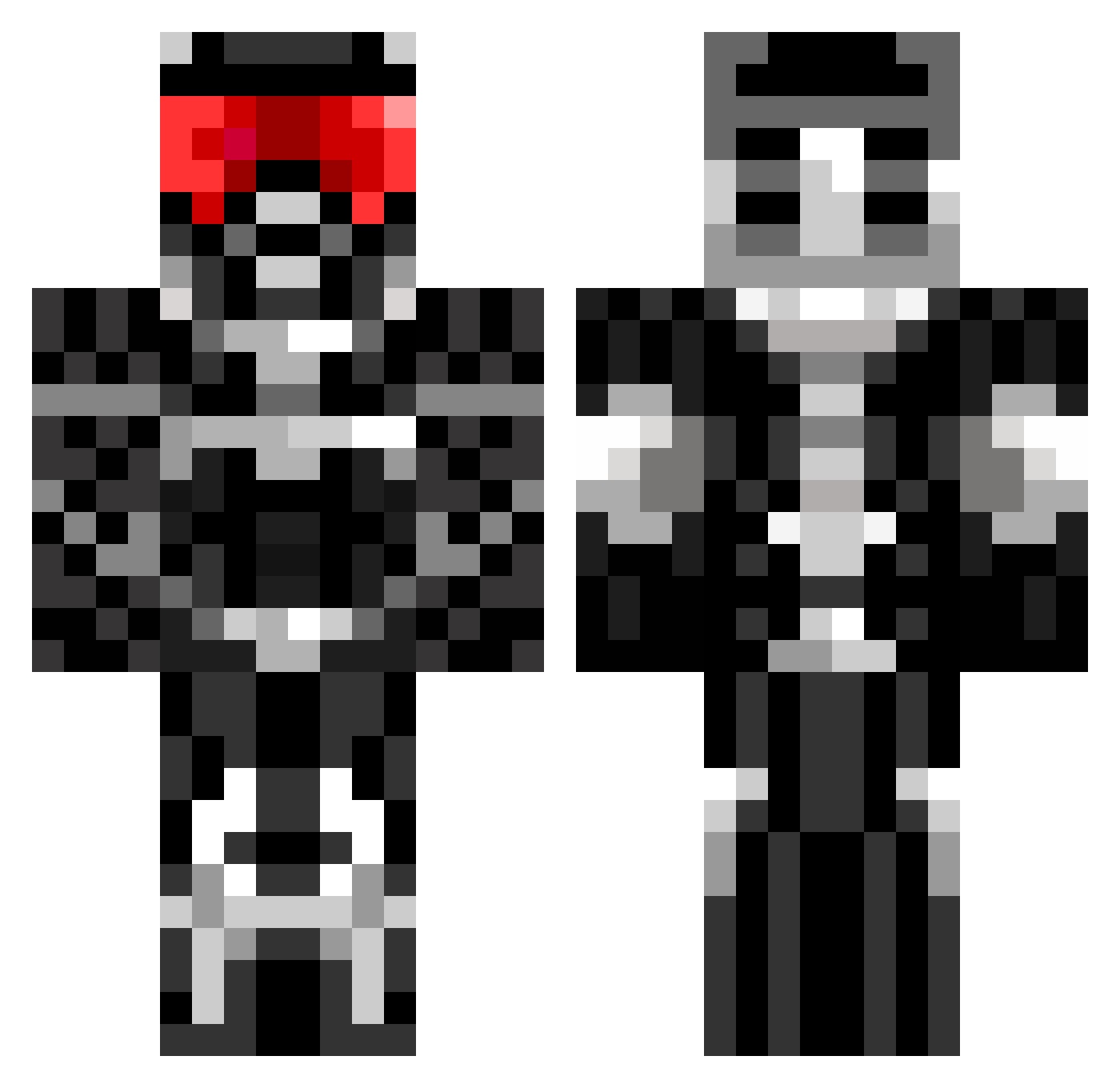
Current Minecraft skin of the player Gostmaister, loaded from the official Mojang API. Rotate the 3D model with your mouse or finger, then download the skin as a PNG file and use it in Minecraft: Bedrock Edition or Java Edition for free. When Gostmaister changes their skin, this page updates automatically and the old skin stays in the history below.
Other players with this skin (675)
Gostmaister was the 449th player we have seen with this skin, first spotted on 04.10.2026. The same skin was seen on these players. Open a nickname to see their current skin and skin history.
 cypher3897 BOOSTloader OneShotGlory Chocham Monchoman45 humblej Tdot33 zombiehunter3500 esanabria23 Cole_Warrior bOOtGanG75 Lukeeye crawford29 Gristoes mimicracra toiletplunger27 epicpianoguy darktemplar24686 muffinfuenf David_199 derTorti leonypredator Thresh19 222richard222 CK_IS_A_GOD_HAHA Maxime57420 TheGimpyGamer ronate captain_bleach Robo121212 NZStriker_Eureka Mizzou_1 Erythrolux AlphaGamer323 Jakle1103 jppkr blackoutdt Nabekei floppymike Regione Simme7 Terantish dDogge whinningmaduse cluesman212 IAmYourSerperior Isaac645Alt3 Archilleslas wolfmanz3 dubbar SweetAubs Ca33e mike_w Subliminus vegeto247 LIVINGxMINER Vulcan2 will_caramel Baddos Brandon24240
More Sci Fi Armor Minecraft skins
How to install the Gostmaister skin
- Press the Download button above to save the skin as a PNG file.
- Minecraft: Bedrock Edition (PE): open the Dressing Room from the main menu (or tap your character → Edit Character), go to Classic Skins → Owned, press the + (new skin) button, choose the downloaded PNG and pick the Classic (Steve) model. Works on PC and mobile; consoles cannot import custom skins.
- Minecraft: Java Edition: open the Minecraft Launcher, go to the Skins tab, click New Skin, load the PNG, pick the Classic (Steve) model and press Save & Use. You can also upload it at minecraft.net → Profile → Change Skin.
The skin does not show up after import - what should I do?
Restart Minecraft and open the Dressing Room again - imported skins sometimes appear only after a restart. Also make sure you selected the imported skin and picked the Classic (Steve) model.
Which model should I choose, Classic or Slim?
This skin is designed for the Classic (Steve) model. If you pick the wrong model, the arms of the skin will look stretched or squeezed.
Is the skin of Gostmaister free to download?
Yes. Press Download, save the PNG file and use it in Minecraft: Bedrock Edition or Java Edition - no payment or registration needed. The skin also works on multiplayer servers and Realms.
More skins
Looking for more? Go back to all Minecraft skins and check the top skins of the week, month and all time, or find any player's skin by nickname.