
Brandon24240 - Minecraft Skins & Skin History
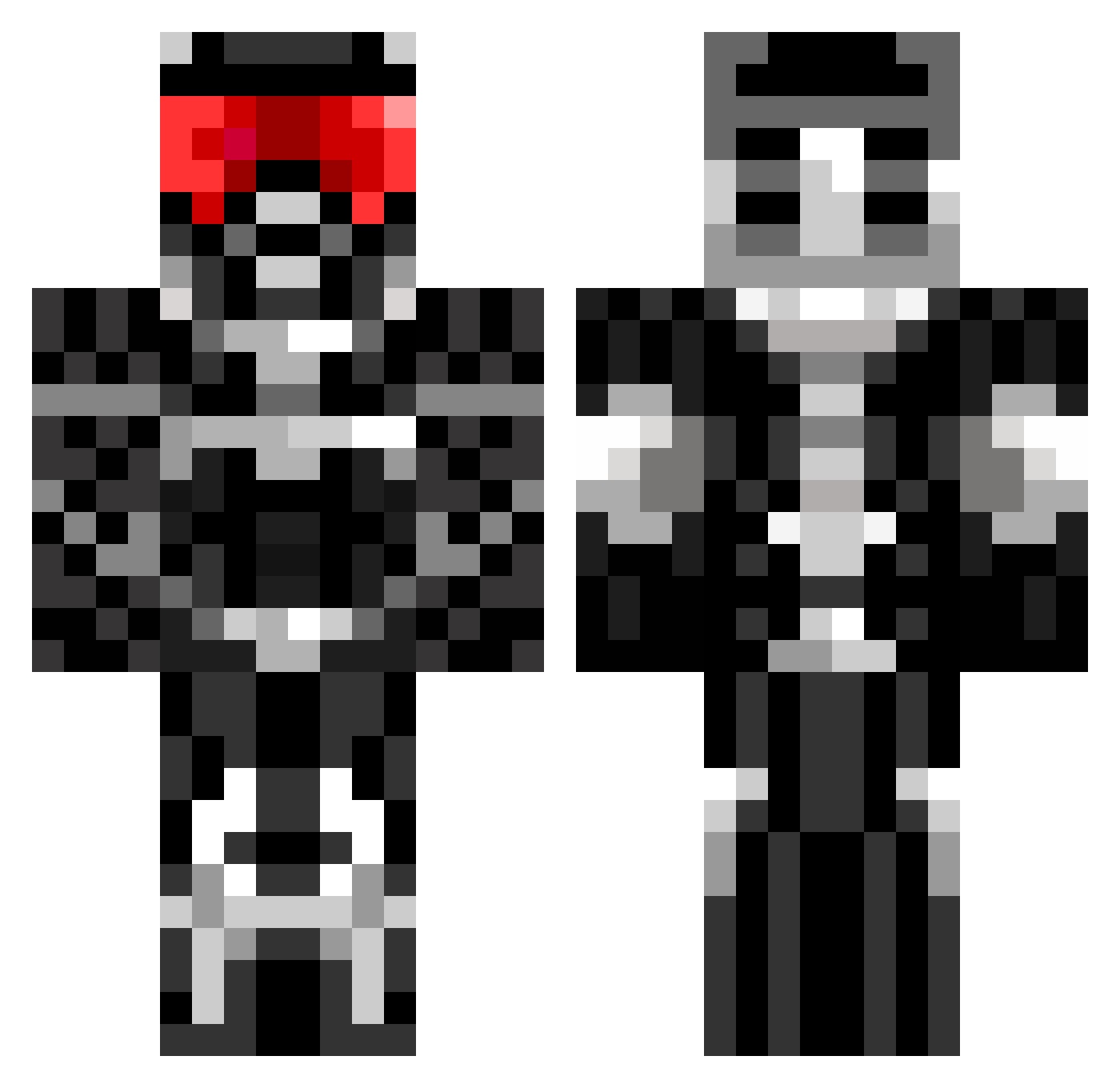
Current Minecraft skin of the player Brandon24240, loaded from the official Mojang API. Rotate the 3D model with your mouse or finger, then download the skin as a PNG file and use it in Minecraft: Bedrock Edition or Java Edition for free. When Brandon24240 changes their skin, this page updates automatically and the old skin stays in the history below.
Other players with this skin (675)
Brandon24240 was the 480th player we have seen with this skin, first spotted on 08.10.2026. The same skin was seen on these players. Open a nickname to see their current skin and skin history.
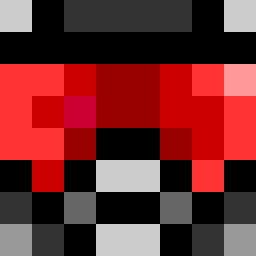 MrTasco will_caramel LIVINGxMINER NightAssassin259 SimzyBoi johnthenoob savageC Gwink123 Ca33e SweetAubs Tahori ShadeRedemption dubbar wolfmanz3 SebastianClack freezcheez IAmYourSerperior AliTheRockStar Bob22941 cluesman212 MerCyInTheShell dDogge Ak1999 bdmoore Josephc2 jppkr ArchMadman Jakle1103 Erythrolux Ericryan69 Robo121212 captain_bleach ZakDaPro havilandst CK_IS_A_GOD_HAHA BunnyRox 222richard222 leonypredator derTorti David_199 FrostXKnight darktemplar24686 epicpianoguy toiletplunger27 _KoeGi_ Wafthrudnir00 matt_m7 gun_Mannn b1dg3 crawford29 Lukeeye bOOtGanG75 BoogiBoo Cole_Warrior Crysic255 nrb33 AXUSRAID Kimclean123 zombiehunter3500 Azanthul1210
More Sci Fi Armor Minecraft skins
How to install the Brandon24240 skin
- Press the Download button above to save the skin as a PNG file.
- Minecraft: Bedrock Edition (PE): open the Dressing Room from the main menu (or tap your character → Edit Character), go to Classic Skins → Owned, press the + (new skin) button, choose the downloaded PNG and pick the Classic (Steve) model. Works on PC and mobile; consoles cannot import custom skins.
- Minecraft: Java Edition: open the Minecraft Launcher, go to the Skins tab, click New Skin, load the PNG, pick the Classic (Steve) model and press Save & Use. You can also upload it at minecraft.net → Profile → Change Skin.
The skin does not show up after import - what should I do?
Restart Minecraft and open the Dressing Room again - imported skins sometimes appear only after a restart. Also make sure you selected the imported skin and picked the Classic (Steve) model.
Which model should I choose, Classic or Slim?
This skin is designed for the Classic (Steve) model. If you pick the wrong model, the arms of the skin will look stretched or squeezed.
Is the skin of Brandon24240 free to download?
Yes. Press Download, save the PNG file and use it in Minecraft: Bedrock Edition or Java Edition - no payment or registration needed. The skin also works on multiplayer servers and Realms.
More skins
Looking for more? Go back to all Minecraft skins and check the top skins of the week, month and all time, or find any player's skin by nickname.