
GoldenTabby9909 - Minecraft Skins & Skin History
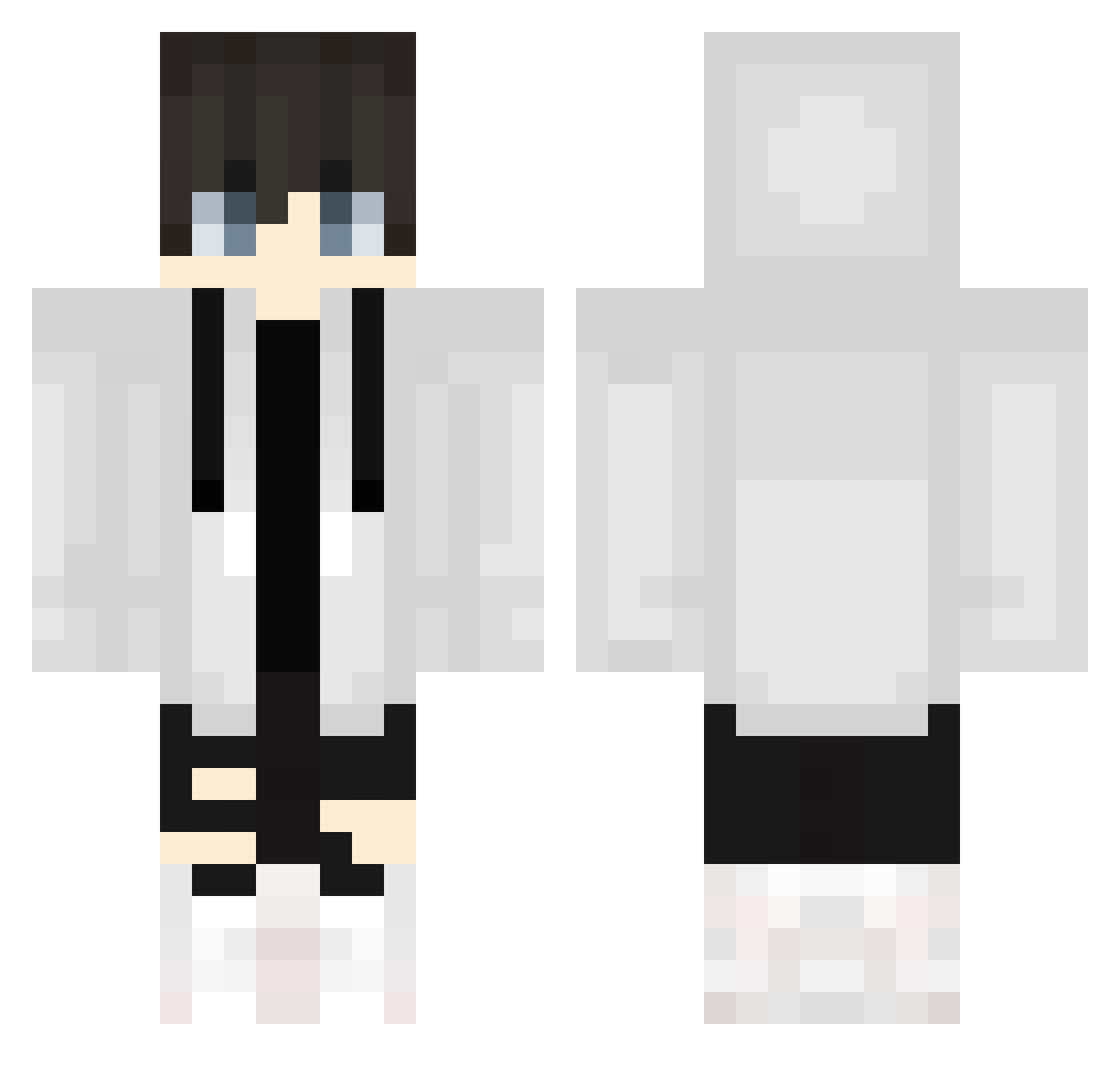
Current Minecraft skin of the player GoldenTabby9909, loaded from the official Mojang API. Rotate the 3D model with your mouse or finger, then download the skin as a PNG file and use it in Minecraft: Bedrock Edition or Java Edition for free. When GoldenTabby9909 changes their skin, this page updates automatically and the old skin stays in the history below.
Other players with this skin (686)
GoldenTabby9909 was the 192nd player we have seen with this skin, first spotted on 23.08.2026. The same skin was seen on these players. Open a nickname to see their current skin and skin history.
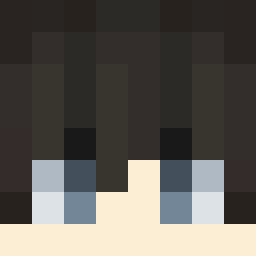 lonti20 Rcwalter _SweatToggled Kunkfu_Panda200 Yumaaaaaaaaaa YooSungJin Yusy0 yajyusenpai11451 1024nnk LeMagicalCookie pmxtkd aimee667 DazzlingGamingDX JunApe haozero _Mbell__ reggtheledge dgminho arda2014gs sedikk1QIo909 Lukas1018 LuckyFrosty19 Ma8ra51 Katixx L1GHT_100 syoragi Rafi2193 plenal TyFighter2004
 shark730 TheRexy15 umii_y llChocolatell Zabott0 Esoteric_10 SrMatthie m1y03 pin3appl3gam3r3 drerino Yakioni1024 YuriKeech
 Quark talhafrkn11 howwwwwz Kuzey6549 LZ_EnderWIN _Mamar mashiro3284 eiei3 wesley23614 hirA_Key Gordin0202 Shou__AS kerem08_ Kirawillkill ArNaMe_ Yuukilios yeet_master2589 Lem_Done kit0920
More Streetwear Minecraft skins
How to install the GoldenTabby9909 skin
- Press the Download button above to save the skin as a PNG file.
- Minecraft: Bedrock Edition (PE): open the Dressing Room from the main menu (or tap your character → Edit Character), go to Classic Skins → Owned, press the + (new skin) button, choose the downloaded PNG and pick the Classic (Steve) model. Works on PC and mobile; consoles cannot import custom skins.
- Minecraft: Java Edition: open the Minecraft Launcher, go to the Skins tab, click New Skin, load the PNG, pick the Classic (Steve) model and press Save & Use. You can also upload it at minecraft.net → Profile → Change Skin.
The skin does not show up after import - what should I do?
Restart Minecraft and open the Dressing Room again - imported skins sometimes appear only after a restart. Also make sure you selected the imported skin and picked the Classic (Steve) model.
Which model should I choose, Classic or Slim?
This skin is designed for the Classic (Steve) model. If you pick the wrong model, the arms of the skin will look stretched or squeezed.
Is the skin of GoldenTabby9909 free to download?
Yes. Press Download, save the PNG file and use it in Minecraft: Bedrock Edition or Java Edition - no payment or registration needed. The skin also works on multiplayer servers and Realms.
More skins
Looking for more? Go back to all Minecraft skins and check the top skins of the week, month and all time, or find any player's skin by nickname.