
Gold3n45 - Minecraft Skins & Skin History
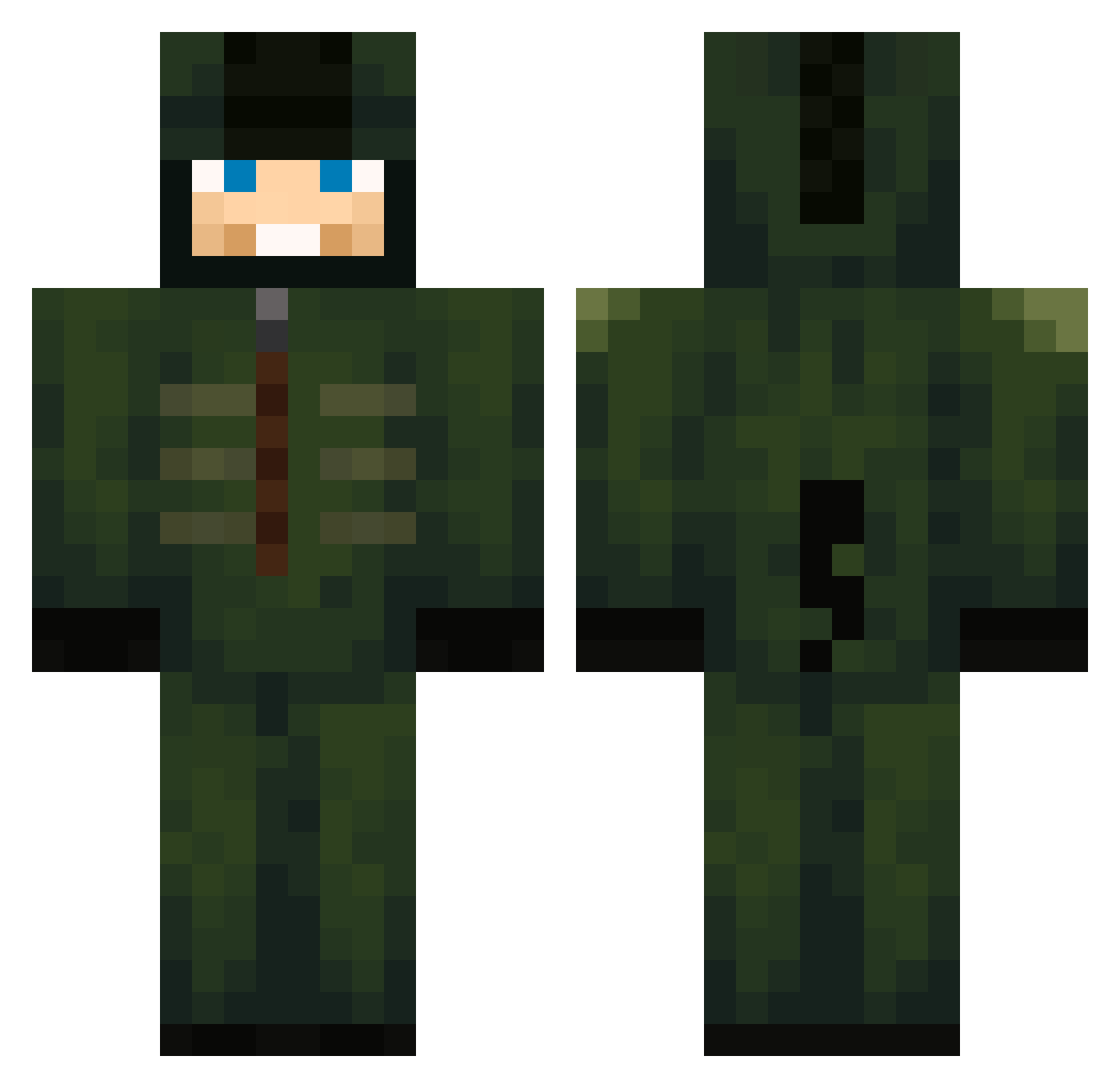
Current Minecraft skin of the player Gold3n45, loaded from the official Mojang API. Rotate the 3D model with your mouse or finger, then download the skin as a PNG file and use it in Minecraft: Bedrock Edition or Java Edition for free. When Gold3n45 changes their skin, this page updates automatically and the old skin stays in the history below.
Other players with this skin (600)
Gold3n45 was the 41st player we have seen with this skin, first spotted on 01.08.2026. The same skin was seen on these players. Open a nickname to see their current skin and skin history.
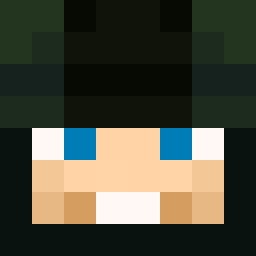 monkeymanAditya FreakyBob28 Tschuun norbijohn420 Buzzardlo ZLHXTY TherealJoseph
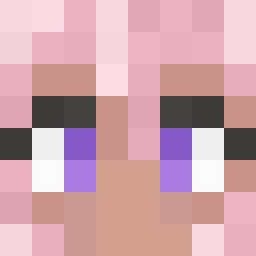 ariel2015 Creak3 4frim Bubu3366 4n70ny7 DimMuffin07 markyyy133 darklh1 adlenzhaks 33_bastian LittleGoblin04 snifeybull fjhfhj jayoloo Imalose27 MagliaRossa_1 tvrb025
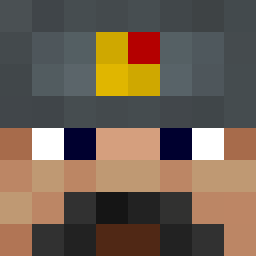 scolli PfadGamerking UnkHorny Dobbsy_ LeFrSpaghetti myau67 NotXtro TeoPro2017 GmerXGIRL Infinite0408 Huseyinwr santos624 fc1131 Lilleneser
 r3alBOY333 SuperNova2523 drammi lolAyden blesi_ sagasrt11
 exgoc goofygamer696 itzmavey VarantOff eattokill RuI_I SerDMD 63Lucki
 Minablos Win092309 thx_4_nun Cryptkeeper0311 FerreLucille Rays6464 17c_ DKStikko69
More Kigurumi Minecraft skins
How to install the Gold3n45 skin
- Press the Download button above to save the skin as a PNG file.
- Minecraft: Bedrock Edition (PE): open the Dressing Room from the main menu (or tap your character → Edit Character), go to Classic Skins → Owned, press the + (new skin) button, choose the downloaded PNG and pick the Classic (Steve) model. Works on PC and mobile; consoles cannot import custom skins.
- Minecraft: Java Edition: open the Minecraft Launcher, go to the Skins tab, click New Skin, load the PNG, pick the Classic (Steve) model and press Save & Use. You can also upload it at minecraft.net → Profile → Change Skin.
The skin does not show up after import - what should I do?
Restart Minecraft and open the Dressing Room again - imported skins sometimes appear only after a restart. Also make sure you selected the imported skin and picked the Classic (Steve) model.
Which model should I choose, Classic or Slim?
This skin is designed for the Classic (Steve) model. If you pick the wrong model, the arms of the skin will look stretched or squeezed.
Is the skin of Gold3n45 free to download?
Yes. Press Download, save the PNG file and use it in Minecraft: Bedrock Edition or Java Edition - no payment or registration needed. The skin also works on multiplayer servers and Realms.
More skins
Looking for more? Go back to all Minecraft skins and check the top skins of the week, month and all time, or find any player's skin by nickname.