
GodzBot17 - Minecraft Skins & Skin History
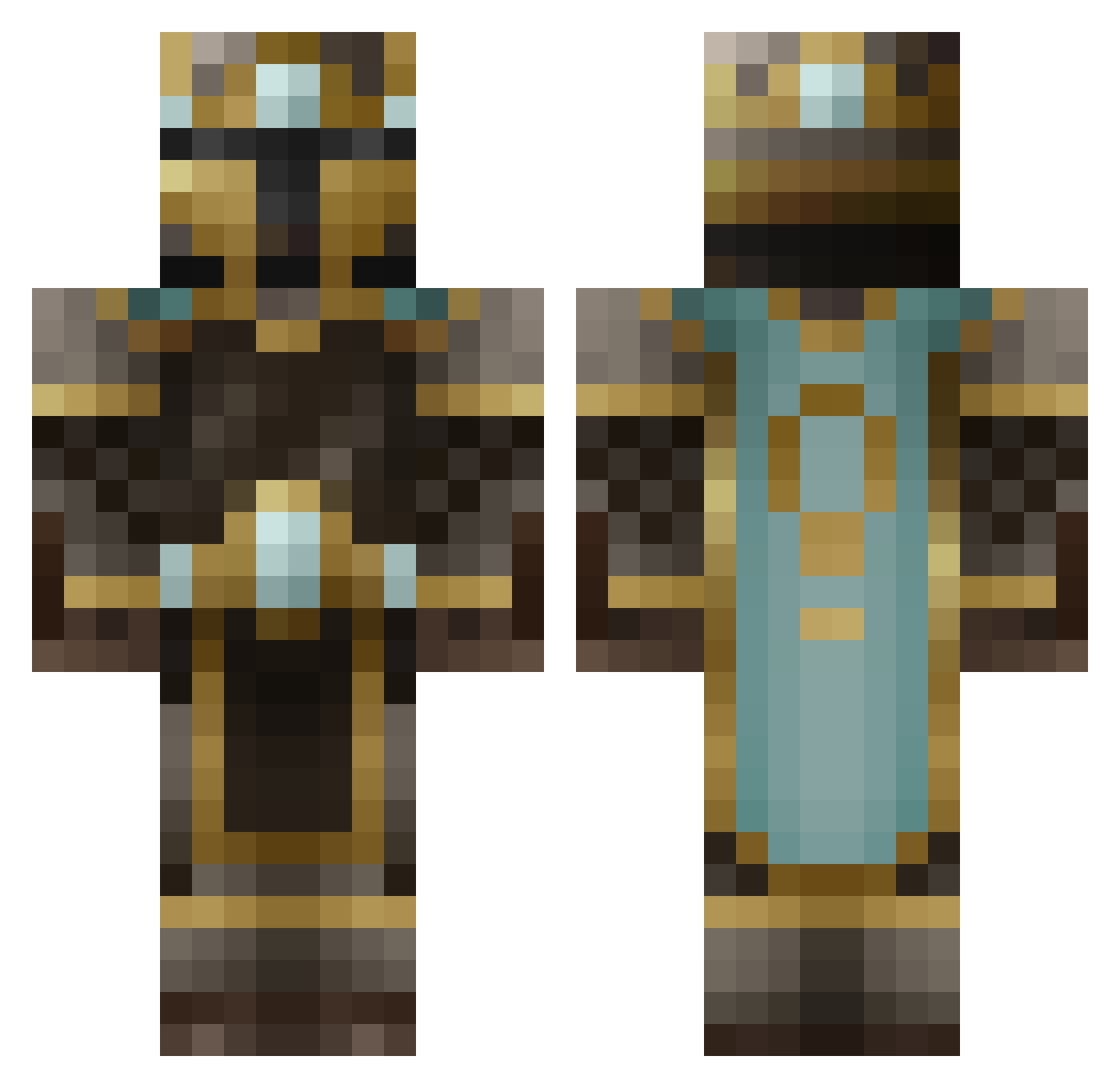
Current Minecraft skin of the player GodzBot17, loaded from the official Mojang API. Rotate the 3D model with your mouse or finger, then download the skin as a PNG file and use it in Minecraft: Bedrock Edition or Java Edition for free. When GodzBot17 changes their skin, this page updates automatically and the old skin stays in the history below.
Other players with this skin (481)
GodzBot17 was the 86th player we have seen with this skin, first spotted on 12.08.2026. The same skin was seen on these players. Open a nickname to see their current skin and skin history.
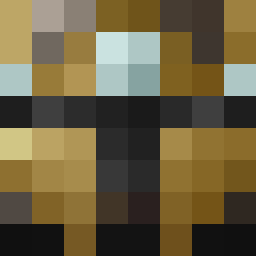 Drake_Aug MahLanna Brainiaker BlackDuke07 Povli marfswaggboyNL Josh_Blaze Oiinky Emyrxal WolfLord_Ragnar fisherman1466 Foileman Tartilus kal86900 David_Truong Dovahkin450 sgtchris123 Dagnome414 jax123412 TheDukeOfJames ninjaman757 Qwincee Juuhler joshuacarlson Darcyx420 MrChubbySeal Halocalibure KhaosKiller251 michael711 gxd45 ADrunkSquirrel KillerFisherman bigdevil93 Floppet_Boy GlitchPls 25_cents_ iMineCraftNoob rpmostyn TheJoshin x300000 Jajingo xxxDAMOxxx umoman95 Pebbles2k MJNester thegreatmiller Zamurox Mr_Balzak Avalon81m mattias_handboll camerong127 epocolypze stalkerblocker Ponchichi erunn123 heroslasher101 ILokhart VictorMendes98 TheBossOfBosses fangwolfen
More King Minecraft skins
How to install the GodzBot17 skin
- Press the Download button above to save the skin as a PNG file.
- Minecraft: Bedrock Edition (PE): open the Dressing Room from the main menu (or tap your character → Edit Character), go to Classic Skins → Owned, press the + (new skin) button, choose the downloaded PNG and pick the Classic (Steve) model. Works on PC and mobile; consoles cannot import custom skins.
- Minecraft: Java Edition: open the Minecraft Launcher, go to the Skins tab, click New Skin, load the PNG, pick the Classic (Steve) model and press Save & Use. You can also upload it at minecraft.net → Profile → Change Skin.
The skin does not show up after import - what should I do?
Restart Minecraft and open the Dressing Room again - imported skins sometimes appear only after a restart. Also make sure you selected the imported skin and picked the Classic (Steve) model.
Which model should I choose, Classic or Slim?
This skin is designed for the Classic (Steve) model. If you pick the wrong model, the arms of the skin will look stretched or squeezed.
Is the skin of GodzBot17 free to download?
Yes. Press Download, save the PNG file and use it in Minecraft: Bedrock Edition or Java Edition - no payment or registration needed. The skin also works on multiplayer servers and Realms.
More skins
Looking for more? Go back to all Minecraft skins and check the top skins of the week, month and all time, or find any player's skin by nickname.