
GigaChud67 - Minecraft Skins & Skin History
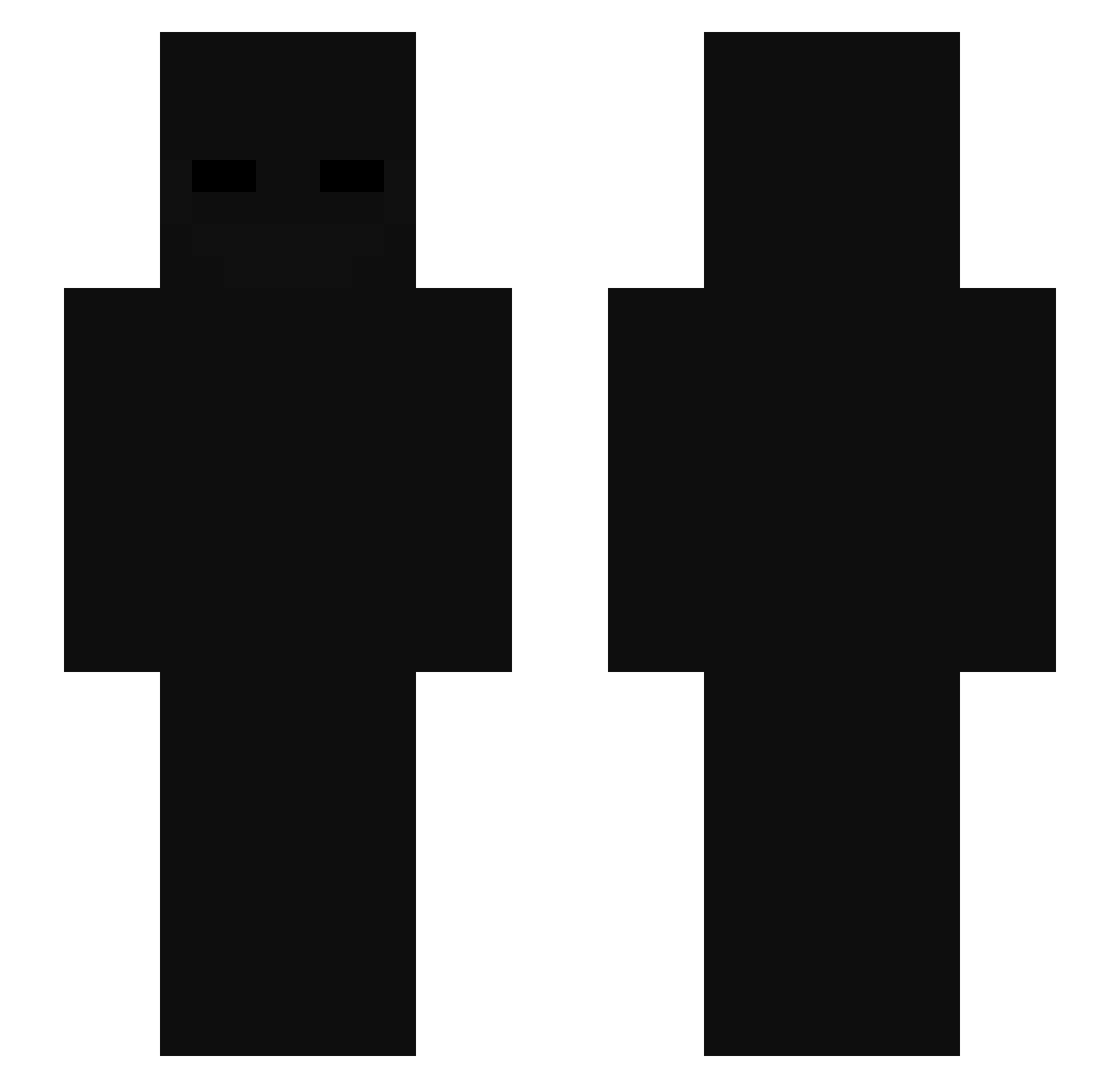
Current Minecraft skin of the player GigaChud67, loaded from the official Mojang API. Rotate the 3D model with your mouse or finger, then download the skin as a PNG file and use it in Minecraft: Bedrock Edition or Java Edition for free. When GigaChud67 changes their skin, this page updates automatically and the old skin stays in the history below.
Other players with this skin (116)
GigaChud67 was the 93rd player we have seen with this skin, first spotted on 25.10.2026. The same skin was seen on these players. Open a nickname to see their current skin and skin history.
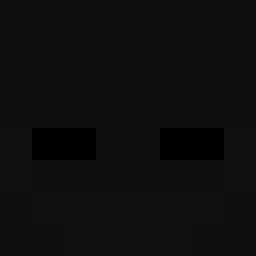 ohio312 Verrip Bhuno Educated_smoke CoolNutty DySun92 Excadrio estire23 Not_Aki05 RaveLarc MrPastequeee yoonjae0125 OssanaNajimi SYZXH_ LeCrazyZXL franci33 Hurdle17 brscht Collox09 louxiiy xPuiu_ Xun1zz7 Szymon_cox _0_balance_0_ Gusae1 MrSirexOfficial Esenntials BabyShark1313 LoveZolx daheque16 Aderkk tatopatato11 dlatpwns0624 RedNinja1903 Dejviddd Wxve001 Taxxyyy Betrayal567 melow52 DavorVortex Kzip_FzjMU_06_14 Slayerfpss Soloom ITTZkamil elborodo ZBNYANG AdameQu04 LeoRonny Eltiaguin18 MICKYRAVA Iq_NoN Slowzi_ KingLuther3 Sqpency Rentoholik comzmo krejziRNG dwokfolfwpfwl Scriiptty slonzin
More Enderman Minecraft skins
How to install the GigaChud67 skin
- Press the Download button above to save the skin as a PNG file.
- Minecraft: Bedrock Edition (PE): open the Dressing Room from the main menu (or tap your character → Edit Character), go to Classic Skins → Owned, press the + (new skin) button, choose the downloaded PNG and pick the Slim (Alex) model. Works on PC and mobile; consoles cannot import custom skins.
- Minecraft: Java Edition: open the Minecraft Launcher, go to the Skins tab, click New Skin, load the PNG, pick the Slim (Alex) model and press Save & Use. You can also upload it at minecraft.net → Profile → Change Skin.
The skin does not show up after import - what should I do?
Restart Minecraft and open the Dressing Room again - imported skins sometimes appear only after a restart. Also make sure you selected the imported skin and picked the Slim (Alex) model.
Which model should I choose, Classic or Slim?
This skin is designed for the Slim (Alex) model. If you pick the wrong model, the arms of the skin will look stretched or squeezed.
Is the skin of GigaChud67 free to download?
Yes. Press Download, save the PNG file and use it in Minecraft: Bedrock Edition or Java Edition - no payment or registration needed. The skin also works on multiplayer servers and Realms.
More skins
Looking for more? Go back to all Minecraft skins and check the top skins of the week, month and all time, or find any player's skin by nickname.