
Gi0o0o0 - Minecraft Skins & Skin History
Current Minecraft skin of the player Gi0o0o0, loaded from the official Mojang API. Rotate the 3D model with your mouse or finger, then download the skin as a PNG file and use it in Minecraft: Bedrock Edition or Java Edition for free. When Gi0o0o0 changes their skin, this page updates automatically and the old skin stays in the history below.
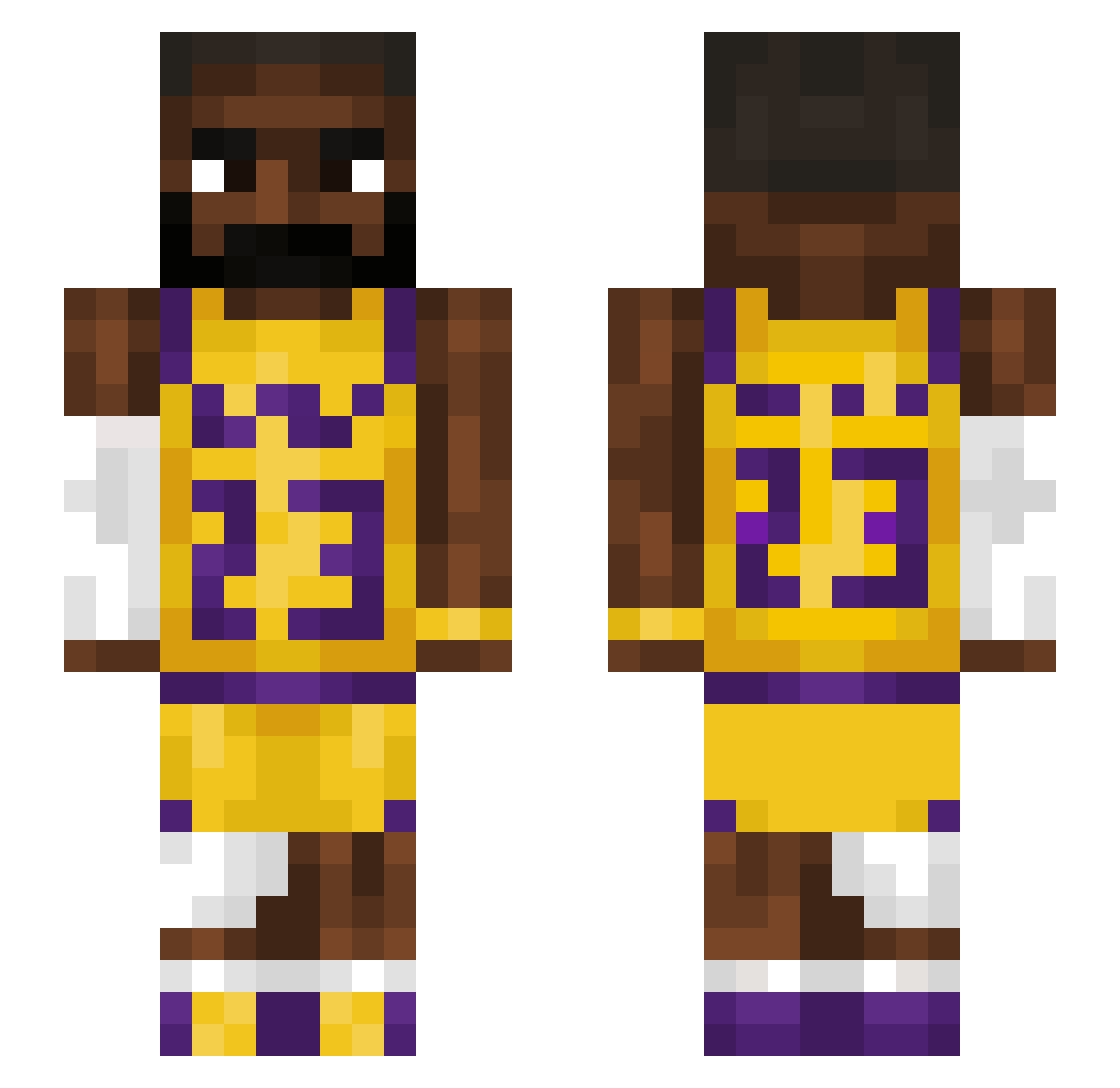
Other players with this skin (1218)
Gi0o0o0 was the 16th player we have seen with this skin, first spotted on 22.07.2026. The same skin was seen on these players. Open a nickname to see their current skin and skin history.
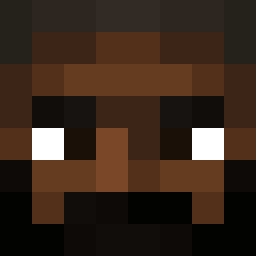 Callumfinn06 Bruddaajoe David_Xz tomek_jajogniot IchFallEhRunter TOKKYU_1222 kaiyotro
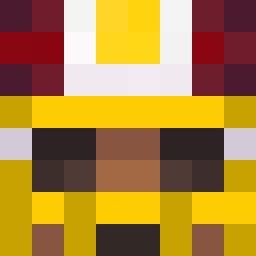 dillywhack22 teslamotorsx SuperMichal TaykeR245 yuri070801 YuriAmia CJY1018 Frs_23 TarryMercury nuttsjoe Armi0 ItzOmar5467 Princess_Pinny Rogalik215 TRephy_ BullDurham0714 DeadInside9688 Form99 UpsetChicken829 sillysilas123 Lebronismyking23 jakebob_ GimmeAHug1 nsm3201 GJI00 Rexxxxxx1110 Big_DaddyAksel78 TheErisedMaster EvoBoi_ GymGirl2005 gigiluigi7413 Wongg_ SKILLNMADDEN SigmaSigma001 auraChizler
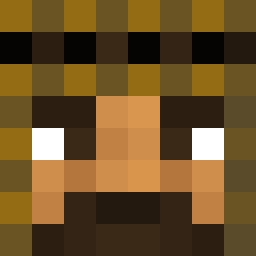 LebronJames_023 RoyalReckage TatonicDream Megigiti Mitoio
 Spunkski ElomentG buduganel LeGoatJames69 AlbinoBass3
 Casualfeetlover twangapples _Solv Timian09 nicoo0505 jabumjabum1 CotoNeto_ TinyDestroyers
More Lakers Minecraft skins
How to install the Gi0o0o0 skin
- Press the Download button above to save the skin as a PNG file.
- Minecraft: Bedrock Edition (PE): open the Dressing Room from the main menu (or tap your character → Edit Character), go to Classic Skins → Owned, press the + (new skin) button, choose the downloaded PNG and pick the Slim (Alex) model. Works on PC and mobile; consoles cannot import custom skins.
- Minecraft: Java Edition: open the Minecraft Launcher, go to the Skins tab, click New Skin, load the PNG, pick the Slim (Alex) model and press Save & Use. You can also upload it at minecraft.net → Profile → Change Skin.
The skin does not show up after import - what should I do?
Restart Minecraft and open the Dressing Room again - imported skins sometimes appear only after a restart. Also make sure you selected the imported skin and picked the Slim (Alex) model.
Which model should I choose, Classic or Slim?
This skin is designed for the Slim (Alex) model. If you pick the wrong model, the arms of the skin will look stretched or squeezed.
Is the skin of Gi0o0o0 free to download?
Yes. Press Download, save the PNG file and use it in Minecraft: Bedrock Edition or Java Edition - no payment or registration needed. The skin also works on multiplayer servers and Realms.
More skins
Looking for more? Go back to all Minecraft skins and check the top skins of the week, month and all time, or find any player's skin by nickname.