
GermanPlayers44 - Minecraft Skins & Skin History
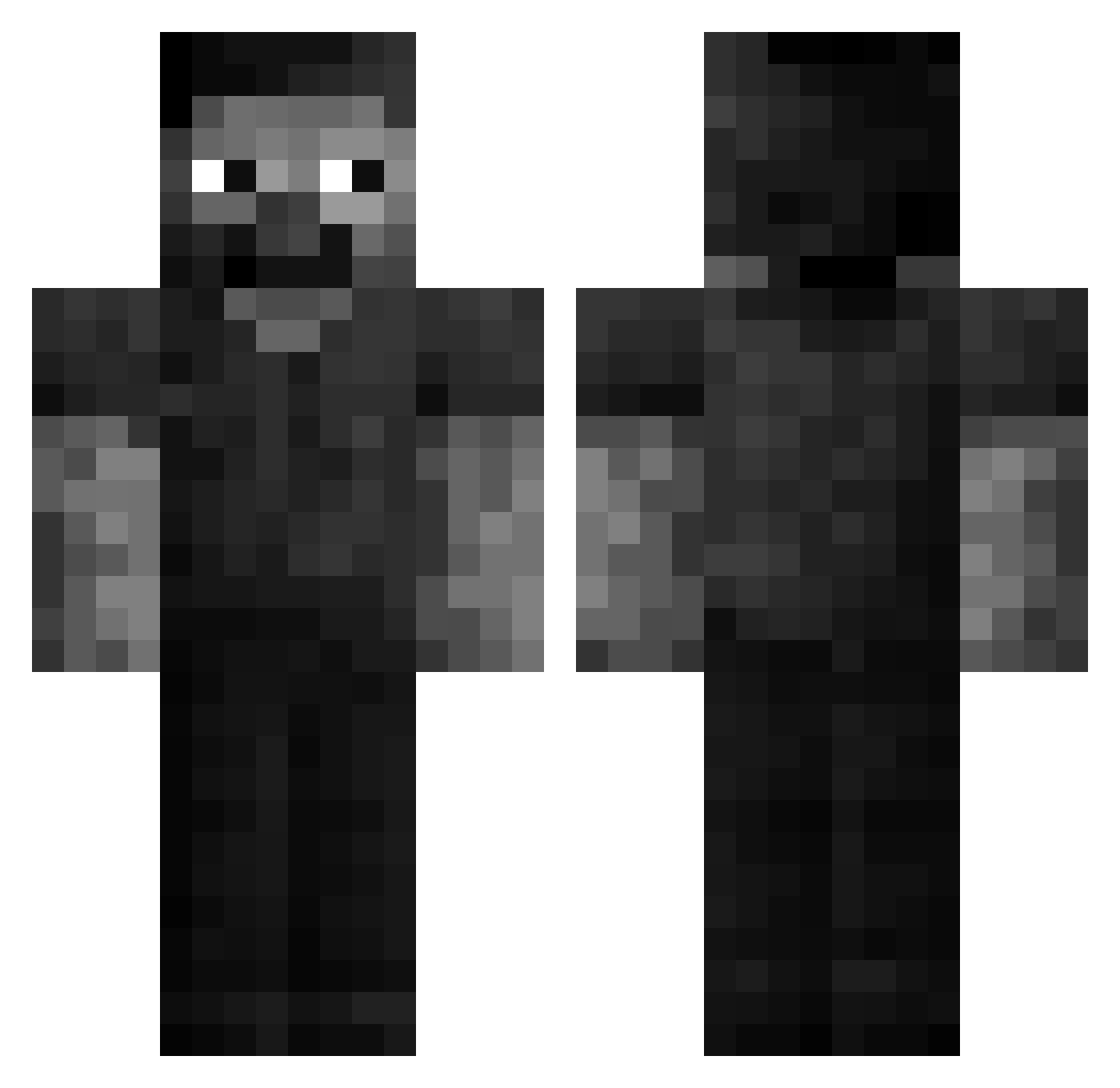
Current Minecraft skin of the player GermanPlayers44, loaded from the official Mojang API. Rotate the 3D model with your mouse or finger, then download the skin as a PNG file and use it in Minecraft: Bedrock Edition or Java Edition for free. When GermanPlayers44 changes their skin, this page updates automatically and the old skin stays in the history below.
Other players with this skin (54)
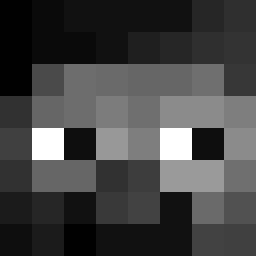
GermanPlayers44 was the 23rd player we have seen with this skin, first spotted on 14.09.2026. The same skin was seen on these players. Open a nickname to see their current skin and skin history.
 Playingsnake SaveMx xFreedy Kupa_Smiechu xKazieK Deqwop34 Klon_Vaellix _Foxer5_ pahqd 5734 blazejv sargentopatito08 2threenine KRUSH1K ITZ_Vane sidacut Maxindex netdump bboybry awakas575MC CyganskyVajda abdul1ziz Lenny_67 764Foodist dorneles7z 0_Kobo_ Osku09 Victorco146 spaykie Kowal_Ziomus Cweepr kpumkingpizza244 lupu__ Zech4555 Zykerr_ Twoon 5starrASTRO s0rrowxz odeioHG 590k suman2015 megadeth_mustain RuneScapeClassic olivsto
 Etedes hi_imbob
 giovanni1133 SLX_Tekumedo bajagracia amke_puskal Drowns_ Forgiftet 76542 Naiserlan
More Grayscale Minecraft skins
How to install the GermanPlayers44 skin
- Press the Download button above to save the skin as a PNG file.
- Minecraft: Bedrock Edition (PE): open the Dressing Room from the main menu (or tap your character → Edit Character), go to Classic Skins → Owned, press the + (new skin) button, choose the downloaded PNG and pick the Classic (Steve) model. Works on PC and mobile; consoles cannot import custom skins.
- Minecraft: Java Edition: open the Minecraft Launcher, go to the Skins tab, click New Skin, load the PNG, pick the Classic (Steve) model and press Save & Use. You can also upload it at minecraft.net → Profile → Change Skin.
The skin does not show up after import - what should I do?
Restart Minecraft and open the Dressing Room again - imported skins sometimes appear only after a restart. Also make sure you selected the imported skin and picked the Classic (Steve) model.
Which model should I choose, Classic or Slim?
This skin is designed for the Classic (Steve) model. If you pick the wrong model, the arms of the skin will look stretched or squeezed.
Is the skin of GermanPlayers44 free to download?
Yes. Press Download, save the PNG file and use it in Minecraft: Bedrock Edition or Java Edition - no payment or registration needed. The skin also works on multiplayer servers and Realms.
More skins
Looking for more? Go back to all Minecraft skins and check the top skins of the week, month and all time, or find any player's skin by nickname.