
Genji520 - Minecraft Skins & Skin History
Current Minecraft skin of the player Genji520, loaded from the official Mojang API. Rotate the 3D model with your mouse or finger, then download the skin as a PNG file and use it in Minecraft: Bedrock Edition or Java Edition for free. When Genji520 changes their skin, this page updates automatically and the old skin stays in the history below.
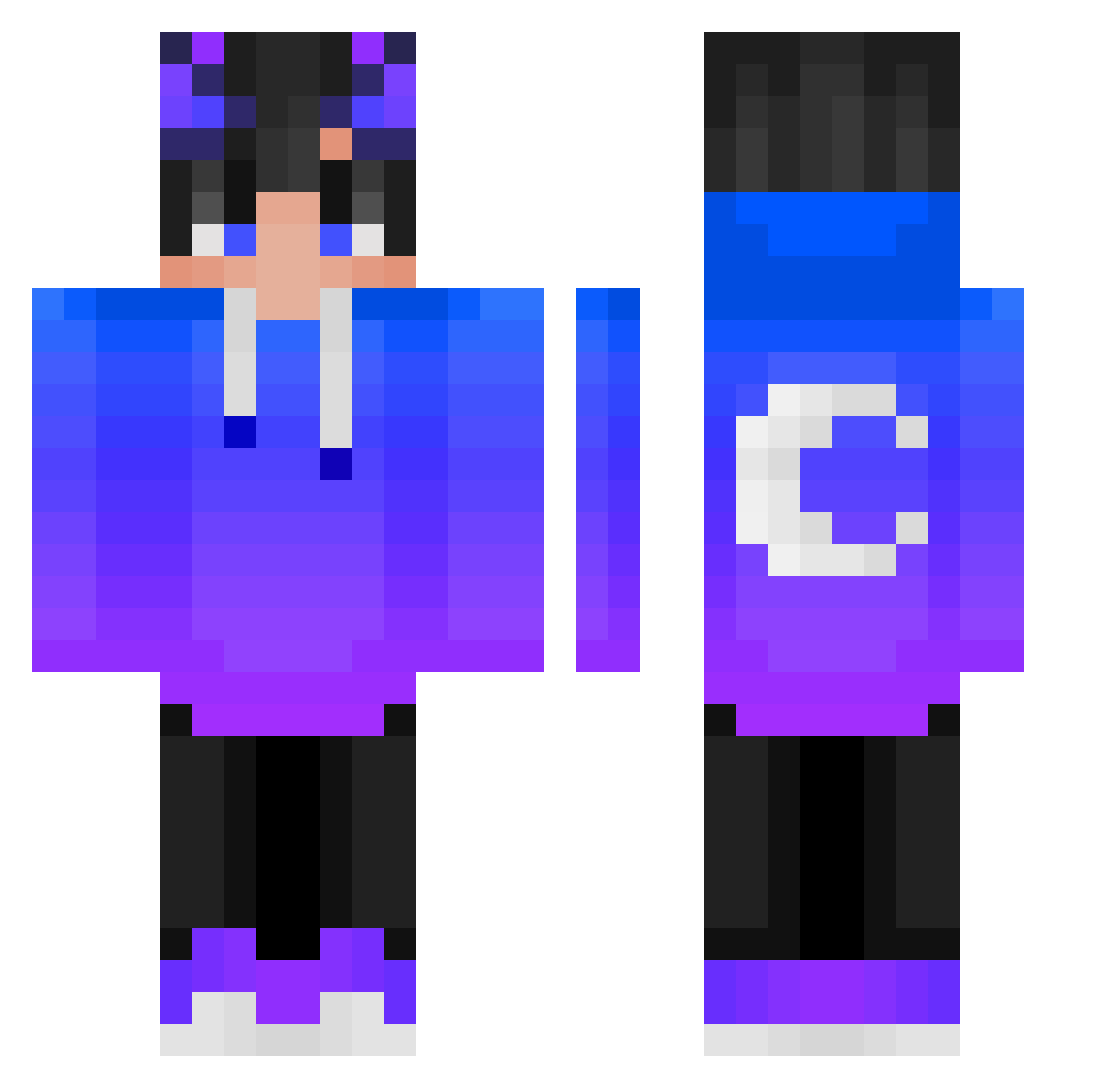
Other players with this skin (398)
Genji520 was the 374th player we have seen with this skin, first spotted on 22.10.2026. The same skin was seen on these players. Open a nickname to see their current skin and skin history.
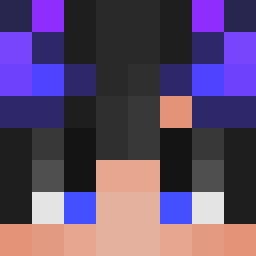 kaneteam maxros9 RARA1st Beom_sik hyeonseok0324 Bushx09 JaSeKsys Gianma07 snuub Mordoss__ supercancun LOLYAYDEV dark1552 kimbbb SilverJungle187 _jocads_ Castanur NightPlayer10 X_Migio Bster_For0834 coldys Gueye_2317 SnowPlayy Fayrisek matthew730652 G1ulyo agdtnyg BeachBeHumble NeKkOo0 BoBoyV6_ Tw33Byx Nesquirt90 jine811 connerxmorris Sanyok36 Xx_Vip3r_xX KZL9212 Tenfect Masterbl4z3 Dice0417 Amethyze nonax24 DebiddoTV jintochan Ramy1_ Werpot1 SWIFTYbanz Abel_007 minikruczek ttoad5 7Sproof IShoot_4Fun Tatsuuyaa Mattyyy_oki Kraens722 QiPaoDX NCP_Gamez_YT MrUnorthodox MoBSteR97 _CatDev_
More Moon Minecraft skins
How to install the Genji520 skin
- Press the Download button above to save the skin as a PNG file.
- Minecraft: Bedrock Edition (PE): open the Dressing Room from the main menu (or tap your character → Edit Character), go to Classic Skins → Owned, press the + (new skin) button, choose the downloaded PNG and pick the Classic (Steve) model. Works on PC and mobile; consoles cannot import custom skins.
- Minecraft: Java Edition: open the Minecraft Launcher, go to the Skins tab, click New Skin, load the PNG, pick the Classic (Steve) model and press Save & Use. You can also upload it at minecraft.net → Profile → Change Skin.
The skin does not show up after import - what should I do?
Restart Minecraft and open the Dressing Room again - imported skins sometimes appear only after a restart. Also make sure you selected the imported skin and picked the Classic (Steve) model.
Which model should I choose, Classic or Slim?
This skin is designed for the Classic (Steve) model. If you pick the wrong model, the arms of the skin will look stretched or squeezed.
Is the skin of Genji520 free to download?
Yes. Press Download, save the PNG file and use it in Minecraft: Bedrock Edition or Java Edition - no payment or registration needed. The skin also works on multiplayer servers and Realms.
More skins
Looking for more? Go back to all Minecraft skins and check the top skins of the week, month and all time, or find any player's skin by nickname.