
Geezbag - Minecraft Skins & Skin History
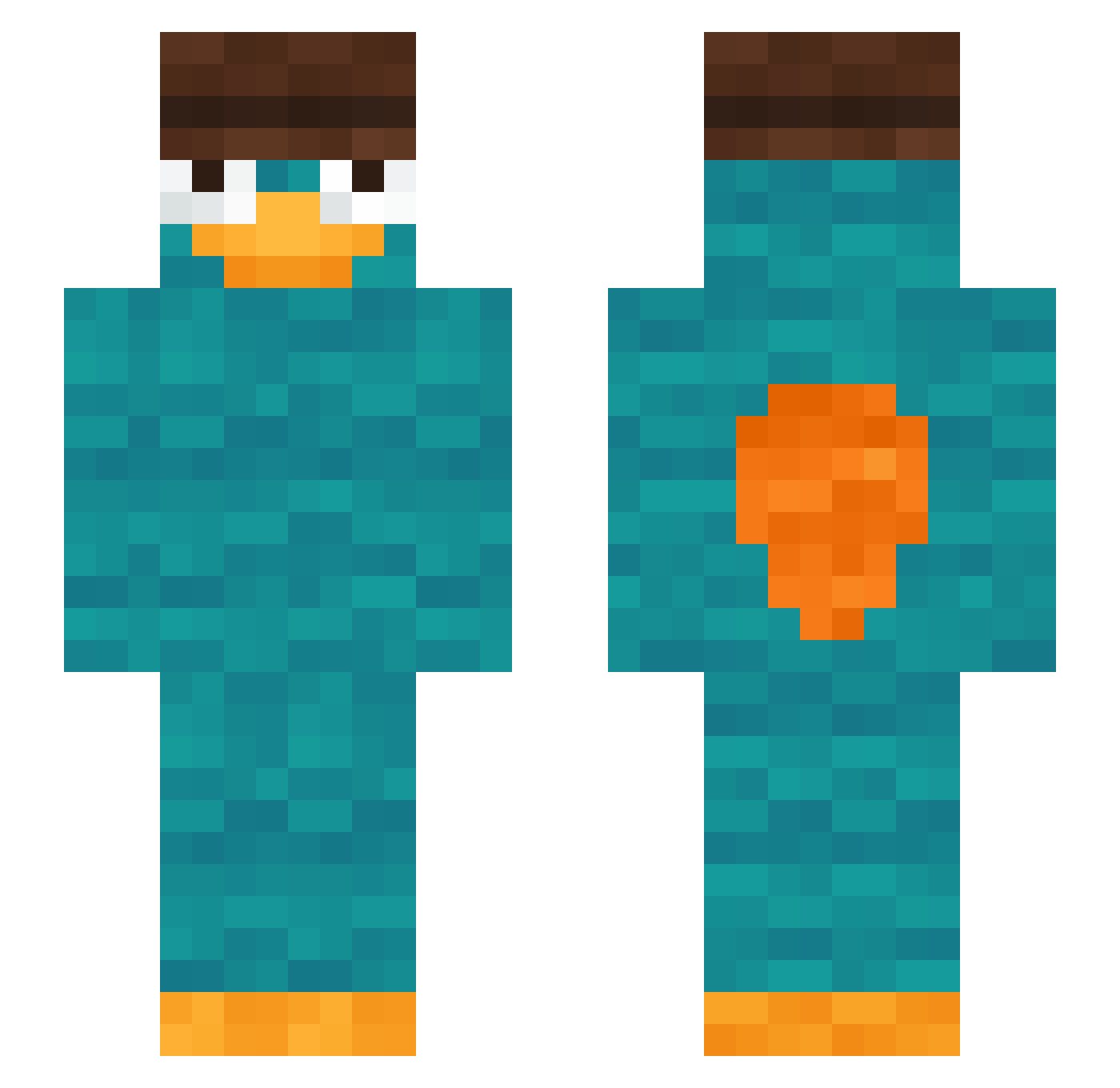
Current Minecraft skin of the player Geezbag, loaded from the official Mojang API. Rotate the 3D model with your mouse or finger, then download the skin as a PNG file and use it in Minecraft: Bedrock Edition or Java Edition for free. When Geezbag changes their skin, this page updates automatically and the old skin stays in the history below.
Other players with this skin (44)
Geezbag was the 17th player we have seen with this skin, first spotted on 04.09.2026. The same skin was seen on these players. Open a nickname to see their current skin and skin history.
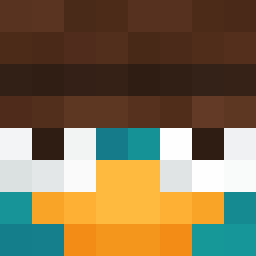 Ant_07 LouisWettin katikatida S0UZAjr SassoMalefico WatsonCanti iCh0bi hugosurvendredi Queen_92 Netflix2020 Jas0511 MaikDerBauer88 arturz1405 GOJANGBAK king_white2 PulsingPumpkins Menhyt Opicemagor lecram123 NeaRox RockyKnight SoulAbhi TizzyGames KwiGx mamvin_ tadlibraa zp_lol E_TAROU_ SykoMason rayancheli hktzzz Coreei Maxip322 Pri907 Boliddek Nelson2005 35M33 clover_cakes Vesrom95 PutManatee64826 khan4738 asadooz98 LosterAlsTrymacs michis333
More Platypus Minecraft skins
How to install the Geezbag skin
- Press the Download button above to save the skin as a PNG file.
- Minecraft: Bedrock Edition (PE): open the Dressing Room from the main menu (or tap your character → Edit Character), go to Classic Skins → Owned, press the + (new skin) button, choose the downloaded PNG and pick the Slim (Alex) model. Works on PC and mobile; consoles cannot import custom skins.
- Minecraft: Java Edition: open the Minecraft Launcher, go to the Skins tab, click New Skin, load the PNG, pick the Slim (Alex) model and press Save & Use. You can also upload it at minecraft.net → Profile → Change Skin.
The skin does not show up after import - what should I do?
Restart Minecraft and open the Dressing Room again - imported skins sometimes appear only after a restart. Also make sure you selected the imported skin and picked the Slim (Alex) model.
Which model should I choose, Classic or Slim?
This skin is designed for the Slim (Alex) model. If you pick the wrong model, the arms of the skin will look stretched or squeezed.
Is the skin of Geezbag free to download?
Yes. Press Download, save the PNG file and use it in Minecraft: Bedrock Edition or Java Edition - no payment or registration needed. The skin also works on multiplayer servers and Realms.
More skins
Looking for more? Go back to all Minecraft skins and check the top skins of the week, month and all time, or find any player's skin by nickname.