
GaySyrianRefugee - Minecraft Skins & Skin History
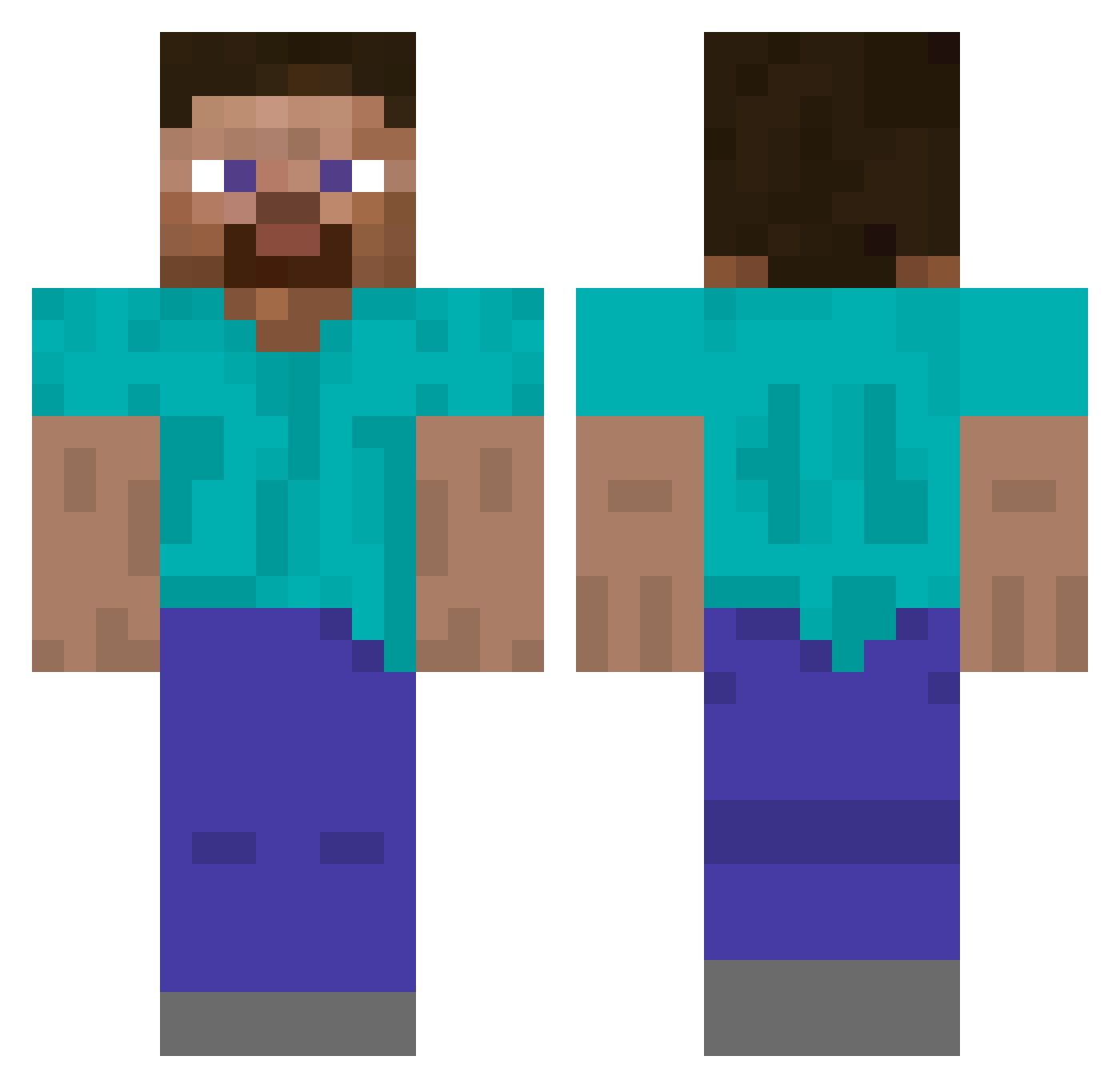
Current Minecraft skin of the player GaySyrianRefugee, loaded from the official Mojang API. Rotate the 3D model with your mouse or finger, then download the skin as a PNG file and use it in Minecraft: Bedrock Edition or Java Edition for free. When GaySyrianRefugee changes their skin, this page updates automatically and the old skin stays in the history below.
Other players with this skin (522)
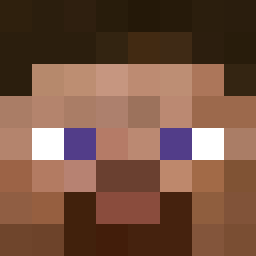
GaySyrianRefugee was the 65th player we have seen with this skin, first spotted on 07.08.2026. The same skin was seen on these players. Open a nickname to see their current skin and skin history.
 conorMcgee JaeyXVI roundgoose Jack37786 GhoulMaiden Mr_Boombastic69 Supernaut2006 JOLPASD
 backblack997 MCSWAGJESUS Techlos_ omarcs2010 farrelle LeechJuice_ iscarfys drlabu Blazecamp HerrFaust2 satowatoru nolan217 SuperSS78 Trogdar2121 Infla SBence2001 Guusmeuwis21 pikaboy70 BraveKing37
 RKerickson TeamCardgaming Amplifia SOMEONE1233 abid25gamertag potatorobby Ethanial moagha T_ayo Fadisanas Emily9074 RussyObile 5ask Andrej0311 JenduMendu Artixx1188 ASTRAXx9 Edgarz_ Nedriths Billybob_123 studiogamingYT
 BenJi1978 Slowboxmhgg likegguser Dutchery serhatdnmz46 Guest_Zero batonchiktwix McBoober funtech2009 Mutoslav_ ActuallyAlasar MBanana123
How to install the GaySyrianRefugee skin
- Press the Download button above to save the skin as a PNG file.
- Minecraft: Bedrock Edition (PE): open the Dressing Room from the main menu (or tap your character → Edit Character), go to Classic Skins → Owned, press the + (new skin) button, choose the downloaded PNG and pick the Classic (Steve) model. Works on PC and mobile; consoles cannot import custom skins.
- Minecraft: Java Edition: open the Minecraft Launcher, go to the Skins tab, click New Skin, load the PNG, pick the Classic (Steve) model and press Save & Use. You can also upload it at minecraft.net → Profile → Change Skin.
The skin does not show up after import - what should I do?
Restart Minecraft and open the Dressing Room again - imported skins sometimes appear only after a restart. Also make sure you selected the imported skin and picked the Classic (Steve) model.
Which model should I choose, Classic or Slim?
This skin is designed for the Classic (Steve) model. If you pick the wrong model, the arms of the skin will look stretched or squeezed.
Is the skin of GaySyrianRefugee free to download?
Yes. Press Download, save the PNG file and use it in Minecraft: Bedrock Edition or Java Edition - no payment or registration needed. The skin also works on multiplayer servers and Realms.
More skins
Looking for more? Go back to all Minecraft skins and check the top skins of the week, month and all time, or find any player's skin by nickname.