
Garbaciok - Minecraft Skins & Skin History
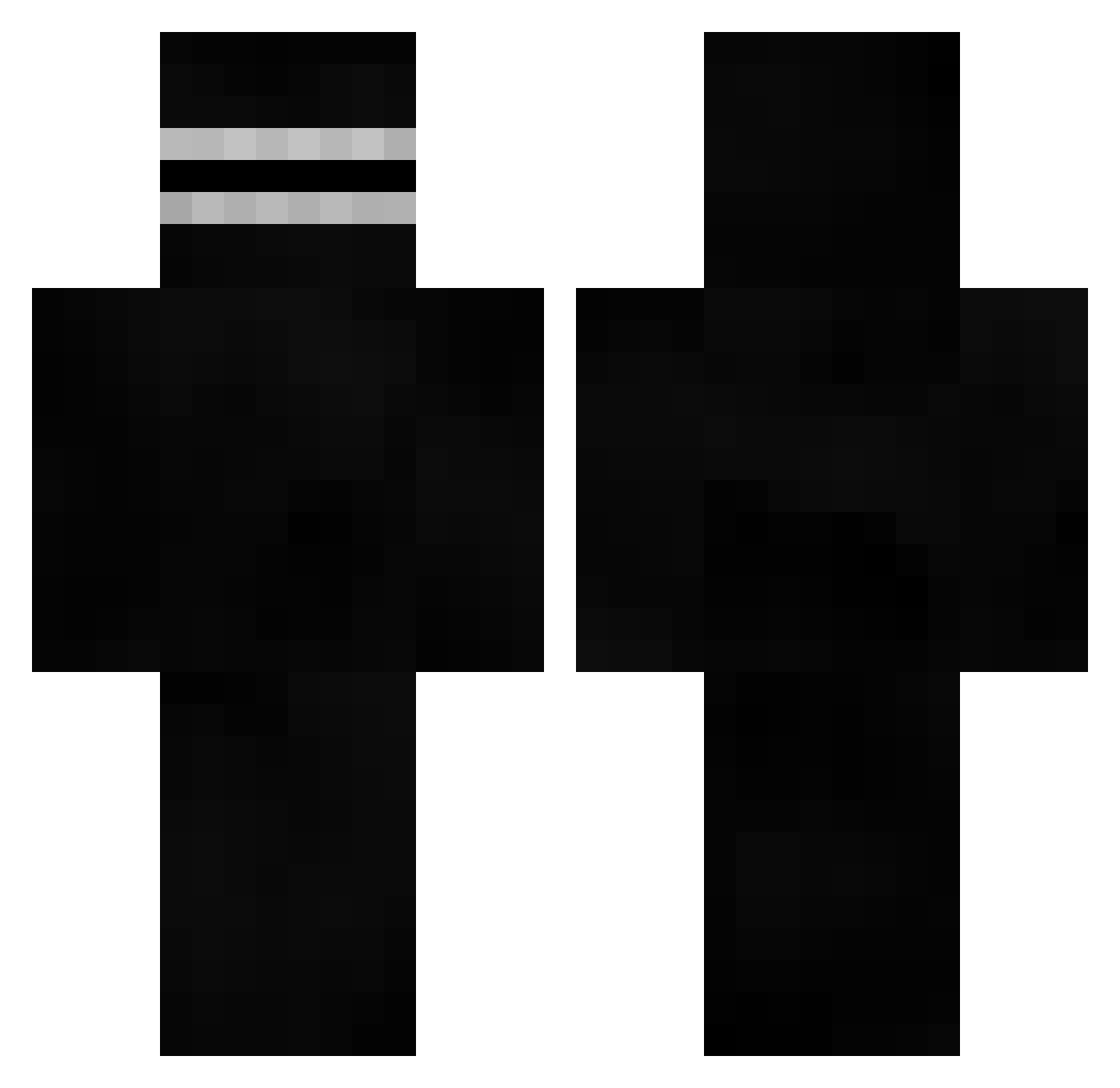
Current Minecraft skin of the player Garbaciok, loaded from the official Mojang API. Rotate the 3D model with your mouse or finger, then download the skin as a PNG file and use it in Minecraft: Bedrock Edition or Java Edition for free. When Garbaciok changes their skin, this page updates automatically and the old skin stays in the history below.
Other players with this skin (526)
Garbaciok was the 73rd player we have seen with this skin, first spotted on 08.08.2026. The same skin was seen on these players. Open a nickname to see their current skin and skin history.
 Brandi007 Chronobog _weezie Dokkaebi9056 duckseazon LeCorbusierLol Monri Sadipa Vladddddddddddd yaSeshi LilRagnar09 DavidWastaken Azdr HamekJZS plytet YGXANAX ScuttleKrab MjeedSn ricxanchez Effectaa LePetitLion Greg981218 LogiBearz
 LAITCOUPILLE2JP tintin2121 Thanoss MonkeyDigneel superpaulman tlqkf0906 AdskiyDrochila69 BourbonKiD OueChacal Odyn10 ahmedbajad Ktoosiek Holy_Pancuckoo elmo2164 Scawy69 MissPlayed ImPeevy Emre_Kaan Fz3ro01 BoJackson360 Liezouls chocovor ShortGothGF croatoic amirarmin8791 Novaxl91 Gilles3399 Cheeseitz21duh PhantomFlyer233 Saggy_Cheeks Nikitovec Lambda013 ediciuss mqtr1xlox jadedxx burgui55 bananas253
More Visor Minecraft skins
How to install the Garbaciok skin
- Press the Download button above to save the skin as a PNG file.
- Minecraft: Bedrock Edition (PE): open the Dressing Room from the main menu (or tap your character → Edit Character), go to Classic Skins → Owned, press the + (new skin) button, choose the downloaded PNG and pick the Classic (Steve) model. Works on PC and mobile; consoles cannot import custom skins.
- Minecraft: Java Edition: open the Minecraft Launcher, go to the Skins tab, click New Skin, load the PNG, pick the Classic (Steve) model and press Save & Use. You can also upload it at minecraft.net → Profile → Change Skin.
The skin does not show up after import - what should I do?
Restart Minecraft and open the Dressing Room again - imported skins sometimes appear only after a restart. Also make sure you selected the imported skin and picked the Classic (Steve) model.
Which model should I choose, Classic or Slim?
This skin is designed for the Classic (Steve) model. If you pick the wrong model, the arms of the skin will look stretched or squeezed.
Is the skin of Garbaciok free to download?
Yes. Press Download, save the PNG file and use it in Minecraft: Bedrock Edition or Java Edition - no payment or registration needed. The skin also works on multiplayer servers and Realms.
More skins
Looking for more? Go back to all Minecraft skins and check the top skins of the week, month and all time, or find any player's skin by nickname.