
Gaithyned - Minecraft Skins & Skin History
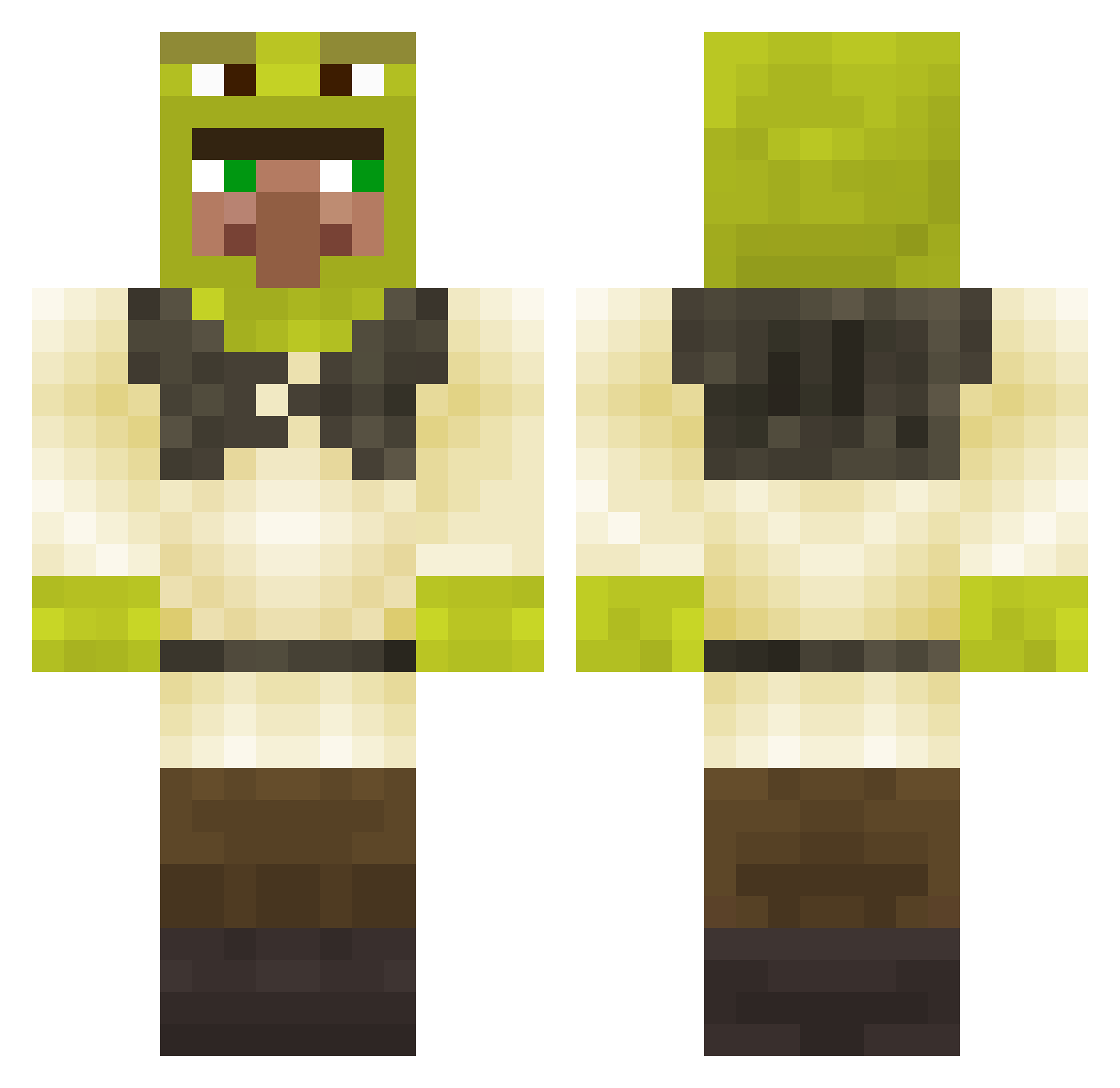
Current Minecraft skin of the player Gaithyned, loaded from the official Mojang API. Rotate the 3D model with your mouse or finger, then download the skin as a PNG file and use it in Minecraft: Bedrock Edition or Java Edition for free. When Gaithyned changes their skin, this page updates automatically and the old skin stays in the history below.
Other players with this skin (280)
Gaithyned was the 175th player we have seen with this skin, first spotted on 27.09.2026. The same skin was seen on these players. Open a nickname to see their current skin and skin history.
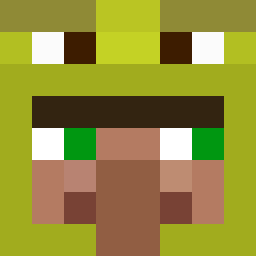 lilgmc AD0IF_ LEMON__127 NathanBrown rehxzi oMirck Fleischnascher1 FueledByTaco kurinaya_lapka Subtrude konkark Jead2 _a_RaNdOm_PiG_ Rumbas33 DK845 Tchoupie_La_D OnlyRusty omwtfys Khajiit69 _SkillAura_ overlandpond00 icety32 deadeggredempion Drvgos69 Himarceau smith910 bertand VaexFish Vegan_Tofu eveeteeth MlgMudkip MarinaTelles maxi_luh kaljakori14 VoltVt Murielito Chukumber Janakin73 fransaie8 JarneAe JoaTheReal Maraquiche eGo_Joker ArilisDev5 SamVvE Mc_Kylo Sublic _IamNobody_ Wexonnn Portaali11 EmreKaan TheTaiterWS AustinSpiderman msdj McSwalia charlo21 pro_CHURKAUSER07 Bananenpizzas MrLeijon erickfapa
More Shrek Minecraft skins
How to install the Gaithyned skin
- Press the Download button above to save the skin as a PNG file.
- Minecraft: Bedrock Edition (PE): open the Dressing Room from the main menu (or tap your character → Edit Character), go to Classic Skins → Owned, press the + (new skin) button, choose the downloaded PNG and pick the Classic (Steve) model. Works on PC and mobile; consoles cannot import custom skins.
- Minecraft: Java Edition: open the Minecraft Launcher, go to the Skins tab, click New Skin, load the PNG, pick the Classic (Steve) model and press Save & Use. You can also upload it at minecraft.net → Profile → Change Skin.
The skin does not show up after import - what should I do?
Restart Minecraft and open the Dressing Room again - imported skins sometimes appear only after a restart. Also make sure you selected the imported skin and picked the Classic (Steve) model.
Which model should I choose, Classic or Slim?
This skin is designed for the Classic (Steve) model. If you pick the wrong model, the arms of the skin will look stretched or squeezed.
Is the skin of Gaithyned free to download?
Yes. Press Download, save the PNG file and use it in Minecraft: Bedrock Edition or Java Edition - no payment or registration needed. The skin also works on multiplayer servers and Realms.
More skins
Looking for more? Go back to all Minecraft skins and check the top skins of the week, month and all time, or find any player's skin by nickname.