
GainsForDays - Minecraft Skins & Skin History
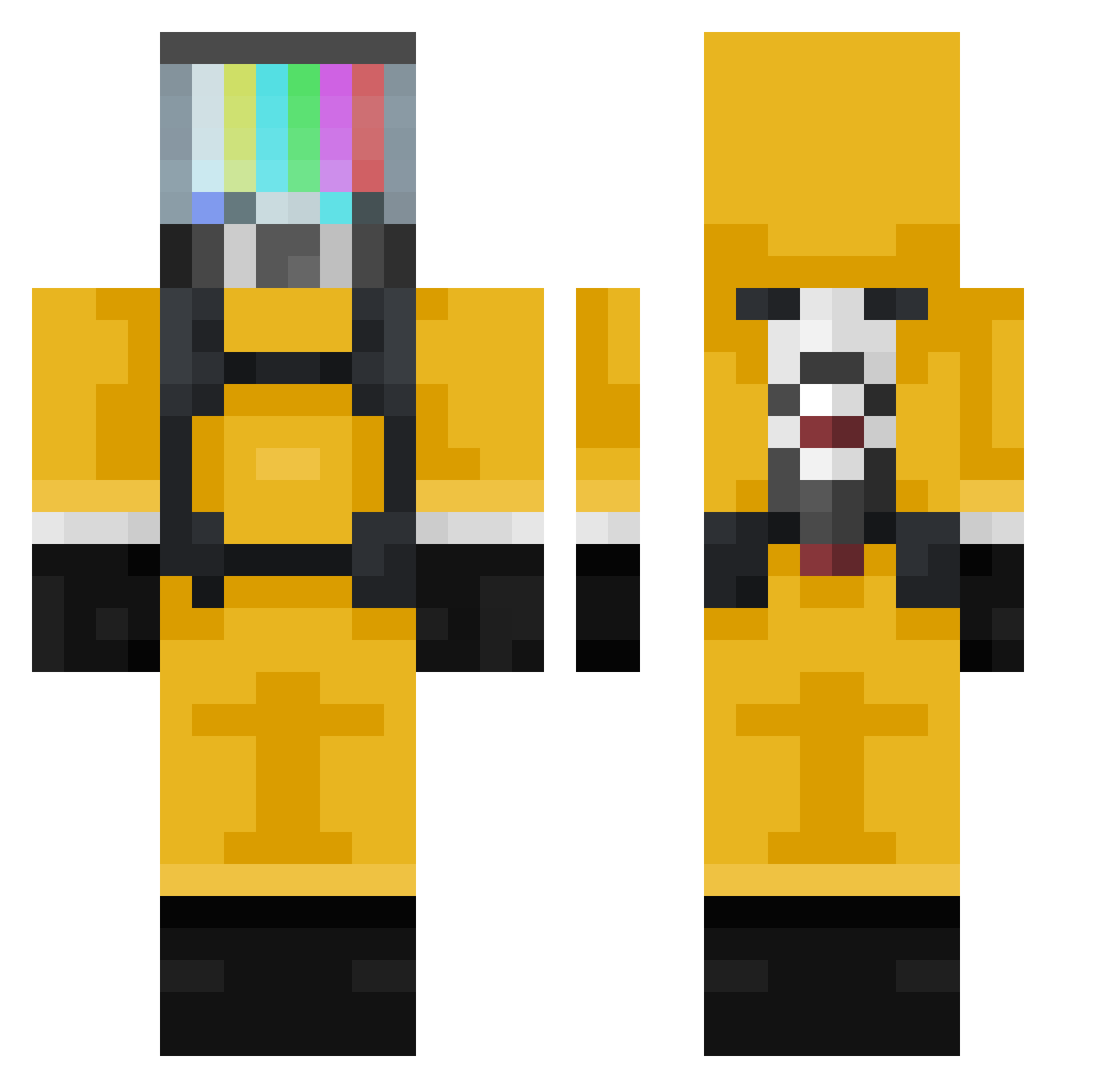
Current Minecraft skin of the player GainsForDays, loaded from the official Mojang API. Rotate the 3D model with your mouse or finger, then download the skin as a PNG file and use it in Minecraft: Bedrock Edition or Java Edition for free. When GainsForDays changes their skin, this page updates automatically and the old skin stays in the history below.
Other players with this skin (309)
GainsForDays was the 87th player we have seen with this skin, first spotted on 20.08.2026. The same skin was seen on these players. Open a nickname to see their current skin and skin history.
 MARTULANGA DeceitfulShadow ivan_0801 Marcel2748 LuqiGG TrueConarr x3Entendre JhonLocke Telfaz11 Kalinaizer Helvitiss Macuman Laktymel Na2thh Sarcasticats Battty dlrmsif 0cs LadzioO TheJaf811 Cyb3rPuls3 Nemiro1 Yohan341034 Jomathi JoeySlices C_Cheonak Drageveiviseren AKNorthman Innocency TeptopeK Slend_YT Chajkens Falcorde soulsfixer CEOofpope SenseiCorona JordyAI GungnirZZR PorongaLoca LT_Footlong Black_Age Poletoo _hirumi aBoSky2 clownery_exe VenomousT Dannie_Chu LaChoppe PikSieben77 ACyzh5 kounoupis GGbao2004 cabdjaiker Konghon chr0ww sawsaw1234 xVark MGamezF b4pt_p m1lki
More TV Head Minecraft skins
How to install the GainsForDays skin
- Press the Download button above to save the skin as a PNG file.
- Minecraft: Bedrock Edition (PE): open the Dressing Room from the main menu (or tap your character → Edit Character), go to Classic Skins → Owned, press the + (new skin) button, choose the downloaded PNG and pick the Classic (Steve) model. Works on PC and mobile; consoles cannot import custom skins.
- Minecraft: Java Edition: open the Minecraft Launcher, go to the Skins tab, click New Skin, load the PNG, pick the Classic (Steve) model and press Save & Use. You can also upload it at minecraft.net → Profile → Change Skin.
The skin does not show up after import - what should I do?
Restart Minecraft and open the Dressing Room again - imported skins sometimes appear only after a restart. Also make sure you selected the imported skin and picked the Classic (Steve) model.
Which model should I choose, Classic or Slim?
This skin is designed for the Classic (Steve) model. If you pick the wrong model, the arms of the skin will look stretched or squeezed.
Is the skin of GainsForDays free to download?
Yes. Press Download, save the PNG file and use it in Minecraft: Bedrock Edition or Java Edition - no payment or registration needed. The skin also works on multiplayer servers and Realms.
More skins
Looking for more? Go back to all Minecraft skins and check the top skins of the week, month and all time, or find any player's skin by nickname.