
GabriellaTorne - Minecraft Skins & Skin History
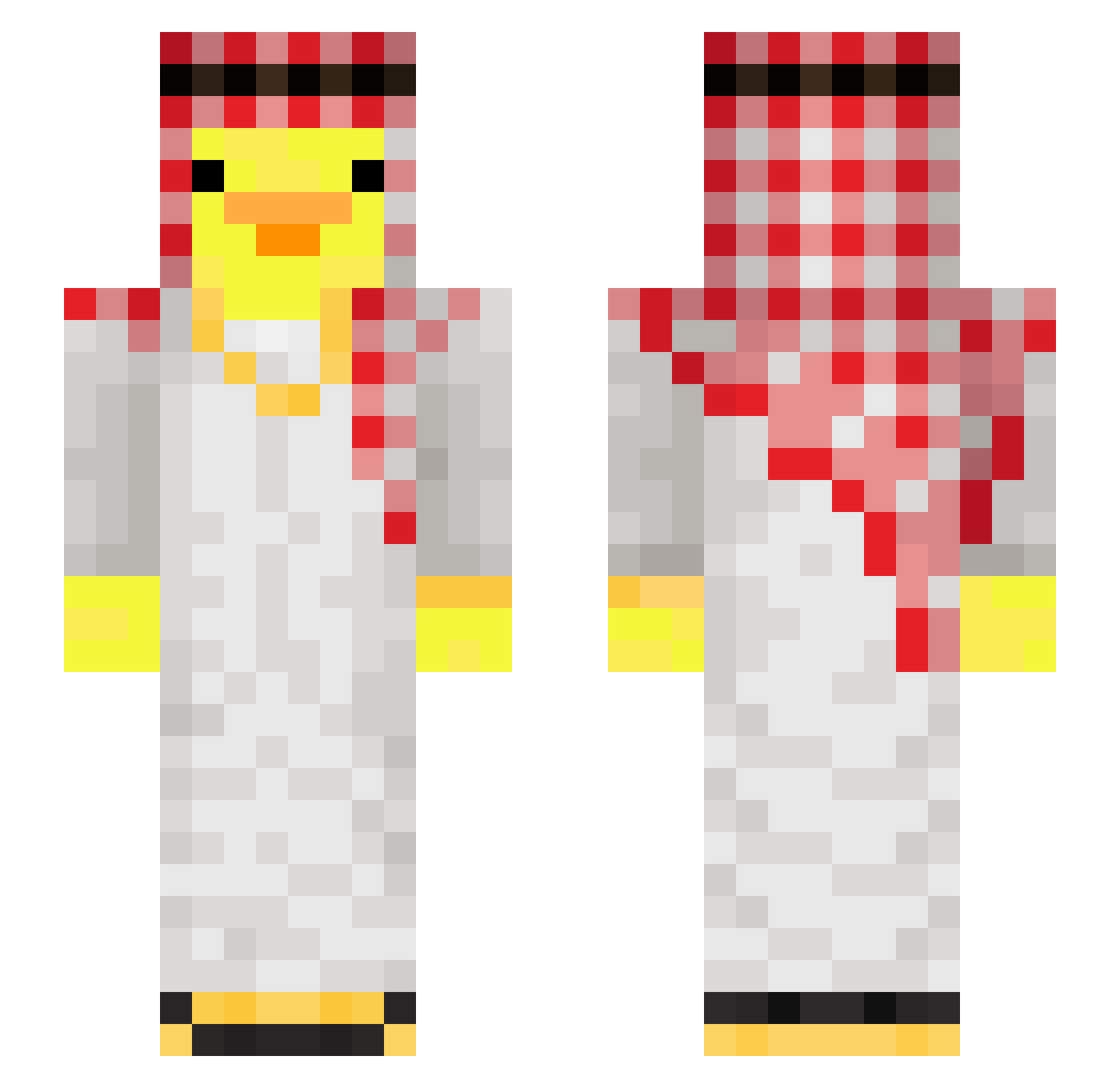
Current Minecraft skin of the player GabriellaTorne, loaded from the official Mojang API. Rotate the 3D model with your mouse or finger, then download the skin as a PNG file and use it in Minecraft: Bedrock Edition or Java Edition for free. When GabriellaTorne changes their skin, this page updates automatically and the old skin stays in the history below.
Other players with this skin (108)
GabriellaTorne was the 29th player we have seen with this skin, first spotted on 23.08.2026. The same skin was seen on these players. Open a nickname to see their current skin and skin history.
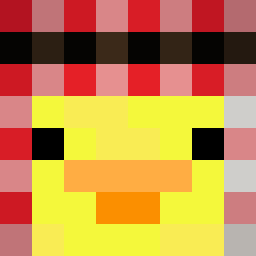 KebabMannen7557 Jorgetp455 Sartiii Larryder Cinnamonroll04 Mustang98
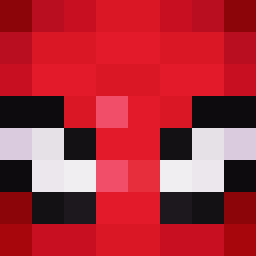 CxMlqex_ JasonNbg Ru_zingO D1XED
 QHuy01 DaveHSU legiterDEMON_ zypn xStormex xKAAAAI Kubuleczeq Arab2
 Soul7F yxser1 ioyeo0 pasxxxll04 SunnyFarms samf1
 Kotika67 oddajewegiel herp53 MamboS Fearful_Truck cam364 ythz_M3nmf_06_30 SwezzyOnYT snapshot62 TaeYoU_63 Sv2T6K0368iXiSv2 Zemit0 Amayori0601 bastoos21 boziisnuts Jonjonesdad
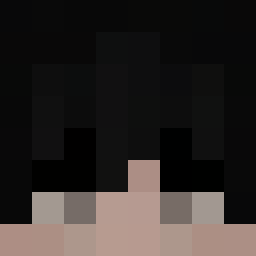 PrawnikFirmy sungh0322 Olivanderssi JonIsBetter MarcinZapalka samubill4 GARASUUU1 TheGr8Square zuziaa_55 RubyBug12265246
 udinnoob123
 D0XXY superroo271 Mxssiii piton9 Evano44 Macejko06 ZengYu12 mercure27 thaseba
More Shemagh Minecraft skins
How to install the GabriellaTorne skin
- Press the Download button above to save the skin as a PNG file.
- Minecraft: Bedrock Edition (PE): open the Dressing Room from the main menu (or tap your character → Edit Character), go to Classic Skins → Owned, press the + (new skin) button, choose the downloaded PNG and pick the Slim (Alex) model. Works on PC and mobile; consoles cannot import custom skins.
- Minecraft: Java Edition: open the Minecraft Launcher, go to the Skins tab, click New Skin, load the PNG, pick the Slim (Alex) model and press Save & Use. You can also upload it at minecraft.net → Profile → Change Skin.
The skin does not show up after import - what should I do?
Restart Minecraft and open the Dressing Room again - imported skins sometimes appear only after a restart. Also make sure you selected the imported skin and picked the Slim (Alex) model.
Which model should I choose, Classic or Slim?
This skin is designed for the Slim (Alex) model. If you pick the wrong model, the arms of the skin will look stretched or squeezed.
Is the skin of GabriellaTorne free to download?
Yes. Press Download, save the PNG file and use it in Minecraft: Bedrock Edition or Java Edition - no payment or registration needed. The skin also works on multiplayer servers and Realms.
More skins
Looking for more? Go back to all Minecraft skins and check the top skins of the week, month and all time, or find any player's skin by nickname.