
GT_208 - Minecraft Skins & Skin History
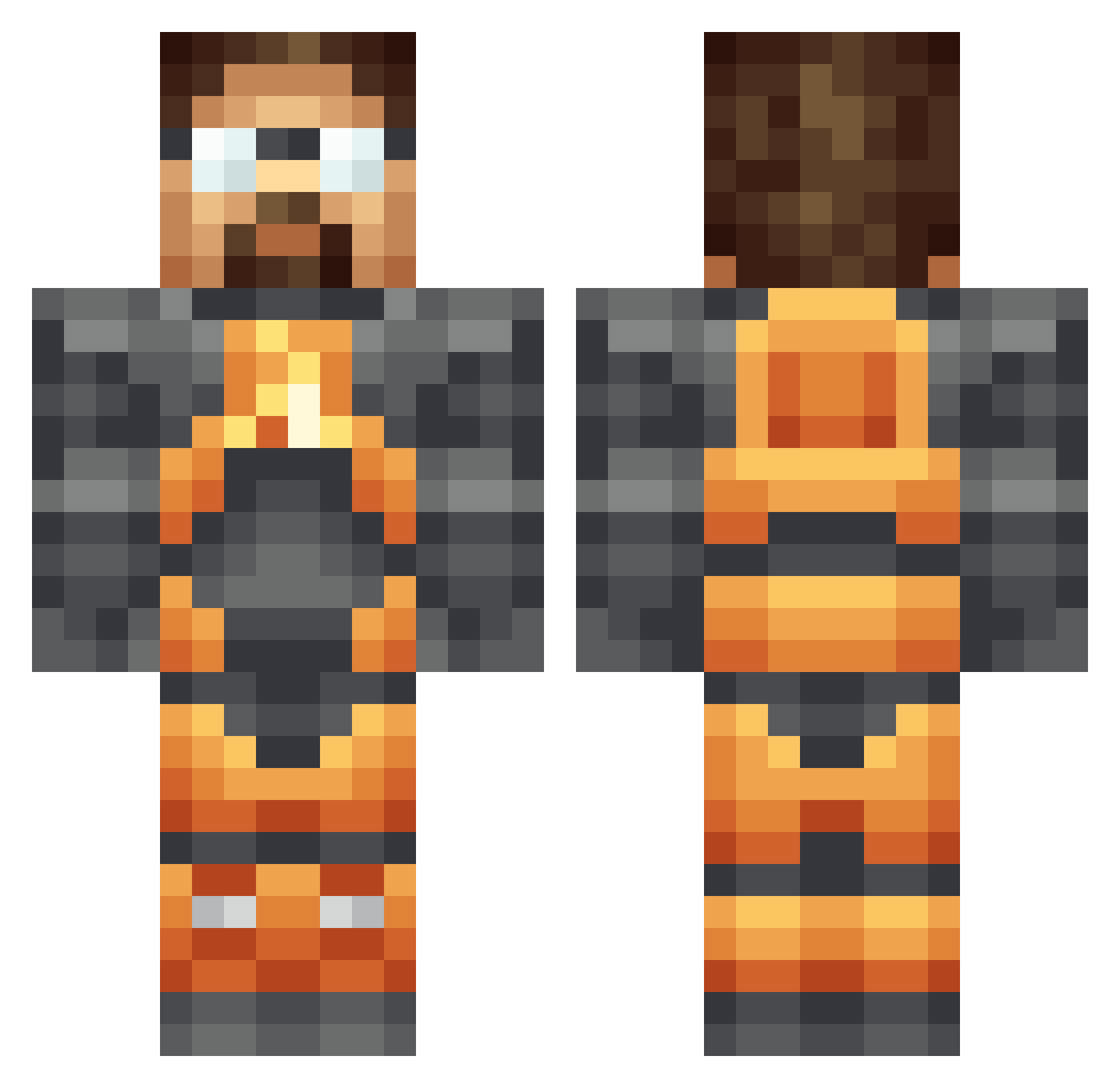
Current Minecraft skin of the player GT_208, loaded from the official Mojang API. Rotate the 3D model with your mouse or finger, then download the skin as a PNG file and use it in Minecraft: Bedrock Edition or Java Edition for free. When GT_208 changes their skin, this page updates automatically and the old skin stays in the history below.
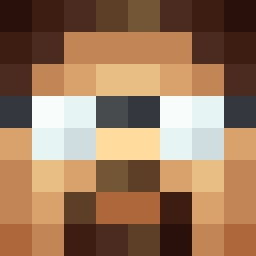
Other players with this skin (189)
GT_208 was the 48th player we have seen with this skin, first spotted on 21.08.2026. The same skin was seen on these players. Open a nickname to see their current skin and skin history.
 Gunn_er Enli_ Bird_Enthusiast1 SpartanWrestler ashimisha Padishar neroe23 evitisop Hcapade DemoteX48 joetron a3any TheOne_FreeMan Humtuk M_2 olivernorth MrFenriWulf GringoMcC __ReMa__ ottodiamas pepablue BfutGrEG2 TheBeanEater546 ricky2487 XZulloX chambermuzak m08k MaximusWillCarry klemenstheskl BabyFeiges Malg4nis Fangedfalcon rOPOX DreesenGreen_ telescopebldr hypnoxicon Remilitaire Aph24 DrGrandmaster Totaldunce Jolle64 the_budster Zazamari Bala07 Ryan_Mercury nachobusiness TheRealBigStig Antimorph Gavra01 Karetski Ammie11234 DKiyonori ShartedInMyJorts The_Blog RancidBananas s33d1ing Ermantoroglu613 dav3d0 Limonthe dniemi
More Gordon Freeman Minecraft skins
See all 331 Gordon Freeman skins
How to install the GT_208 skin
- Press the Download button above to save the skin as a PNG file.
- Minecraft: Bedrock Edition (PE): open the Dressing Room from the main menu (or tap your character → Edit Character), go to Classic Skins → Owned, press the + (new skin) button, choose the downloaded PNG and pick the Classic (Steve) model. Works on PC and mobile; consoles cannot import custom skins.
- Minecraft: Java Edition: open the Minecraft Launcher, go to the Skins tab, click New Skin, load the PNG, pick the Classic (Steve) model and press Save & Use. You can also upload it at minecraft.net → Profile → Change Skin.
The skin does not show up after import - what should I do?
Restart Minecraft and open the Dressing Room again - imported skins sometimes appear only after a restart. Also make sure you selected the imported skin and picked the Classic (Steve) model.
Which model should I choose, Classic or Slim?
This skin is designed for the Classic (Steve) model. If you pick the wrong model, the arms of the skin will look stretched or squeezed.
Is the skin of GT_208 free to download?
Yes. Press Download, save the PNG file and use it in Minecraft: Bedrock Edition or Java Edition - no payment or registration needed. The skin also works on multiplayer servers and Realms.
More skins
Looking for more? Go back to all Minecraft skins and check the top skins of the week, month and all time, or find any player's skin by nickname.