
Freeze_enjoyer - Minecraft Skins & Skin History
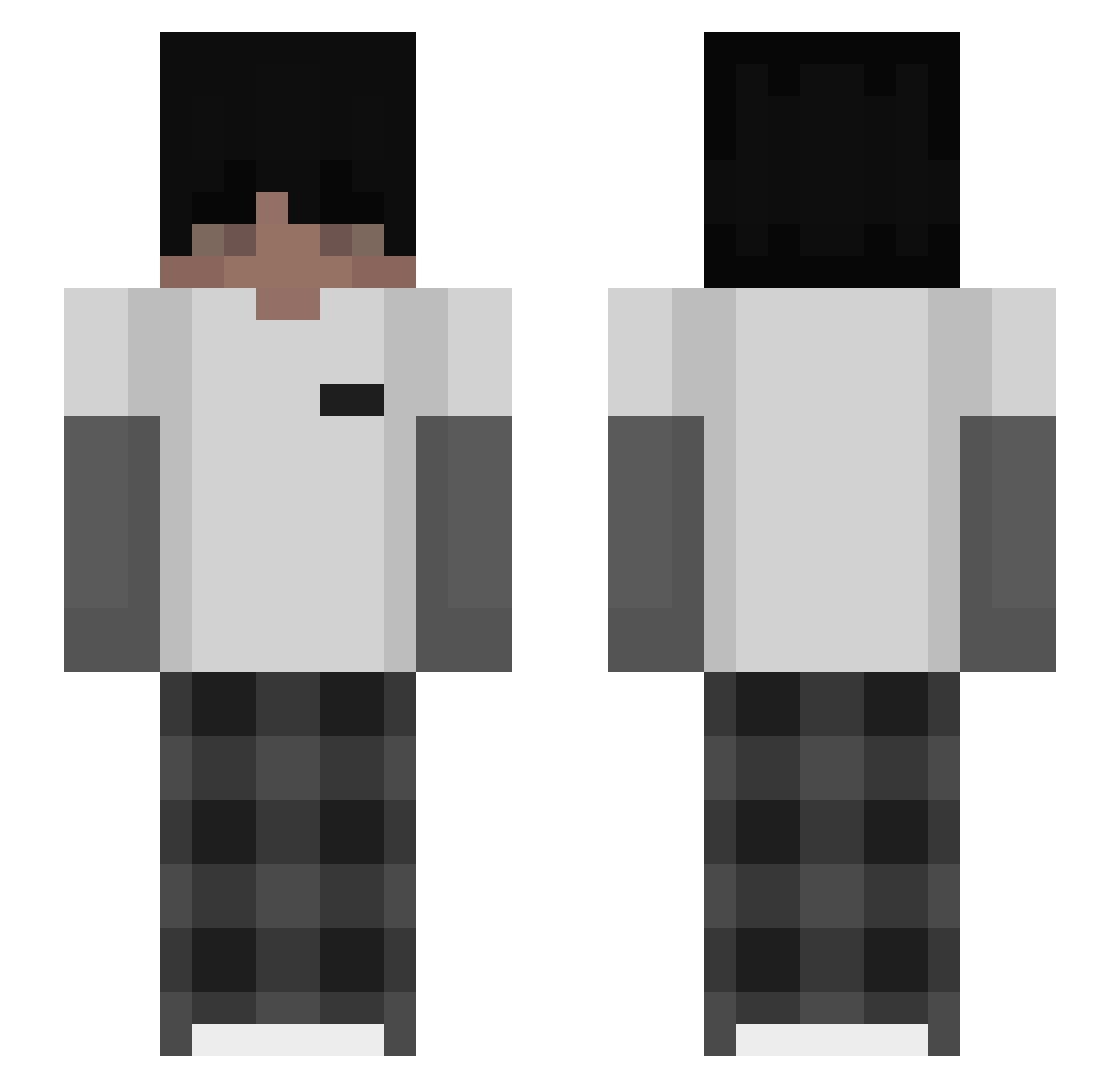
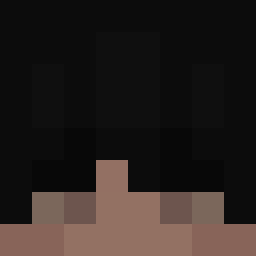
Current Minecraft skin of the player Freeze_enjoyer, loaded from the official Mojang API. Rotate the 3D model with your mouse or finger, then download the skin as a PNG file and use it in Minecraft: Bedrock Edition or Java Edition for free. When Freeze_enjoyer changes their skin, this page updates automatically and the old skin stays in the history below.
Other players with this skin (81)
Freeze_enjoyer was the 32nd player we have seen with this skin, first spotted on 27.08.2026. The same skin was seen on these players. Open a nickname to see their current skin and skin history.
 potat01 Vypper GLADIATORVVS itzz_bombelek22 seVn__ UmutM5 Garnek_2003 _Morridow Itzz_glow emaaatz
 ItzMukiBG denpoor321 Sw4axY Aoxis_13
 Mloddyz _Fenr1_
 ItzMeWater_ gobot_
 Waji_XD Alia29_ TheGhost20 VAZCEAZ Vanielle
 nirani Rez_MC fxreason 1tz_mat3s ILove_Morenas Destiny073 Daniel_M_D 15kzl SKBDNJDusk38q PRO_FELIKSOS P3rszing
 Incommensurabile Ghosty563 LightStret Prime10Phil shablol27 mattconvard Itzcashj iFromBlitzz rFab27 Arivederci__ Lipitt itzzz_kisieleK lqrih Muskat666
 devlegcy T_AKM unc4onscionable
 Capitao_99 Matiuuxz amirali4488
 zKevw GoSp0 glitch861 VexIsHere_ EqualTie liash95
How to install the Freeze_enjoyer skin
- Press the Download button above to save the skin as a PNG file.
- Minecraft: Bedrock Edition (PE): open the Dressing Room from the main menu (or tap your character → Edit Character), go to Classic Skins → Owned, press the + (new skin) button, choose the downloaded PNG and pick the Slim (Alex) model. Works on PC and mobile; consoles cannot import custom skins.
- Minecraft: Java Edition: open the Minecraft Launcher, go to the Skins tab, click New Skin, load the PNG, pick the Slim (Alex) model and press Save & Use. You can also upload it at minecraft.net → Profile → Change Skin.
The skin does not show up after import - what should I do?
Restart Minecraft and open the Dressing Room again - imported skins sometimes appear only after a restart. Also make sure you selected the imported skin and picked the Slim (Alex) model.
Which model should I choose, Classic or Slim?
This skin is designed for the Slim (Alex) model. If you pick the wrong model, the arms of the skin will look stretched or squeezed.
Is the skin of Freeze_enjoyer free to download?
Yes. Press Download, save the PNG file and use it in Minecraft: Bedrock Edition or Java Edition - no payment or registration needed. The skin also works on multiplayer servers and Realms.
More skins
Looking for more? Go back to all Minecraft skins and check the top skins of the week, month and all time, or find any player's skin by nickname.