
FocaEpica - Minecraft Skins & Skin History
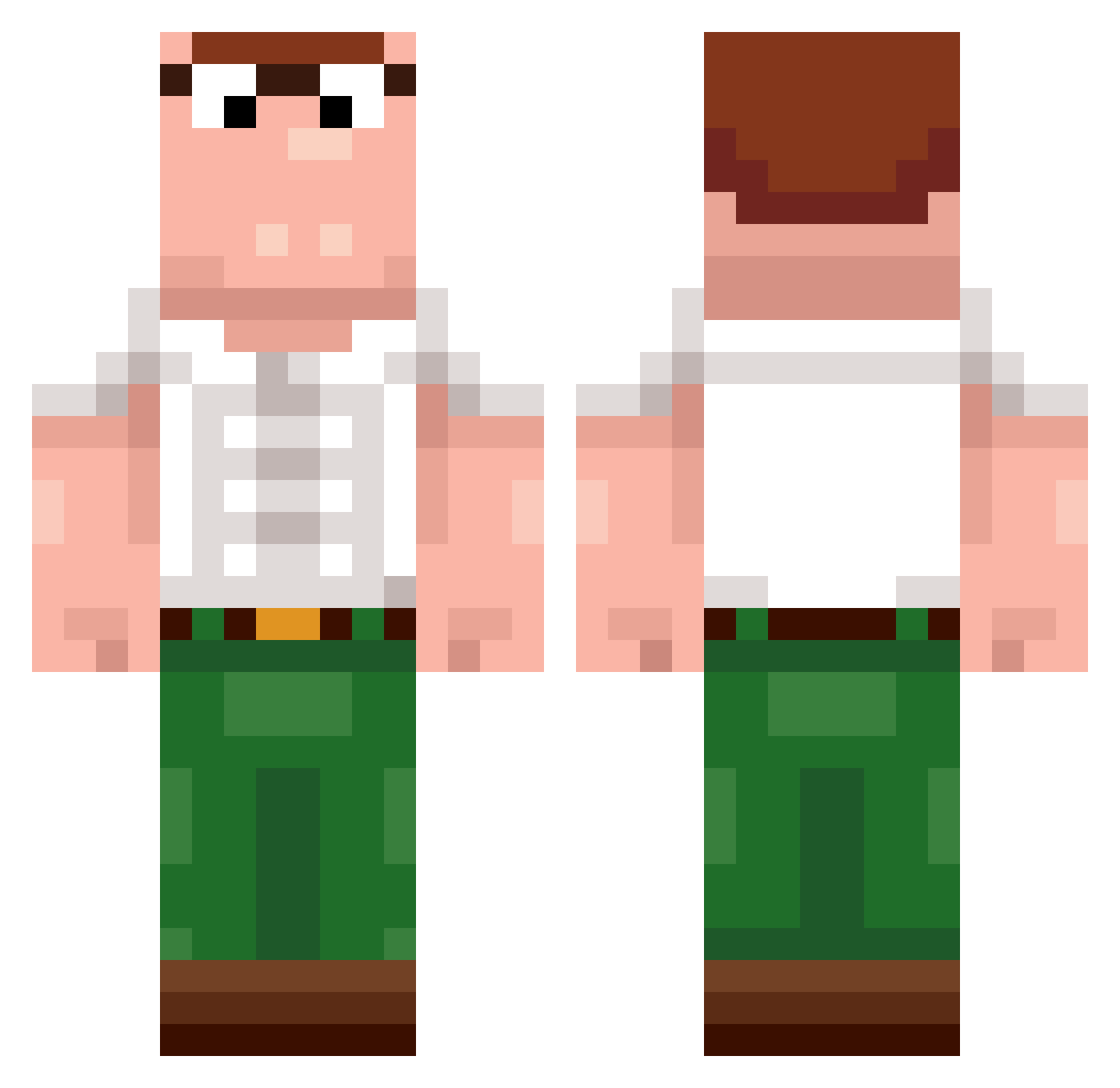
Current Minecraft skin of the player FocaEpica, loaded from the official Mojang API. Rotate the 3D model with your mouse or finger, then download the skin as a PNG file and use it in Minecraft: Bedrock Edition or Java Edition for free. When FocaEpica changes their skin, this page updates automatically and the old skin stays in the history below.
Other players with this skin (400)
FocaEpica was the 127th player we have seen with this skin, first spotted on 28.08.2026. The same skin was seen on these players. Open a nickname to see their current skin and skin history.
 olivisha Antartiko Bengroll sungwon511 mmeet KoolFroot phil7960 JustDen228 FG_Invert AccurateTigger2 Orange_255 Kubosanto PeetrSveetr DragoonTV Anytr phatgoos NB_Noobz prime_pifo MahirAbujakturem Kelzz2 Boojak_ RiddledHurdle12 18zzd bombocrafter mcookieee Marc00se MaxximusPrime11 FoofDeckman dropiza Kobiko_ ManaMuncher420 YoungPoPeK Cumden steliosfy HansWorst1 ElyF8 Platinum1808 erqfge GatoQ2 Squish0RB JRobot12139 BLCDylann PhizleWizle Cytrynson_ Felix_Rothschild PauliuksLT MilkyTeet CrazyTurtle577 MamiUrMom TrenDoge romaind Swa1py ItzRavent antsal_ D0guinha zielsson ozkanrs FaZePotti MinaBotiesoO EliaPro2010
More Peter Griffin Minecraft skins
See all 223 Peter Griffin skins
How to install the FocaEpica skin
- Press the Download button above to save the skin as a PNG file.
- Minecraft: Bedrock Edition (PE): open the Dressing Room from the main menu (or tap your character → Edit Character), go to Classic Skins → Owned, press the + (new skin) button, choose the downloaded PNG and pick the Classic (Steve) model. Works on PC and mobile; consoles cannot import custom skins.
- Minecraft: Java Edition: open the Minecraft Launcher, go to the Skins tab, click New Skin, load the PNG, pick the Classic (Steve) model and press Save & Use. You can also upload it at minecraft.net → Profile → Change Skin.
The skin does not show up after import - what should I do?
Restart Minecraft and open the Dressing Room again - imported skins sometimes appear only after a restart. Also make sure you selected the imported skin and picked the Classic (Steve) model.
Which model should I choose, Classic or Slim?
This skin is designed for the Classic (Steve) model. If you pick the wrong model, the arms of the skin will look stretched or squeezed.
Is the skin of FocaEpica free to download?
Yes. Press Download, save the PNG file and use it in Minecraft: Bedrock Edition or Java Edition - no payment or registration needed. The skin also works on multiplayer servers and Realms.
More skins
Looking for more? Go back to all Minecraft skins and check the top skins of the week, month and all time, or find any player's skin by nickname.