
Floxzz - Minecraft Skins & Skin History
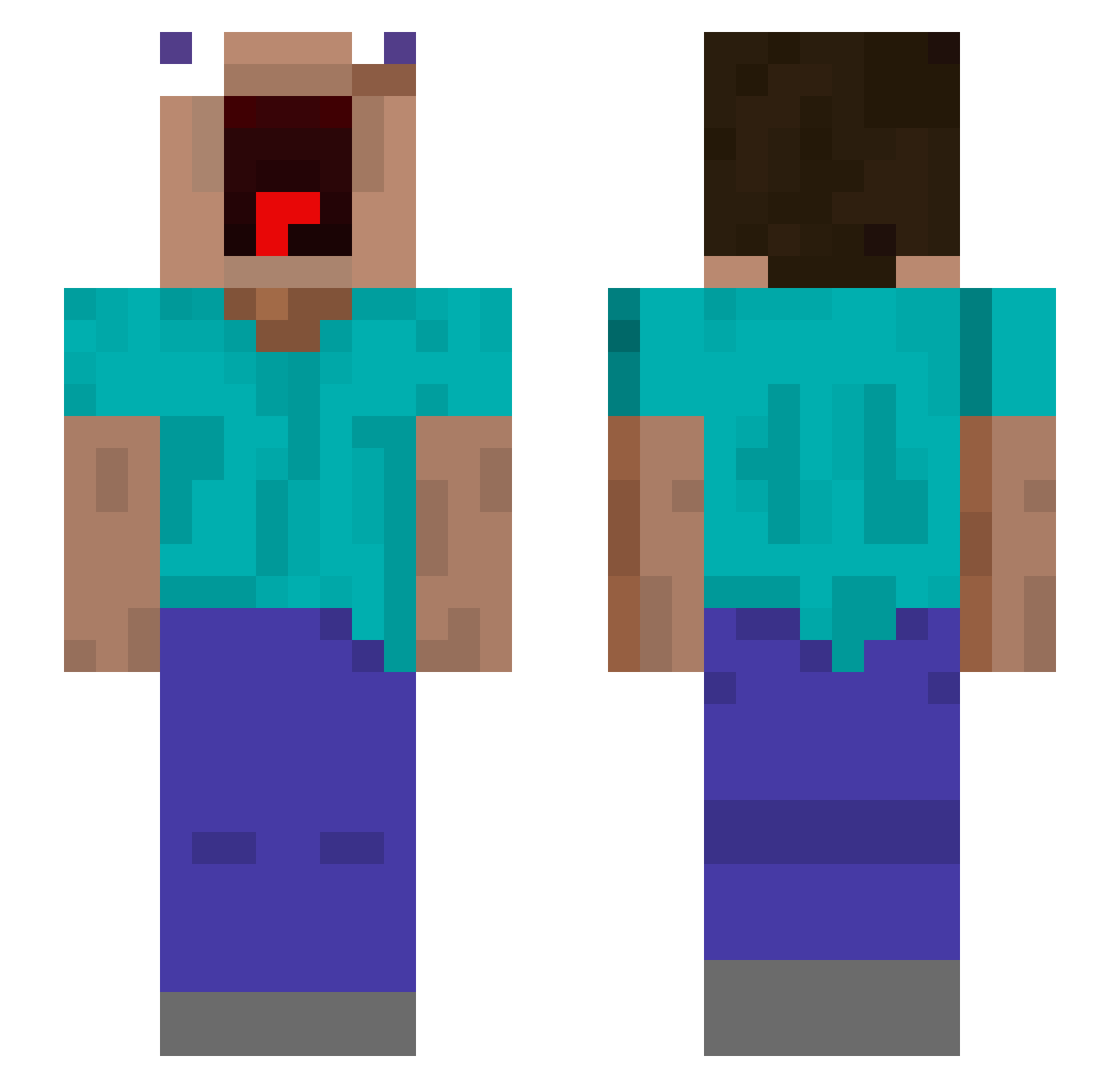
Current Minecraft skin of the player Floxzz, loaded from the official Mojang API. Rotate the 3D model with your mouse or finger, then download the skin as a PNG file and use it in Minecraft: Bedrock Edition or Java Edition for free. When Floxzz changes their skin, this page updates automatically and the old skin stays in the history below.
Other players with this skin (519)
Floxzz was the 102nd player we have seen with this skin, first spotted on 13.08.2026. The same skin was seen on these players. Open a nickname to see their current skin and skin history.
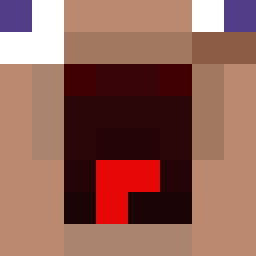 Hartikainen008 Nilan_F BeccaGirl1 UwU_Inky NderBender chwihywnw Cibulinha vinuesa03 groshk 1VeGo EnergyDragon2821 prythix BattlingNest713 krizzyk Quedijo chengshan22 HolyCastieL frac420 turikhay1 PizzaMan1234385 flytroopp dominator3004 TRKTsuper_legend Sa3idd TikiPlanzer DCRAY420
 QuasePro liilililillilili Xezqt7826 suolong666 CaptainDrillBoy Slowdive_wandere Vinixyl Gegeore _Takis_ PRAIS3 Chickeneater881 Noja15 Enzoelprosazo Gray6262 Melkotcik hyeonchan0 Teteuz01
 stumpfi_18 AutumnRhyme3400 janistderbeste DeviceGenerator G36Q teokz Muhsins1 Onikoo sulfonate CharlesOliviera ZyberCoo Natan_hardd gta6z C0d3_S andrew1212105 marioo_b99 bawww_01
More Screaming Minecraft skins
How to install the Floxzz skin
- Press the Download button above to save the skin as a PNG file.
- Minecraft: Bedrock Edition (PE): open the Dressing Room from the main menu (or tap your character → Edit Character), go to Classic Skins → Owned, press the + (new skin) button, choose the downloaded PNG and pick the Slim (Alex) model. Works on PC and mobile; consoles cannot import custom skins.
- Minecraft: Java Edition: open the Minecraft Launcher, go to the Skins tab, click New Skin, load the PNG, pick the Slim (Alex) model and press Save & Use. You can also upload it at minecraft.net → Profile → Change Skin.
The skin does not show up after import - what should I do?
Restart Minecraft and open the Dressing Room again - imported skins sometimes appear only after a restart. Also make sure you selected the imported skin and picked the Slim (Alex) model.
Which model should I choose, Classic or Slim?
This skin is designed for the Slim (Alex) model. If you pick the wrong model, the arms of the skin will look stretched or squeezed.
Is the skin of Floxzz free to download?
Yes. Press Download, save the PNG file and use it in Minecraft: Bedrock Edition or Java Edition - no payment or registration needed. The skin also works on multiplayer servers and Realms.
More skins
Looking for more? Go back to all Minecraft skins and check the top skins of the week, month and all time, or find any player's skin by nickname.