
Flobr187 - Minecraft Skins & Skin History
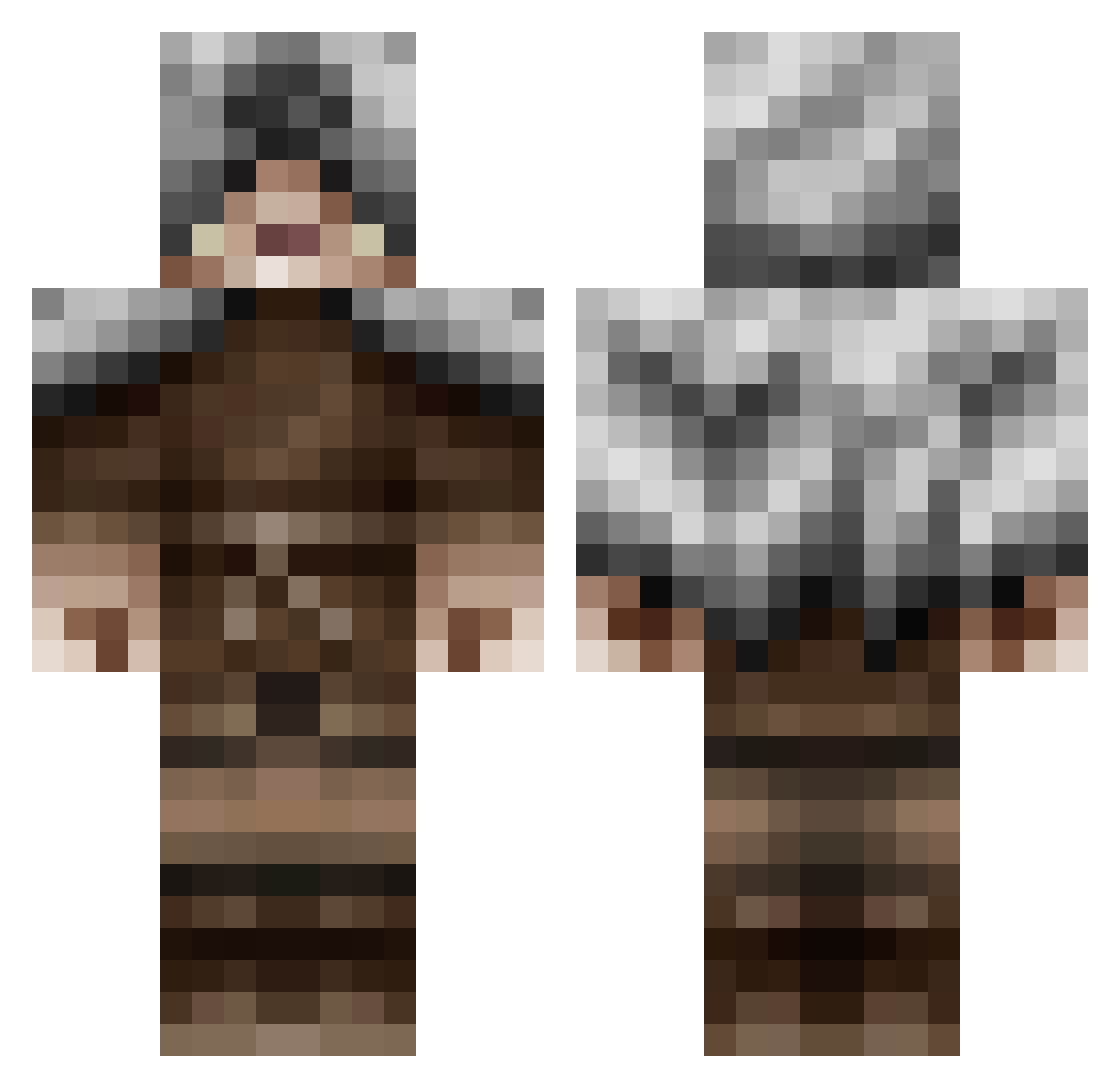
Current Minecraft skin of the player Flobr187, loaded from the official Mojang API. Rotate the 3D model with your mouse or finger, then download the skin as a PNG file and use it in Minecraft: Bedrock Edition or Java Edition for free. When Flobr187 changes their skin, this page updates automatically and the old skin stays in the history below.
Other players with this skin (48)
Flobr187 was the 23rd player we have seen with this skin, first spotted on 16.09.2026. The same skin was seen on these players. Open a nickname to see their current skin and skin history.
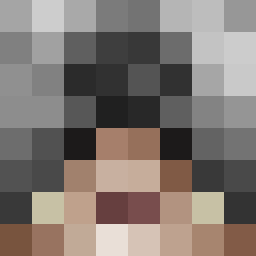 _25masumeme A_Dog_On_Acid StruckTick Yeager175 nogo191 TheRealEnderHero Cathartidae Cougrim ambiAU DankishBankish McGee67 pedroclave AtypicalAviator fakechinese headw1nd Booppen SweetTooth31 Booodhi kevser34 iFallenMike Vescario roastler Histori_a D1G1T4LB4TH TheRaptor1 Meekit Trazyn1997 Slyfoot1 Nemesis_Q zState ChronoAnomaly erythkingston straucher NaKaaDa BiffSnadder Zebastieng Bugdodger CivilCoffee wolfgaming1995 VV01f BeatrixSpaghetti Marco_III Barbaneth _Groopie_ Graden MetalWings202 Carl780 Im_Tactik
More Assassin Minecraft skins
How to install the Flobr187 skin
- Press the Download button above to save the skin as a PNG file.
- Minecraft: Bedrock Edition (PE): open the Dressing Room from the main menu (or tap your character → Edit Character), go to Classic Skins → Owned, press the + (new skin) button, choose the downloaded PNG and pick the Classic (Steve) model. Works on PC and mobile; consoles cannot import custom skins.
- Minecraft: Java Edition: open the Minecraft Launcher, go to the Skins tab, click New Skin, load the PNG, pick the Classic (Steve) model and press Save & Use. You can also upload it at minecraft.net → Profile → Change Skin.
The skin does not show up after import - what should I do?
Restart Minecraft and open the Dressing Room again - imported skins sometimes appear only after a restart. Also make sure you selected the imported skin and picked the Classic (Steve) model.
Which model should I choose, Classic or Slim?
This skin is designed for the Classic (Steve) model. If you pick the wrong model, the arms of the skin will look stretched or squeezed.
Is the skin of Flobr187 free to download?
Yes. Press Download, save the PNG file and use it in Minecraft: Bedrock Edition or Java Edition - no payment or registration needed. The skin also works on multiplayer servers and Realms.
More skins
Looking for more? Go back to all Minecraft skins and check the top skins of the week, month and all time, or find any player's skin by nickname.