
FewerChunky - Minecraft Skins & Skin History
Current Minecraft skin of the player FewerChunky, loaded from the official Mojang API. Rotate the 3D model with your mouse or finger, then download the skin as a PNG file and use it in Minecraft: Bedrock Edition or Java Edition for free. When FewerChunky changes their skin, this page updates automatically and the old skin stays in the history below.
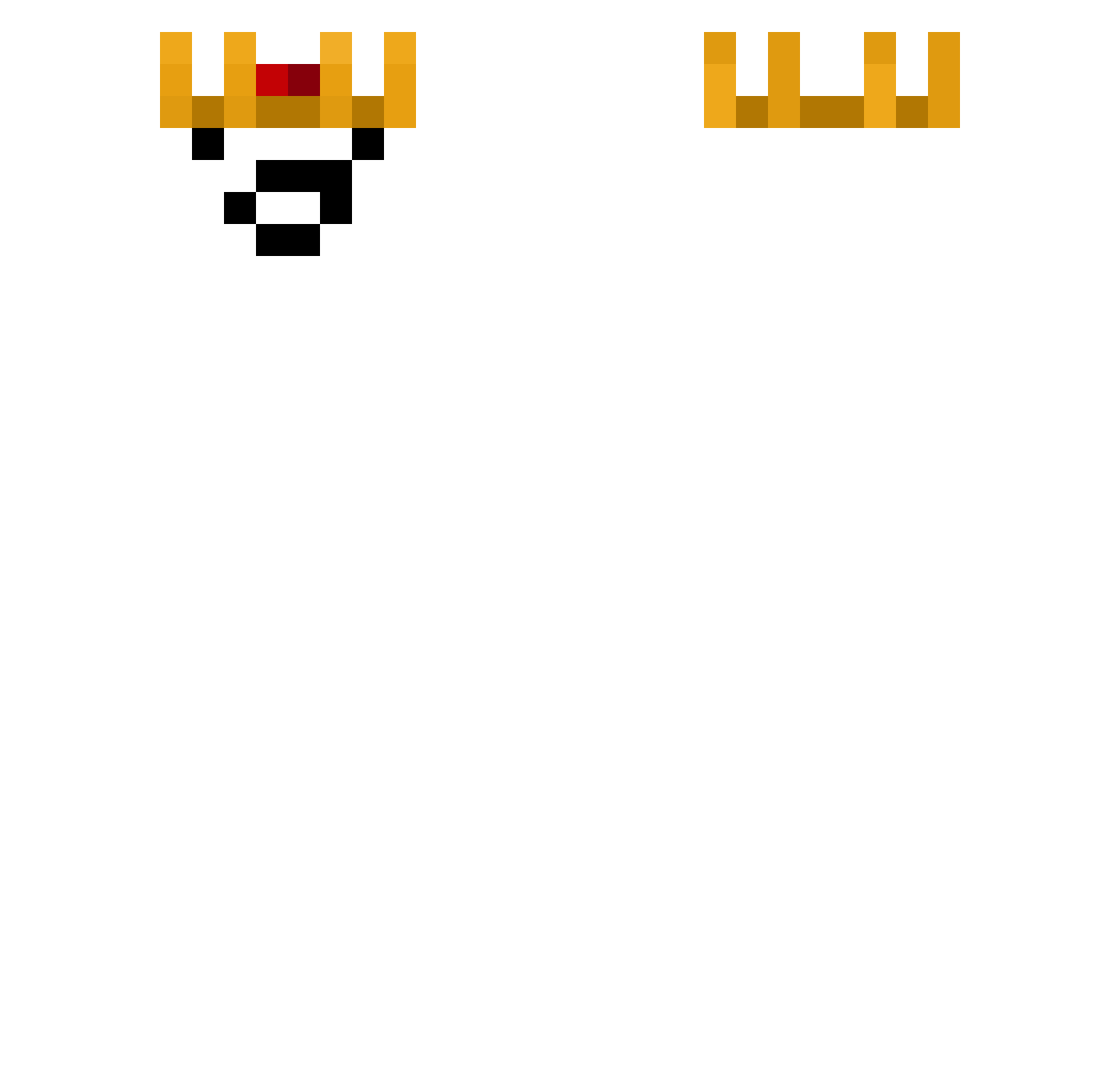
Other players with this skin (78)
FewerChunky was the 71st player we have seen with this skin, first spotted on 03.11.2026. The same skin was seen on these players. Open a nickname to see their current skin and skin history.
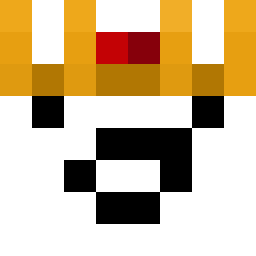 rb9tn seantury NeonXT12 Barbarian91 Bieleyko srgv tzi_9yiujhqh DarthGav41 woohyunman1026 Miced_ Gracz777 oxyBro Dr4gonex_1 JOAOVITORC MooieNeus PetitChoco hayoungjang melodramaticcc OkeanosNova Cobbee ggbrosynx FAZEFRANKHEFFLEY ivan_on_ice Nahiloup Gamingcreeper45 linemmon zigzag0418 Gabinio57 Alfadinok EvoMind1190 Psycho2707 Keristrax saparada mhveziao SOUL_MN tebe_jopa shianfz hongjin123 sapareta xoNella RooSE_1020 f4x1234 nichawawee B4mshy All_xana GAST199 BETOLAMBIDO pizzaprof RidaGHG CBX826 jang_jelly galadan23 OdDsOcKsXx
 BluMom patinhogamer1 Cacique_Diome_69 jeongwoo09
 Dripstone128 CitraIsBack
 Chroniex
More Pig Minecraft skins
How to install the FewerChunky skin
- Press the Download button above to save the skin as a PNG file.
- Minecraft: Bedrock Edition (PE): open the Dressing Room from the main menu (or tap your character → Edit Character), go to Classic Skins → Owned, press the + (new skin) button, choose the downloaded PNG and pick the Classic (Steve) model. Works on PC and mobile; consoles cannot import custom skins.
- Minecraft: Java Edition: open the Minecraft Launcher, go to the Skins tab, click New Skin, load the PNG, pick the Classic (Steve) model and press Save & Use. You can also upload it at minecraft.net → Profile → Change Skin.
The skin does not show up after import - what should I do?
Restart Minecraft and open the Dressing Room again - imported skins sometimes appear only after a restart. Also make sure you selected the imported skin and picked the Classic (Steve) model.
Which model should I choose, Classic or Slim?
This skin is designed for the Classic (Steve) model. If you pick the wrong model, the arms of the skin will look stretched or squeezed.
Is the skin of FewerChunky free to download?
Yes. Press Download, save the PNG file and use it in Minecraft: Bedrock Edition or Java Edition - no payment or registration needed. The skin also works on multiplayer servers and Realms.
More skins
Looking for more? Go back to all Minecraft skins and check the top skins of the week, month and all time, or find any player's skin by nickname.