
Fanx - Minecraft Skins & Skin History
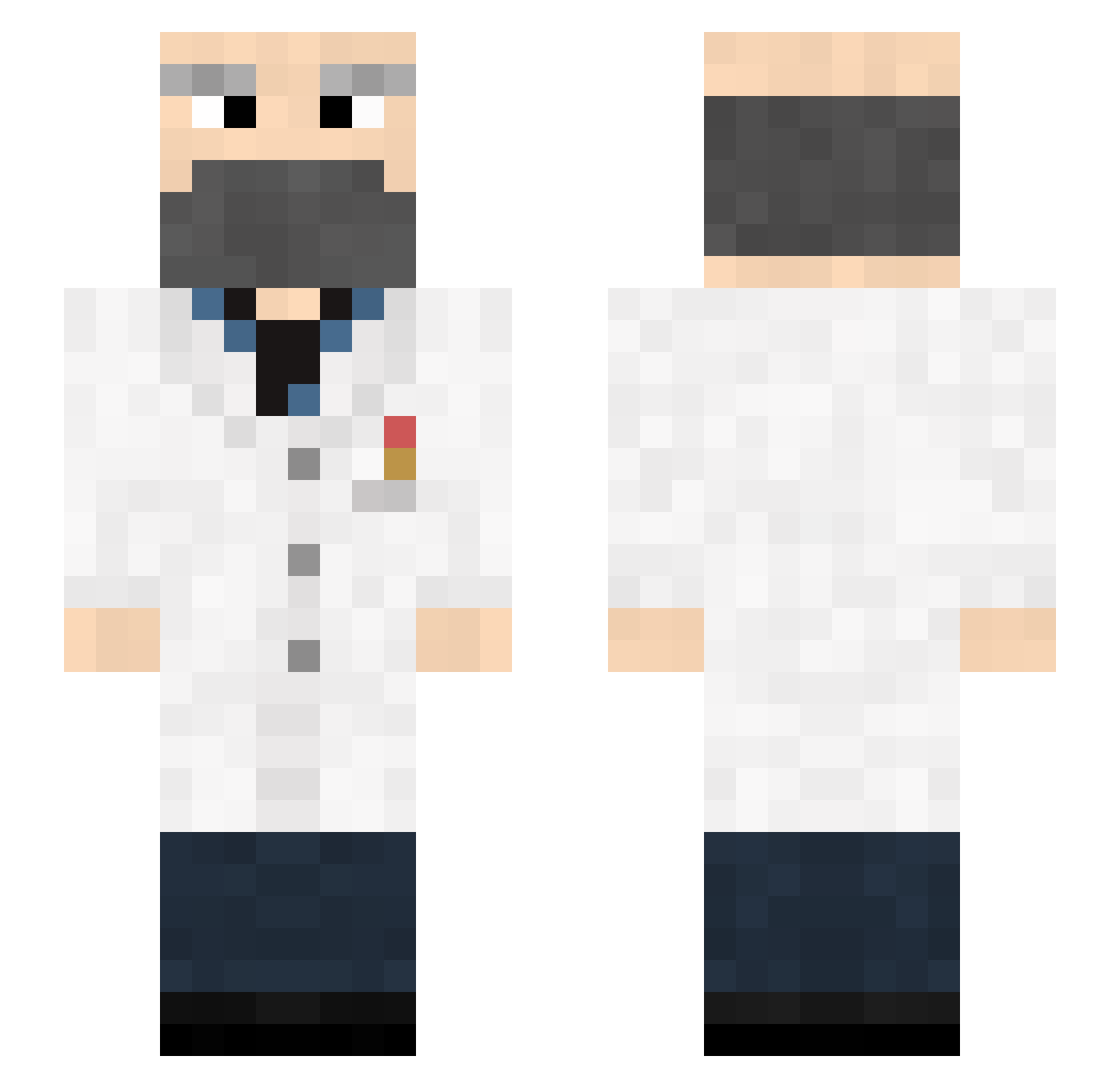
Current Minecraft skin of the player Fanx, loaded from the official Mojang API. Rotate the 3D model with your mouse or finger, then download the skin as a PNG file and use it in Minecraft: Bedrock Edition or Java Edition for free. When Fanx changes their skin, this page updates automatically and the old skin stays in the history below.
Other players with this skin (146)
Fanx was the 107th player we have seen with this skin, first spotted on 28.09.2026. The same skin was seen on these players. Open a nickname to see their current skin and skin history.
 therabities F1xus IronicSilver Sqotter d9x_ Slashen_00 Edekpl Koidres okbonas Jdid341 nerdy_scientist sdgowiki bumsnwilli urikan01 SundaeDriver mnichul aprolad chg6342 _edoc_ nwesterhausen BenMD Pier_Dun02 Mikus09 Bedrock_Byron archimilod loloko25 Monlelp QcOdin Predomalpha 777eza Nolimon JadeVain noman333 CuriousBird wtuk Motorheeaad Sean1759 picasso666 Docteur_TRONG Sliwa61 Wehen samwam101 syrz05 Neskwyks L_DM Haroeris_ Doctor_Cnnt Lake_liz MathieuLibb flygplanett Skel21 maydaycrafting EchoViso Cavalino _House_Md_ Teoro Alvaroo_22_ UhOhImHard Demilun_ m0oh
More Doctor Minecraft skins
How to install the Fanx skin
- Press the Download button above to save the skin as a PNG file.
- Minecraft: Bedrock Edition (PE): open the Dressing Room from the main menu (or tap your character → Edit Character), go to Classic Skins → Owned, press the + (new skin) button, choose the downloaded PNG and pick the Slim (Alex) model. Works on PC and mobile; consoles cannot import custom skins.
- Minecraft: Java Edition: open the Minecraft Launcher, go to the Skins tab, click New Skin, load the PNG, pick the Slim (Alex) model and press Save & Use. You can also upload it at minecraft.net → Profile → Change Skin.
The skin does not show up after import - what should I do?
Restart Minecraft and open the Dressing Room again - imported skins sometimes appear only after a restart. Also make sure you selected the imported skin and picked the Slim (Alex) model.
Which model should I choose, Classic or Slim?
This skin is designed for the Slim (Alex) model. If you pick the wrong model, the arms of the skin will look stretched or squeezed.
Is the skin of Fanx free to download?
Yes. Press Download, save the PNG file and use it in Minecraft: Bedrock Edition or Java Edition - no payment or registration needed. The skin also works on multiplayer servers and Realms.
More skins
Looking for more? Go back to all Minecraft skins and check the top skins of the week, month and all time, or find any player's skin by nickname.