
Fandejul - Minecraft Skins & Skin History
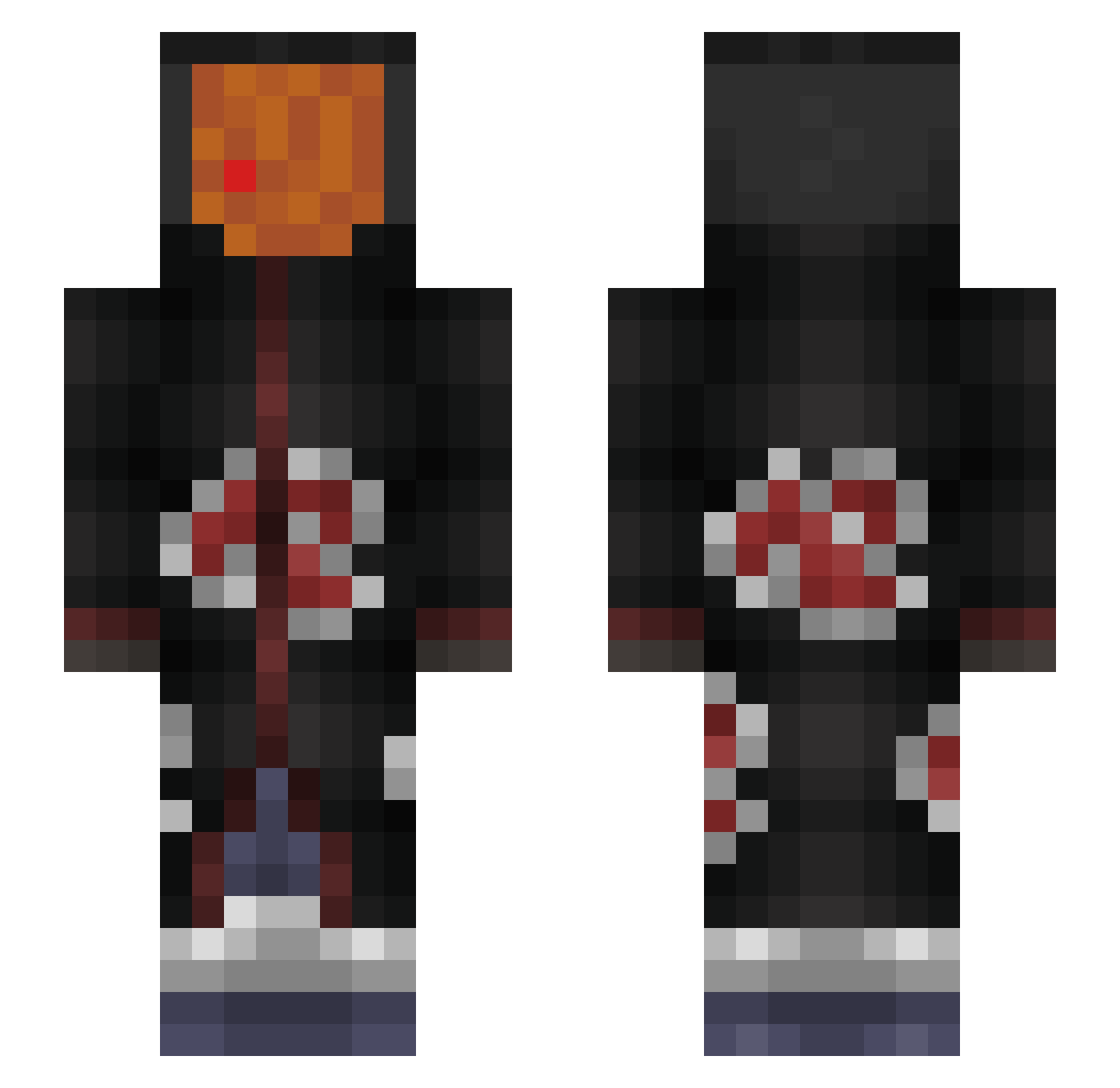
Current Minecraft skin of the player Fandejul, loaded from the official Mojang API. Rotate the 3D model with your mouse or finger, then download the skin as a PNG file and use it in Minecraft: Bedrock Edition or Java Edition for free. When Fandejul changes their skin, this page updates automatically and the old skin stays in the history below.
Other players with this skin (235)
Fandejul was the 30th player we have seen with this skin, first spotted on 07.08.2026. The same skin was seen on these players. Open a nickname to see their current skin and skin history.
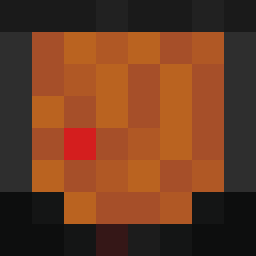 yakuzu valgfri ItzShrenik Polero05 77seth77 Davis_3343 Ungu_ CoasterManiac1 NewSoulik ironblozz Lukz20 sirmelnet xTrippyR Almentro MzKaze bluezuli Chapi15 ItsMudfish Xenonyte SSJRayan Tamer_S27 yasaku7 NHL_Tacos Aero_777 Feastyy Tobi_MIG AlpharF dylster2006 ZeYoxx__ SyddThEdarkCloth Rhysis_ IdefiX_82 Amorim_xp CptSurfinBird PoempelBoy Trilin00
 BL4CKLIZT3D hit64x UrFanumTaxed Selvikk raul_caardenas bary_be_boolin Dayummm04 Tr165Eagle LeDucDeChaumont
 KingMirajYT07 zGonaa Dantabeldp wasd345345 Relativ_ xirfanewq zrys_ Drexx35 Serenaaaa SezAk47 BottomKitten Peter_Moalcu Sherk_San alejo19112008 RayaneTks
More Obito Uchiha Minecraft skins
See all 156 Obito Uchiha skins
How to install the Fandejul skin
- Press the Download button above to save the skin as a PNG file.
- Minecraft: Bedrock Edition (PE): open the Dressing Room from the main menu (or tap your character → Edit Character), go to Classic Skins → Owned, press the + (new skin) button, choose the downloaded PNG and pick the Slim (Alex) model. Works on PC and mobile; consoles cannot import custom skins.
- Minecraft: Java Edition: open the Minecraft Launcher, go to the Skins tab, click New Skin, load the PNG, pick the Slim (Alex) model and press Save & Use. You can also upload it at minecraft.net → Profile → Change Skin.
The skin does not show up after import - what should I do?
Restart Minecraft and open the Dressing Room again - imported skins sometimes appear only after a restart. Also make sure you selected the imported skin and picked the Slim (Alex) model.
Which model should I choose, Classic or Slim?
This skin is designed for the Slim (Alex) model. If you pick the wrong model, the arms of the skin will look stretched or squeezed.
Is the skin of Fandejul free to download?
Yes. Press Download, save the PNG file and use it in Minecraft: Bedrock Edition or Java Edition - no payment or registration needed. The skin also works on multiplayer servers and Realms.
More skins
Looking for more? Go back to all Minecraft skins and check the top skins of the week, month and all time, or find any player's skin by nickname.