
F_GamesYT - Minecraft Skins & Skin History
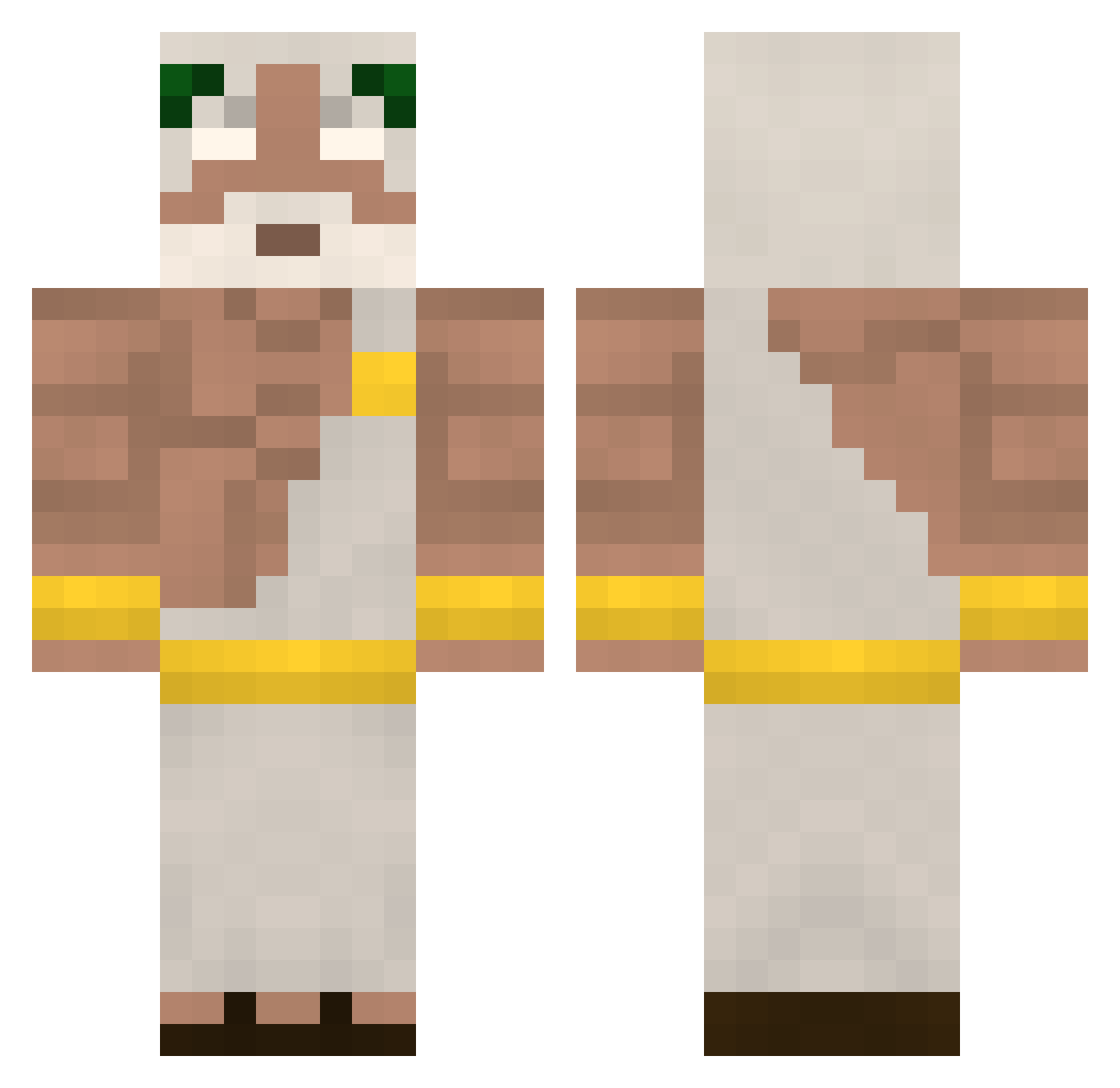
Current Minecraft skin of the player F_GamesYT, loaded from the official Mojang API. Rotate the 3D model with your mouse or finger, then download the skin as a PNG file and use it in Minecraft: Bedrock Edition or Java Edition for free. When F_GamesYT changes their skin, this page updates automatically and the old skin stays in the history below.
Other players with this skin (409)
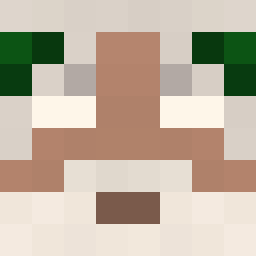
F_GamesYT was the 91st player we have seen with this skin, first spotted on 17.08.2026. The same skin was seen on these players. Open a nickname to see their current skin and skin history.
 EL_WOBBLIO F1qk Ewsco HaL7184 GODan0410 Rettery IAmTheKrel Topcat6969 mewnooo Leooon12 EeeTee001 nagoboy GreatStore kiwikil _Jefri_ Dani_NP26 Shaftler TMA_Sanoji yuyuyu012 keraneci Dark_Zorda Clipdon CestaUI HilmJesus fa5x DoshaXL SrFekos LeonPro123 Aliocha_ Souppuke abinthegod srovnany Pedl0 Mangotween tv_mail HARUN1453 akke2011 Antony0824 KINGHemi XxFIRExX07 BRUIXERIA Naate05 Lordcabber1 YamiMuto_ TarAtheGOD thijsice ko_koo GreenDoe RizzH bauti_gamer sekharr_ezroq Pablonu77 Jao026 Cadorna akawashe aubayrak Citres KingFelixHD IIDogBladeII ItsMeLaksh
More Zeus Minecraft skins
How to install the F_GamesYT skin
- Press the Download button above to save the skin as a PNG file.
- Minecraft: Bedrock Edition (PE): open the Dressing Room from the main menu (or tap your character → Edit Character), go to Classic Skins → Owned, press the + (new skin) button, choose the downloaded PNG and pick the Classic (Steve) model. Works on PC and mobile; consoles cannot import custom skins.
- Minecraft: Java Edition: open the Minecraft Launcher, go to the Skins tab, click New Skin, load the PNG, pick the Classic (Steve) model and press Save & Use. You can also upload it at minecraft.net → Profile → Change Skin.
The skin does not show up after import - what should I do?
Restart Minecraft and open the Dressing Room again - imported skins sometimes appear only after a restart. Also make sure you selected the imported skin and picked the Classic (Steve) model.
Which model should I choose, Classic or Slim?
This skin is designed for the Classic (Steve) model. If you pick the wrong model, the arms of the skin will look stretched or squeezed.
Is the skin of F_GamesYT free to download?
Yes. Press Download, save the PNG file and use it in Minecraft: Bedrock Edition or Java Edition - no payment or registration needed. The skin also works on multiplayer servers and Realms.
More skins
Looking for more? Go back to all Minecraft skins and check the top skins of the week, month and all time, or find any player's skin by nickname.