
FL_Hiki - Minecraft Skins & Skin History
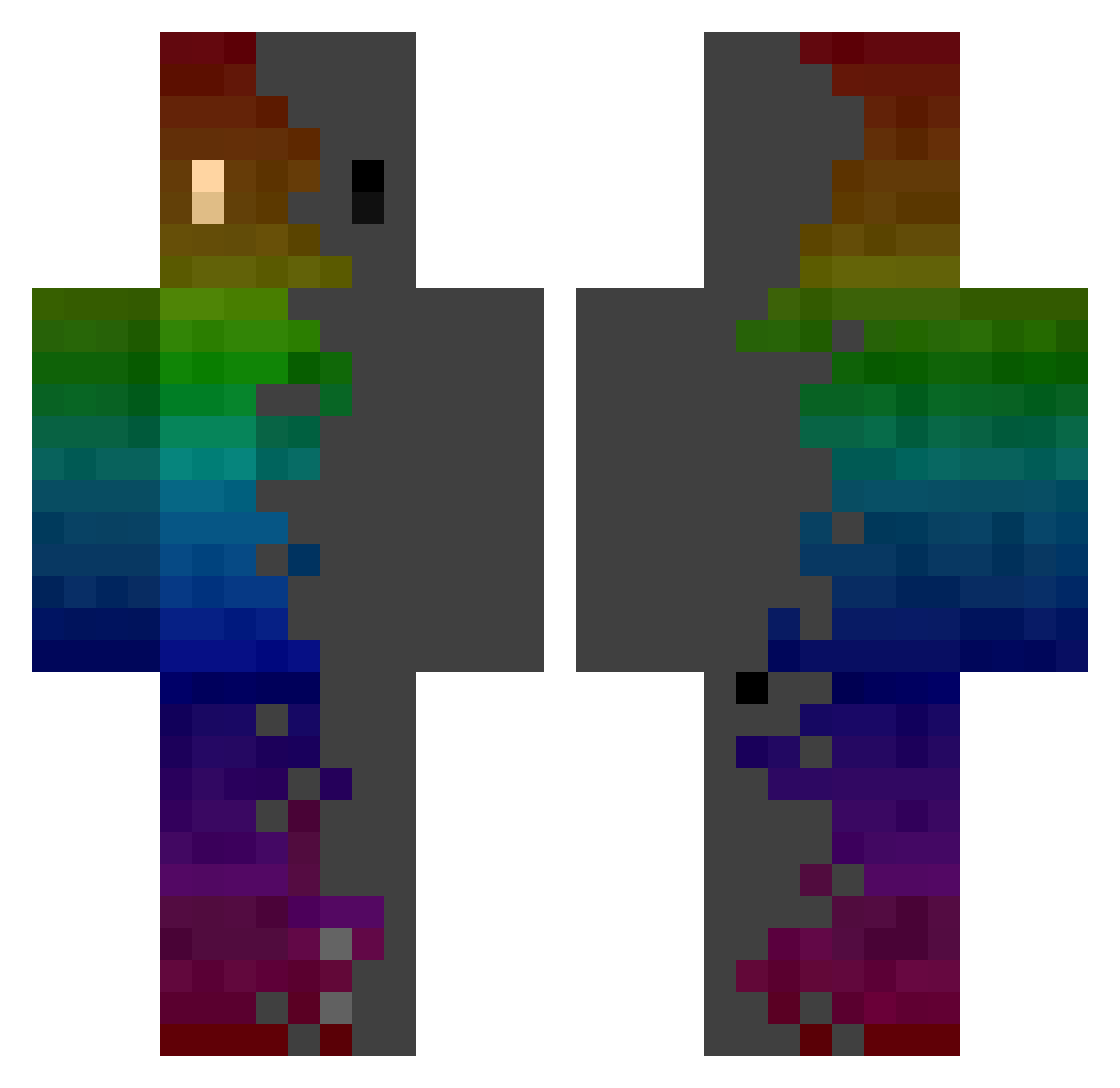
Current Minecraft skin of the player FL_Hiki, loaded from the official Mojang API. Rotate the 3D model with your mouse or finger, then download the skin as a PNG file and use it in Minecraft: Bedrock Edition or Java Edition for free. When FL_Hiki changes their skin, this page updates automatically and the old skin stays in the history below.
Other players with this skin (333)
FL_Hiki was the 74th player we have seen with this skin, first spotted on 18.08.2026. The same skin was seen on these players. Open a nickname to see their current skin and skin history.
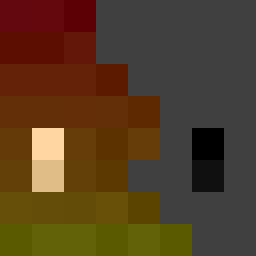 RATAZAN sashatttte Gaff09 juhyung13579 wer12321 ItsHer NycuS Crisriva876 MisterNian jellemdejong SickPatient0127 xFredysk Charlestutu ArcaneShad0w maengogo Ahand331 Cruuz_ TvillainSlug01 raph9000 lmxj01 startreechansun Nexus772 OletotheMax junJAM35 ElChungoNight NumbrTv SpaceFloyd Vyon4 caps___ Soren361 XDZink RAGNR0K WIX1359 TheHugeFTH Expullers LooDawg BlkWolf88 deoxymole ZeyroxQC21 KingHeliomega ColdbloodDK LydoC00l wgill68 Olivergt76 Harrison_1946 Adrien1011 DaNoobo Utterbutts Bandershtat petitwoni20307 WinDogeVista Yshria BoloF0f0 IQiwi_ Eridor361 ducky24k doomcheet2971 _kaine GetNoobed12 Darivera94
How to install the FL_Hiki skin
- Press the Download button above to save the skin as a PNG file.
- Minecraft: Bedrock Edition (PE): open the Dressing Room from the main menu (or tap your character → Edit Character), go to Classic Skins → Owned, press the + (new skin) button, choose the downloaded PNG and pick the Classic (Steve) model. Works on PC and mobile; consoles cannot import custom skins.
- Minecraft: Java Edition: open the Minecraft Launcher, go to the Skins tab, click New Skin, load the PNG, pick the Classic (Steve) model and press Save & Use. You can also upload it at minecraft.net → Profile → Change Skin.
The skin does not show up after import - what should I do?
Restart Minecraft and open the Dressing Room again - imported skins sometimes appear only after a restart. Also make sure you selected the imported skin and picked the Classic (Steve) model.
Which model should I choose, Classic or Slim?
This skin is designed for the Classic (Steve) model. If you pick the wrong model, the arms of the skin will look stretched or squeezed.
Is the skin of FL_Hiki free to download?
Yes. Press Download, save the PNG file and use it in Minecraft: Bedrock Edition or Java Edition - no payment or registration needed. The skin also works on multiplayer servers and Realms.
More skins
Looking for more? Go back to all Minecraft skins and check the top skins of the week, month and all time, or find any player's skin by nickname.