
ExtremeDemon888 - Minecraft Skins & Skin History
Current Minecraft skin of the player ExtremeDemon888, loaded from the official Mojang API. Rotate the 3D model with your mouse or finger, then download the skin as a PNG file and use it in Minecraft: Bedrock Edition or Java Edition for free. When ExtremeDemon888 changes their skin, this page updates automatically and the old skin stays in the history below.
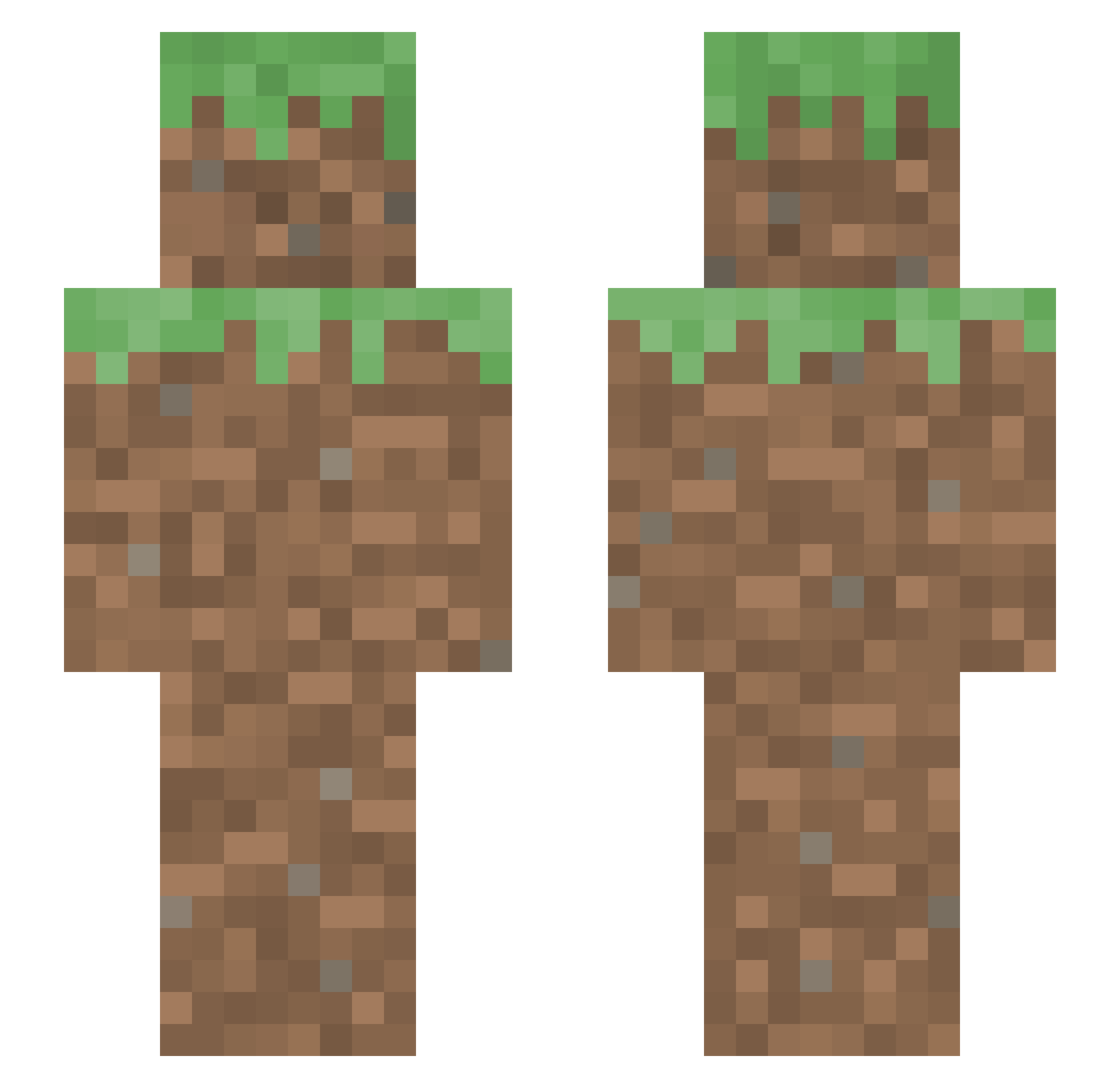
Other players with this skin (65)
ExtremeDemon888 was the 23rd player we have seen with this skin, first spotted on 04.09.2026. The same skin was seen on these players. Open a nickname to see their current skin and skin history.
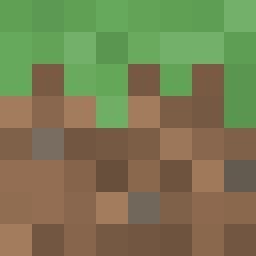 kimjuwon0424 Flizz8 pro_korean12 Soffiee02 Momi2711 Tenguaya 0Affee0 lordofthestones blumoogi tg0712t kakexpvp Sonicjosh27 Arootoo P0trakalliSUT idiota_random
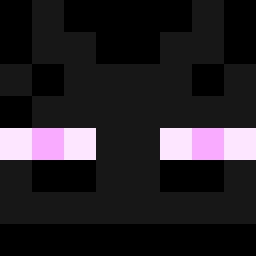 Daniel2009213 MaestroIsntHere huilinjiang MAJKELspzoo runningMiklas PastoTactico69 gianniisawesome TetueGod KG091 Lonely_SAIKO MuradMurad HfJI Nixininc cloverusio Busman1337 MONKEY_CHEETOS AGUIAGELADA lileggy420 Joshua31400 CacoGazapo04 MarvelsOcean SwimJake FBettic Nubcit0 JodeNajjaci edigkdgtj OneBlocky GRRITTI sesh_ramsey
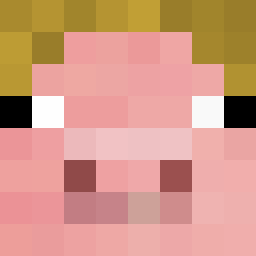 kwondohyun923 Stryon Tyler0204 lilpup553 Yi700 Caycipasa Podusia668 MrDaylight_HD FeelingWhimsical SilverSnake2665 erdzipline RONIMIX fol__norbi KIM_26 ToxicButHonest SoyDairi
More Dirt Block Minecraft skins
How to install the ExtremeDemon888 skin
- Press the Download button above to save the skin as a PNG file.
- Minecraft: Bedrock Edition (PE): open the Dressing Room from the main menu (or tap your character → Edit Character), go to Classic Skins → Owned, press the + (new skin) button, choose the downloaded PNG and pick the Slim (Alex) model. Works on PC and mobile; consoles cannot import custom skins.
- Minecraft: Java Edition: open the Minecraft Launcher, go to the Skins tab, click New Skin, load the PNG, pick the Slim (Alex) model and press Save & Use. You can also upload it at minecraft.net → Profile → Change Skin.
The skin does not show up after import - what should I do?
Restart Minecraft and open the Dressing Room again - imported skins sometimes appear only after a restart. Also make sure you selected the imported skin and picked the Slim (Alex) model.
Which model should I choose, Classic or Slim?
This skin is designed for the Slim (Alex) model. If you pick the wrong model, the arms of the skin will look stretched or squeezed.
Is the skin of ExtremeDemon888 free to download?
Yes. Press Download, save the PNG file and use it in Minecraft: Bedrock Edition or Java Edition - no payment or registration needed. The skin also works on multiplayer servers and Realms.
More skins
Looking for more? Go back to all Minecraft skins and check the top skins of the week, month and all time, or find any player's skin by nickname.