
Exiquity - Minecraft Skins & Skin History
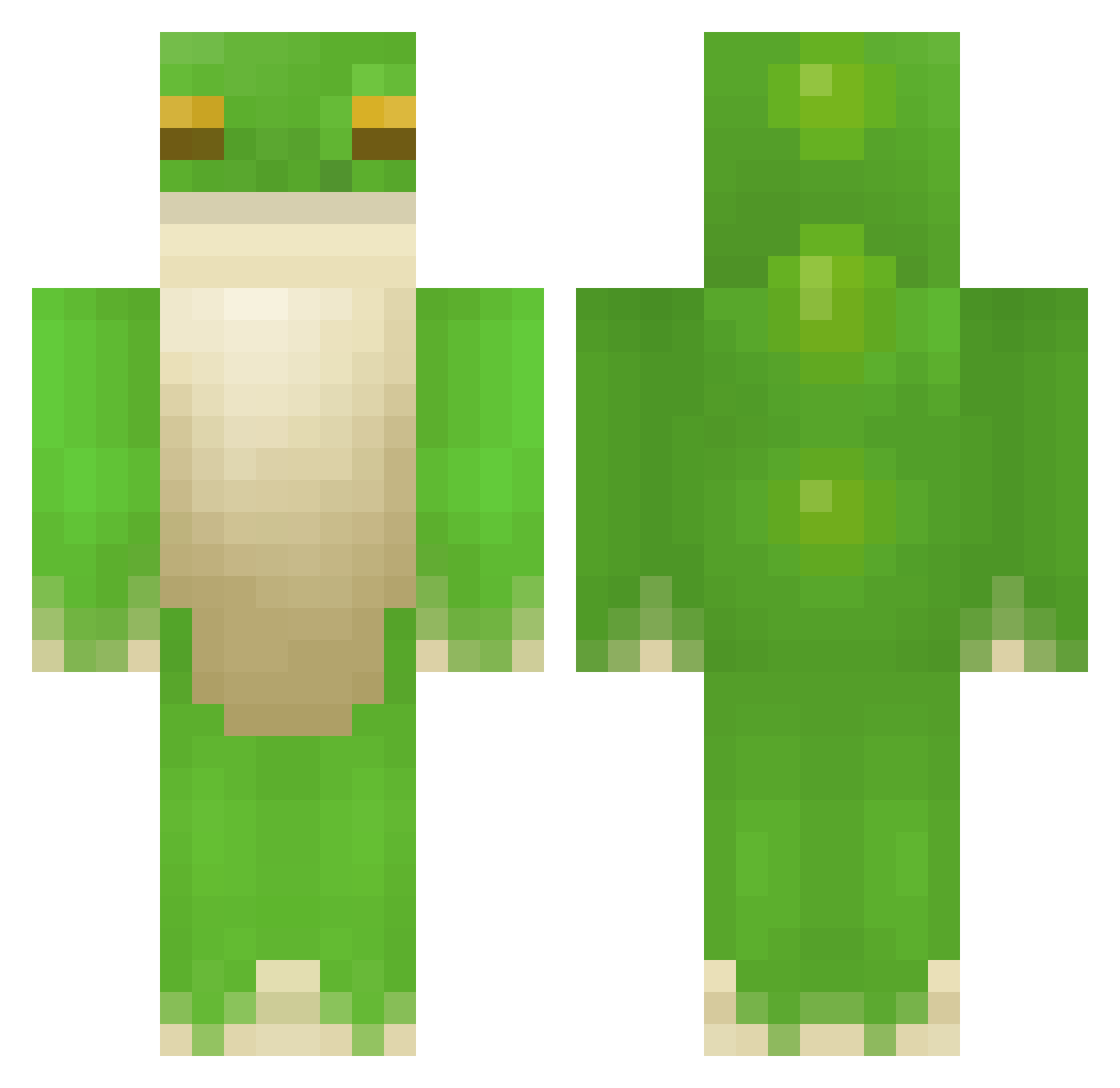
Current Minecraft skin of the player Exiquity, loaded from the official Mojang API. Rotate the 3D model with your mouse or finger, then download the skin as a PNG file and use it in Minecraft: Bedrock Edition or Java Edition for free. When Exiquity changes their skin, this page updates automatically and the old skin stays in the history below.
Other players with this skin (408)
Exiquity was the 344th player we have seen with this skin, first spotted on 19.10.2026. The same skin was seen on these players. Open a nickname to see their current skin and skin history.
 ZMowgl1 UnluckyGrizzly kingoftheswamp CarltheLegoMan b0glin DABA1022 basictutorial elizacoffee ImElijo22 y4u PollyLinnea Berresfrog CheetahCho Afghanistan4Ever Fulcrae Luukke14 LawfulGood FrogsBeCroakin Charlosion pina_kelada Xx_sniper Anne_Ze Capn_Oats kkchi imh_rose hohiboo14 Shizumono Agent_Buur Froggman13 The_Puppeteer66 bigdonk Earth_frog kellyerica Lolo150 Dian_Ruth uh_Na0m1 Asian_Taki chippo10 Jusbeee Ostrych Brox_Brix zDema Sebzhy Belowme1 frogman500 SpinierEgg Greenerino Bagaldan Jackichaen bugracing TrolI_ SoupishCouch KingBingleton hunterspikes ZanderPls Froggitall ___ChunkLoader E1ias147 forthgh shadow_lord1234
More Frog Minecraft skins
How to install the Exiquity skin
- Press the Download button above to save the skin as a PNG file.
- Minecraft: Bedrock Edition (PE): open the Dressing Room from the main menu (or tap your character → Edit Character), go to Classic Skins → Owned, press the + (new skin) button, choose the downloaded PNG and pick the Classic (Steve) model. Works on PC and mobile; consoles cannot import custom skins.
- Minecraft: Java Edition: open the Minecraft Launcher, go to the Skins tab, click New Skin, load the PNG, pick the Classic (Steve) model and press Save & Use. You can also upload it at minecraft.net → Profile → Change Skin.
The skin does not show up after import - what should I do?
Restart Minecraft and open the Dressing Room again - imported skins sometimes appear only after a restart. Also make sure you selected the imported skin and picked the Classic (Steve) model.
Which model should I choose, Classic or Slim?
This skin is designed for the Classic (Steve) model. If you pick the wrong model, the arms of the skin will look stretched or squeezed.
Is the skin of Exiquity free to download?
Yes. Press Download, save the PNG file and use it in Minecraft: Bedrock Edition or Java Edition - no payment or registration needed. The skin also works on multiplayer servers and Realms.
More skins
Looking for more? Go back to all Minecraft skins and check the top skins of the week, month and all time, or find any player's skin by nickname.